VR-3800D Series Digital Video Recorder
12
SHUTDOWN
Standard shutdown--—Menu operation
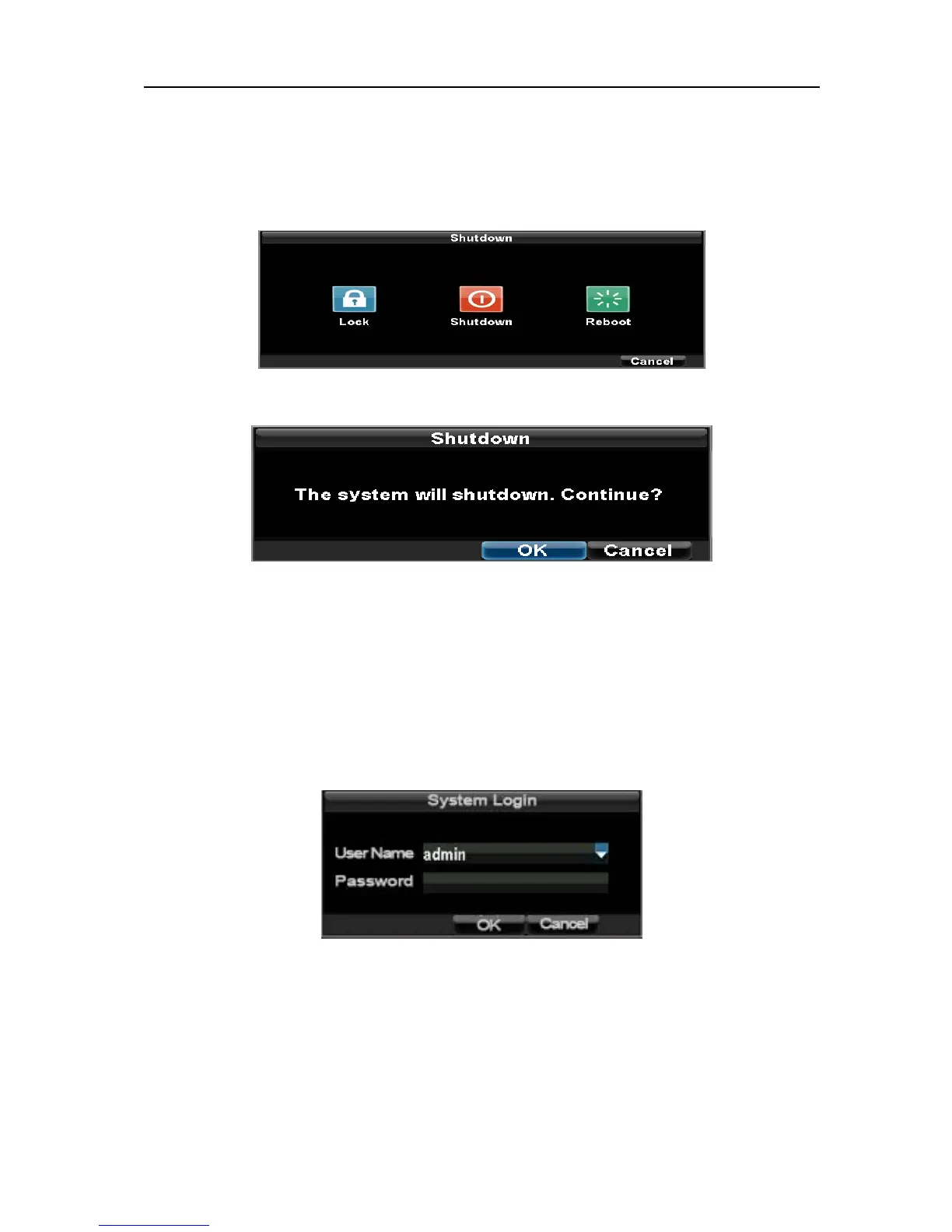
Steps: →1.Enter the Shutdown menu, shown in Figure 1 by clicking on Menu > Shutdown.
2. Select the Shutdown button.
3. Click the OK button.
4. Press the POWER switch on the rear panel to safely shutting down the system.
Manual shutdown -Through front panel button or remote.
Press and hold the POWER button for 3 seconds if the system has enabled the Password, it will
pop up a dialog box. Please input user name and password (The default pass word is 12345) for
authentication
If the system has not enabled Password, a shutdown confirmation prompt will pop up, click
OK
Note: When the system prompt that the system is under shutting down, please do not press the
power button, otherwise the system can not shutdown normally.
UnRegistered



 To Next Page