VR-3800D Series Digital Video Recorder
46
7.2.3 Email Settings.
To configure E-mail settings:
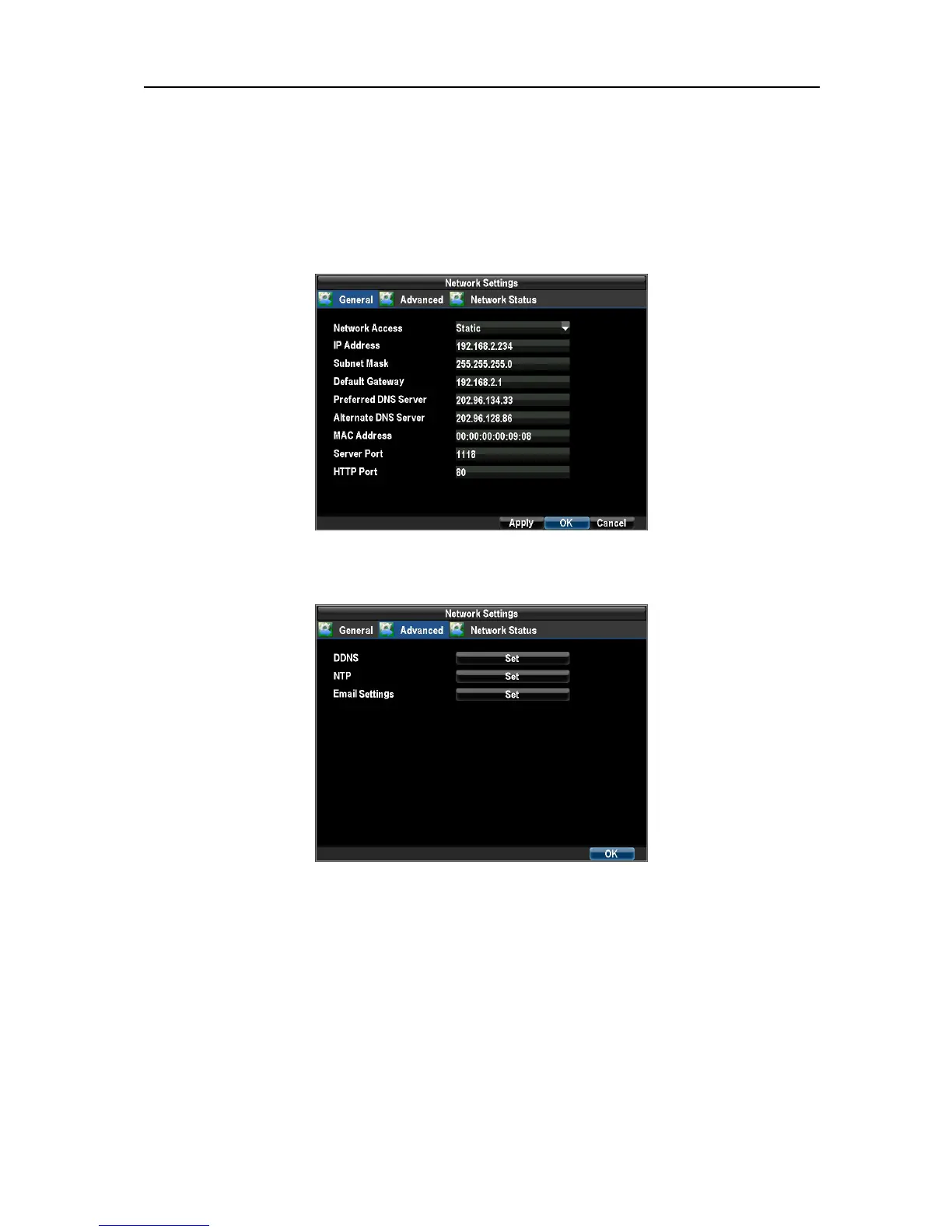
1. Enter the Network Settings menu by clicking Menu →Configuration → Network Settings.
Set IP Address, Subnet Mask, Default Gateway, DNS Server, MAC Address, Server Port, HTTP port. Select
the Advanced tab.
2. Click the Set button next to E-mail to enter the E-mail menu.
3. Enter e-mail settings.
UnRegistered



 To Next Page