VR-3800D Series Digital Video Recorder
53
9. Camera Management
9.1 Configuring OSD Settings
To configure OSD settings:
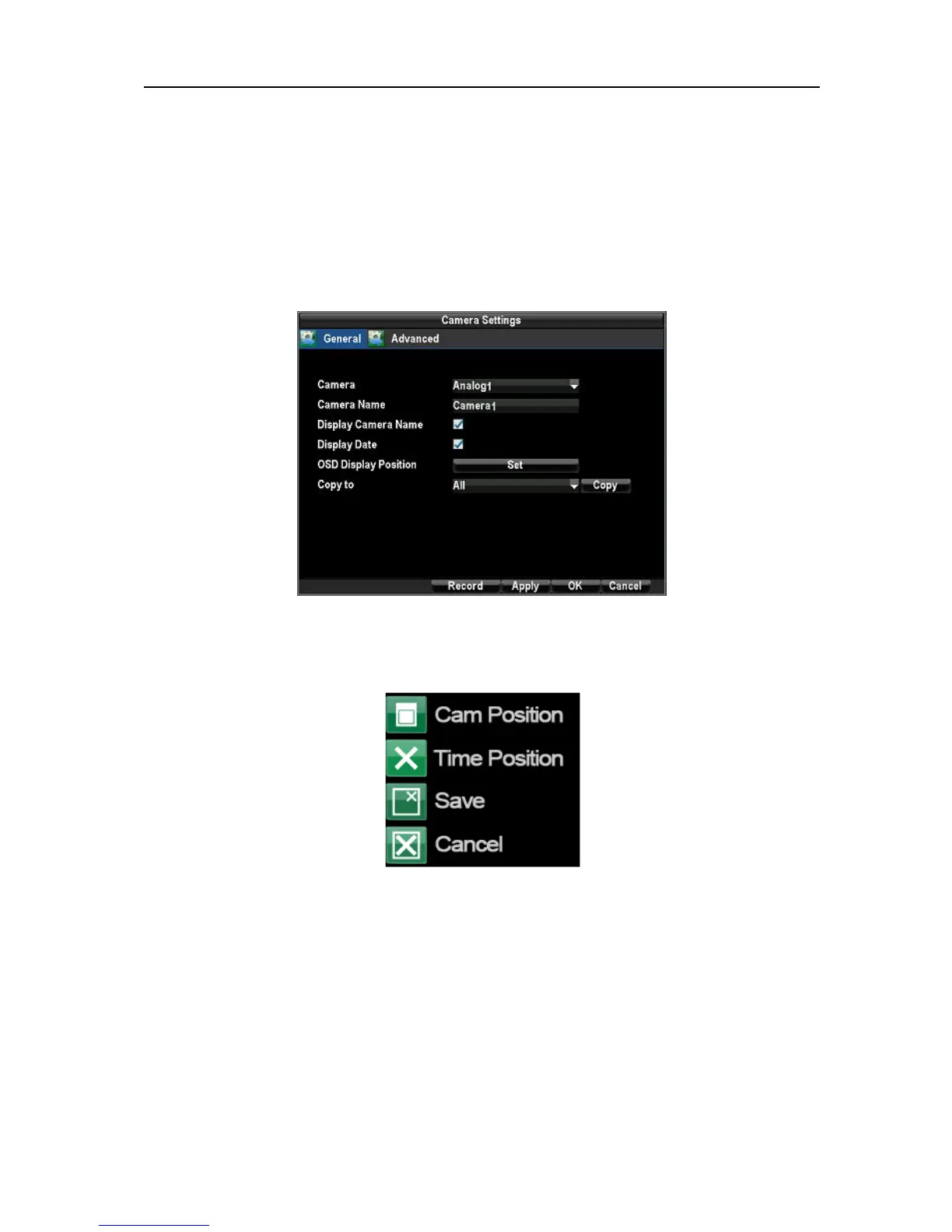
1. Enter the Camera Management/Settings menu, by clicking Menu → Configuration→
Camera Settings. Select channel to setup OSD settings under Channel #. Click the Set button.
2. Configure desired OSD settings.
The OSD is shown in each display during Live Preview mode and includes the time and date as well as the
camera name.
9.2 Setting up Privacy Mask.
To setup privacy mask:
1. Enter the Camera Management/Settings menu by clicking Menu →Configuration→
Camera Settings. Select channel to setup privacy mask under Channel #. Click the Set button.
Select the Advanced tab to enter the Advanced Camera Settings menu.
UnRegistered



 To Next Page