VR-3800D Series Digital Video Recorder
36
Click Apply to finish configuration. Repeat steps 2-3 for other camera. If other camera
settings are the same, proceed to step 4.
4. Repeat above for other channels. I f other channels settings are the same, copy this settings
to other channels in Advanced tab.
6.4 Detecting Video Tampering
To setup video tempering detection:
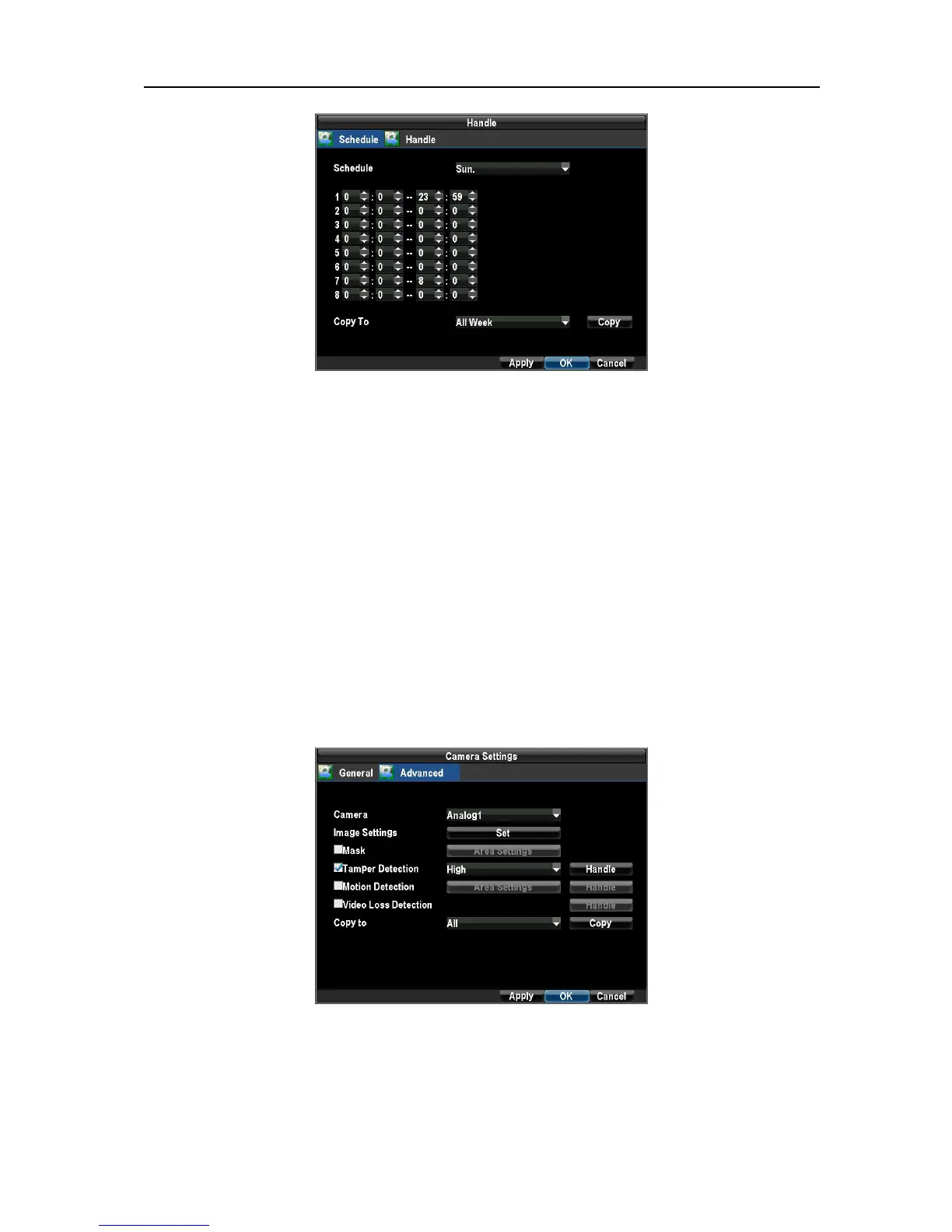
1.Enter Camera Settings menu by clicking Menu → Configuration → Camera Settings.
Select the Advanced tab and select camera to configure tamper detection.
Select the Tamper Detection checkbox. Select the sensitivity of the camera tamper detection, HIGH,
MEDIUM, and LOW.
Note: Only if the camera is totally blocked, alarm would be triggered.
2. Set the schedule of when you want video tampering detection to be enabled. Schedule can be
set for all week or any day of the week with up to 8 time periods per day. It is important to note
that time periods cannot be overlapped.
UnRegistered



 To Next Page