VR-3800D Series Digital Video Recorder
14
2. Preview
2.1. Preview screen.
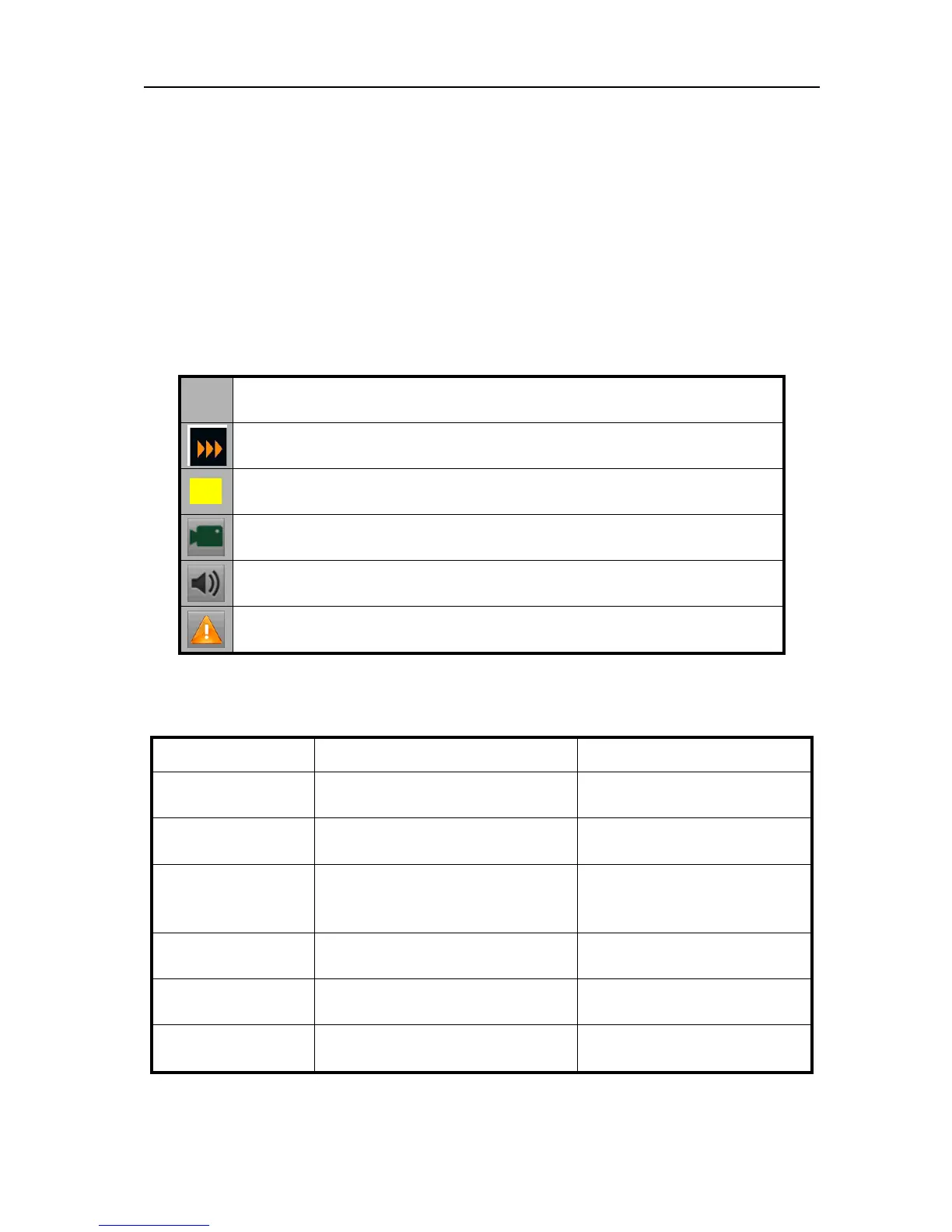
In preview screen, the video and alarm status of each channel can be distinguished by the
identifier on the lower left of each channel. When switching value alarm or anomalies alarm
occurs, a notification icon would appear on the lower right of the screen, and click on the icon
for details.
Icon
Video occlusion alarm indicates video tampering.
Recording(manual, scheduled, motion detection recording).
Indicates the current channel is in audio output.
Indicate there is an alarm or exception.
2.2. Preview operations.
Functions Front panel operation Mouse operation
Full screen preview
Number key
Select “single camera” in right
click menu.
Multi-screen
preview
MODE
Select “multi camera” in right
click menu.
Manual switch
Previous screen: Left direction
button.
Next screen: Light direction key
Select “next screen” in right
click menu.
Start tour -
Select “start tour” in right
click menu.
Digital zoom -
Select “digital zoom” in right
click menu.
Main/Auxiliary port
main/auxiliary
Select “main” in right click
menu.
UnRegistered



 To Next Page