VR-3800D Series Digital Video Recorder
31
6. ALARM SETTINGS
6.1 Motion Detection Alarm.
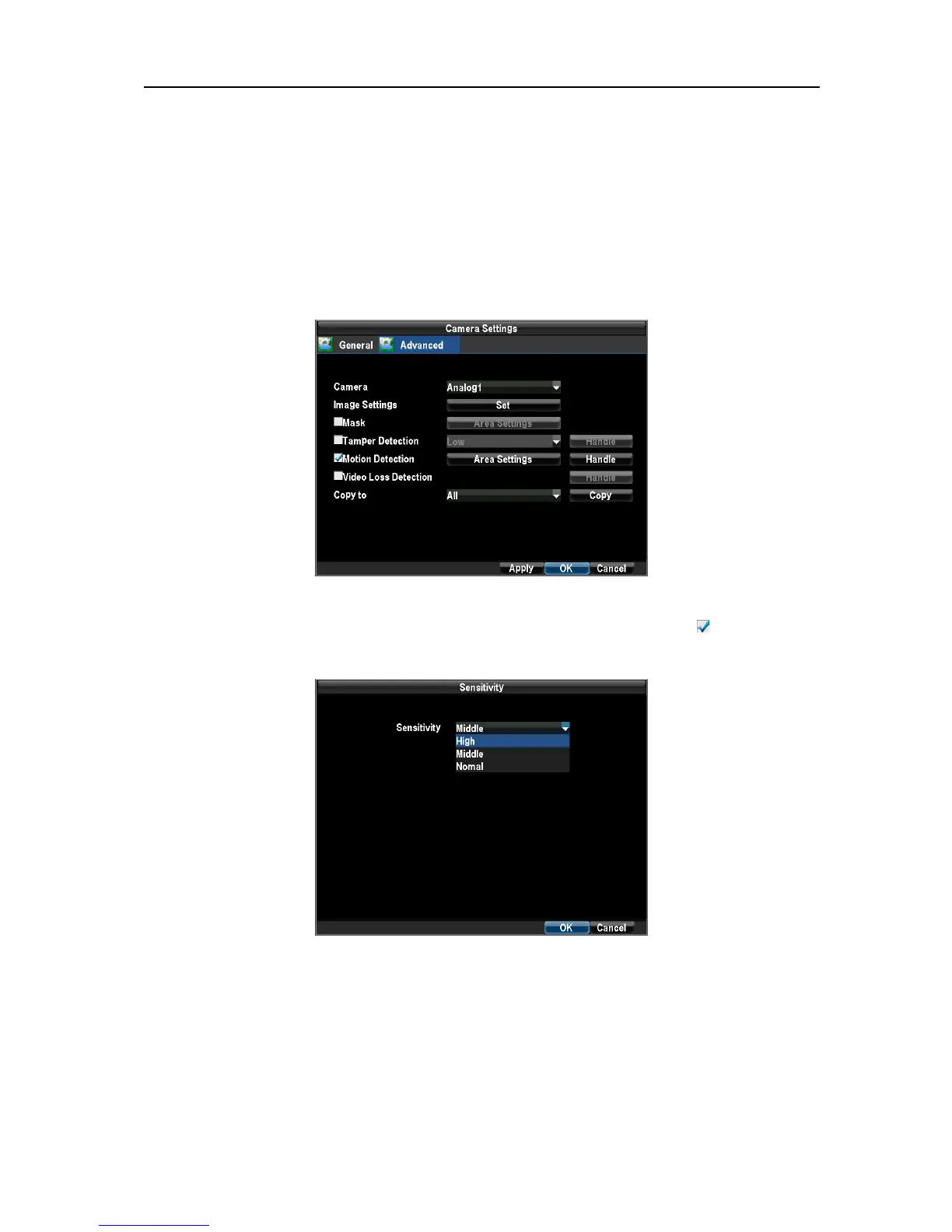
1. Enter the Camera Settings interface by navigating to Menu → Configuration → Camera Settings.
Select channel to configure motion detection on.
Select the Advanced tab to open up the Advanced Camera Settings menu.
2. Check the checkbox next to Video Motion Detection, and enable Motion Detection as .
Click the Area Settings button to enter the Motion Detection area and Sensitivity configuration interface.
3.Click the Handle button to open the Handle menu. Select the Schedule tab to set arm time.
UnRegistered



 To Next Page