VR-3800D Series Digital Video Recorder
63
12.3 Triggering Alarm Manually.
The sensor alarm can be start/stop manually, the alarm will only stop when you manually stop it
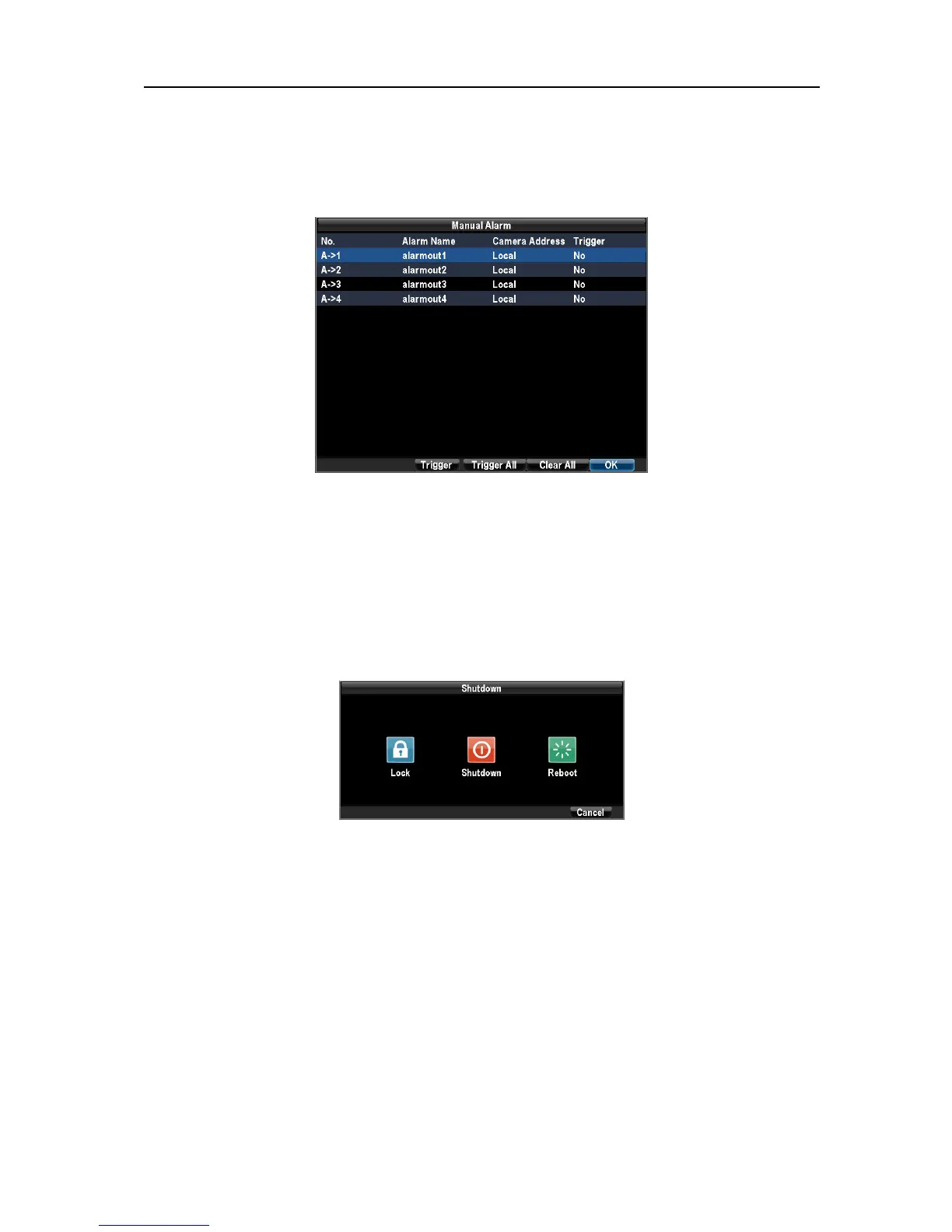
Enter the Manual Alarm menu by clicking Menu > Manual Alarm.
Trigger: Select an alarm from the list and click Trigger to trigger its output.
Trigger All: Trigger all alarm outputs at once.
Clear All: Stop all alarm outputs at once.
12.4 Locking, Shutting Down and Rebooting Your DVR.
Enter the Shutdown menu by clicking on Menu → Shutdown.
Select Lock button to lock the DVR, Shutdown to shutdown it and Reboot button to reboot it.
Locking your DVR will return you to the Live Preview mode, which will require an user name
and password to exit out of it.
UnRegistered



 To Previous Page