VR-3800D Series Digital Video Recorder
18
1. Configure settings for:
l Encoding Parameters: Select main stream (mainly for recording)or sub stream(mainly for
uploading).
l Record Audio: Select to record audio of the camera.
l Resolution: The resolution is fixed as 4CIF for main stream, CIF for sub stream.
l BitRate Type: Select either Variable or Invariable bit rate.
l Video Quality: Select the quality to record cameras when the Bitrates type is selected as Variable.
Otherwise, it can't be selected.
l Frame Rate: Select recordings frame rate.
l Max Bit Rate: Select or define custom maximum bit rate for recordings.
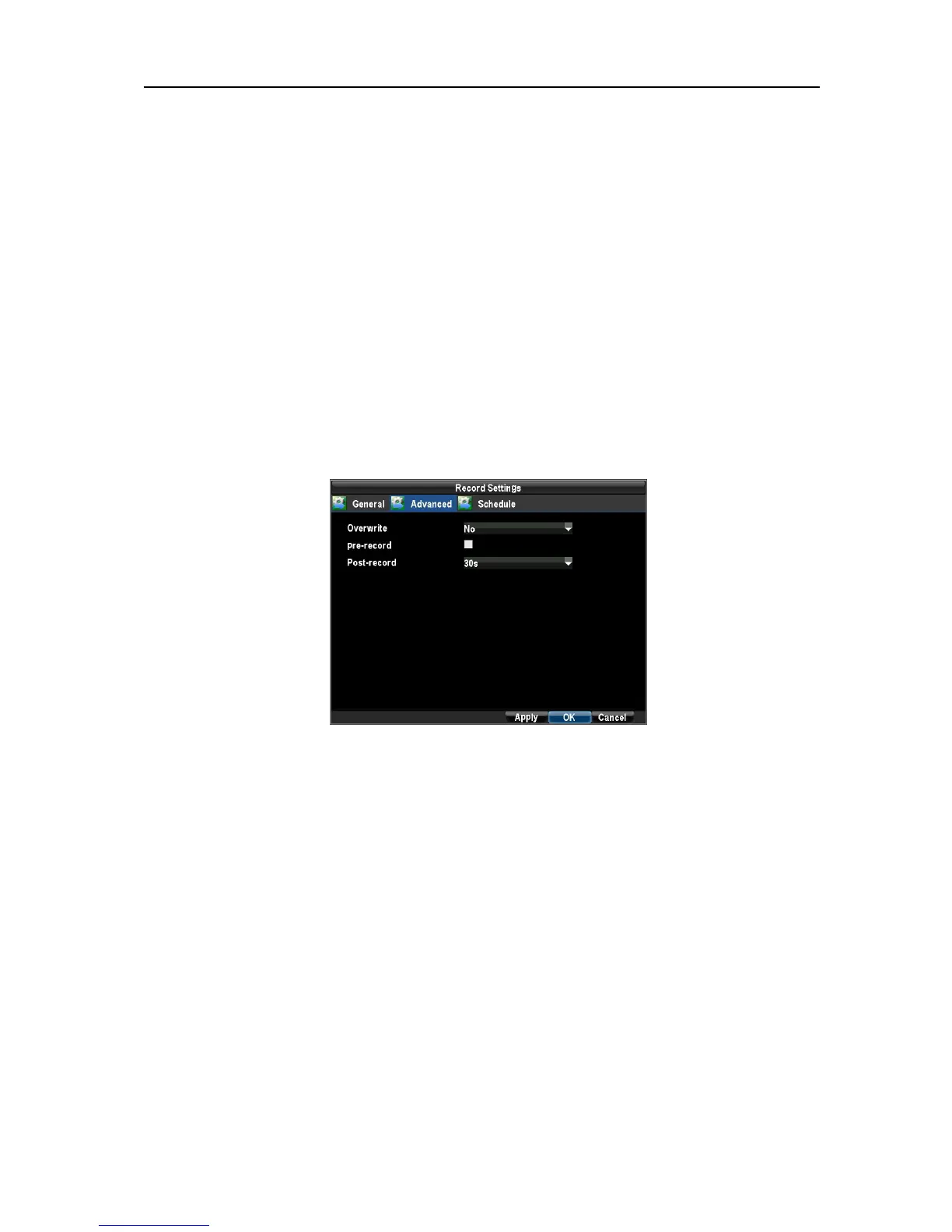
2. Click ADVANCED. This will bring up another menu with more advance recording options.
Set additional record settings:
l Overwrite: Sets to overwrite the HDD to continue recording when it is full.
l Pre-record: Sets the time in seconds to pre-record before the actual recording begins.
l Post-record: Sets the time in seconds to post-record after the actual recording ended.
3.2 Scheduling a Recording
Scheduling a recording allows you to setup the DVR to only record when you want it to.
To setup a recording schedule:
1. Enter the Record Settings menu (Menu→ Configuration → Record Settings).
2. Select the Schedule tab to open the Schedule menu.
UnRegistered



 To Next Page