VR-3800D Series Digital Video Recorder
20
Note: Event encoding parameters will take effect when motion detection or alarm happens.
Normal encoding parameters will take effect when there are no events happening.
3.3 Setting up motion detection.
Set up properly, using motion detected recording will increase the number of days your DVR is
able to record. It will only record relevant events rather than recording everything, making searching
for an event easier.
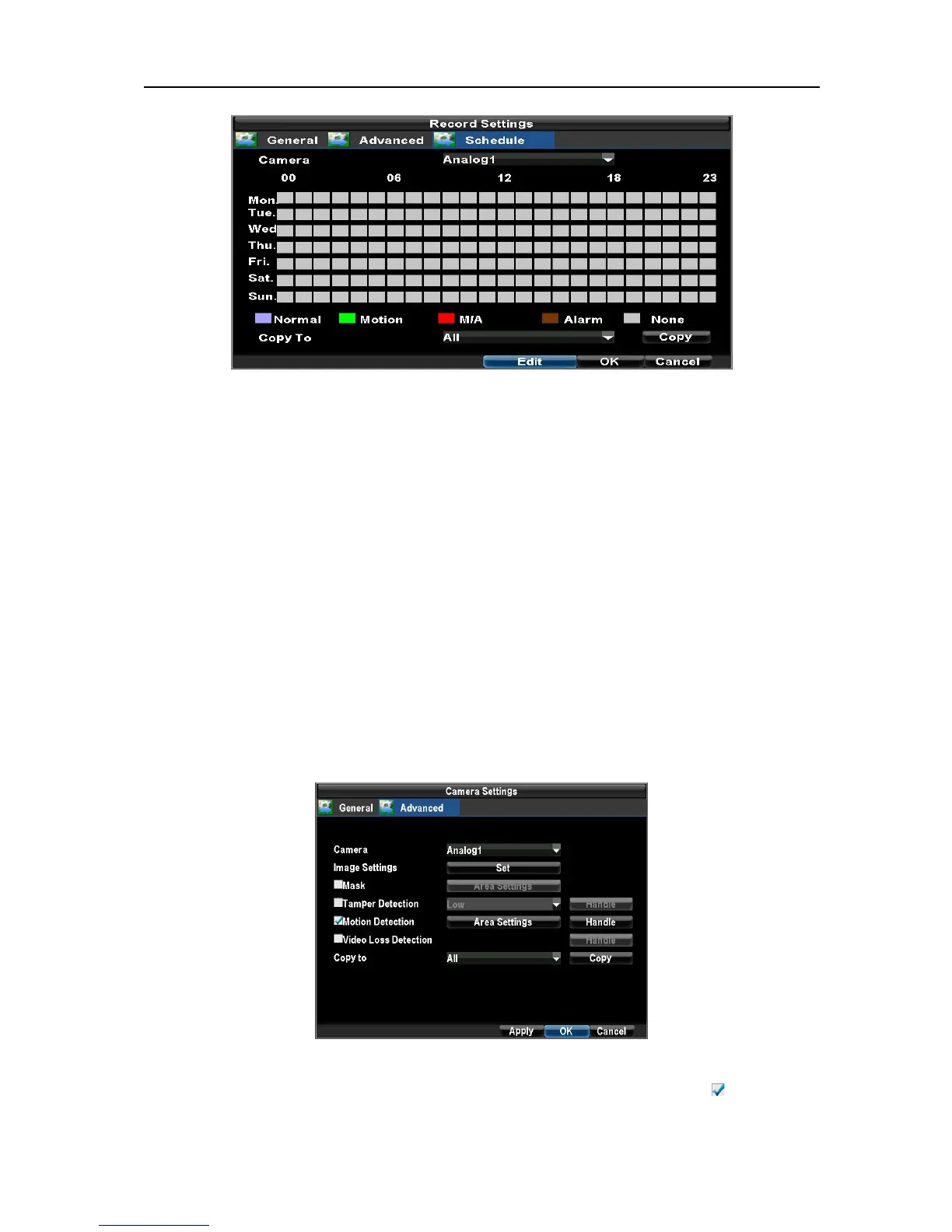
To set up motion detection:
1. Enter Camera Settings:
Enter the Camera Settings interface by navigating to Menu → Configuration → Camera Settings. Select
channel to configure motion detection on.
2. Select the Advanced tab to open up the Advanced Camera Settings menu.
3. Check the checkbox next to Video Motion Detection, and enable Motion Detection as .
UnRegistered



 To Next Page