VR-3800D Series Digital Video Recorder
37
3. Click Apply to finish configuration. Repeat steps 2 for other camera. I f other channels
settings are the same, copy this settings to other channels in Advanced tab.
6.5 Setting up Exception
Setting exceptions allow the DVR to alert you when irregular events occur.
The triggering options that you may select include: Audio Warning, Trigger Alarm Output,
Send Email.
Audio Warning
Trigger an audible beep when exception is detected.
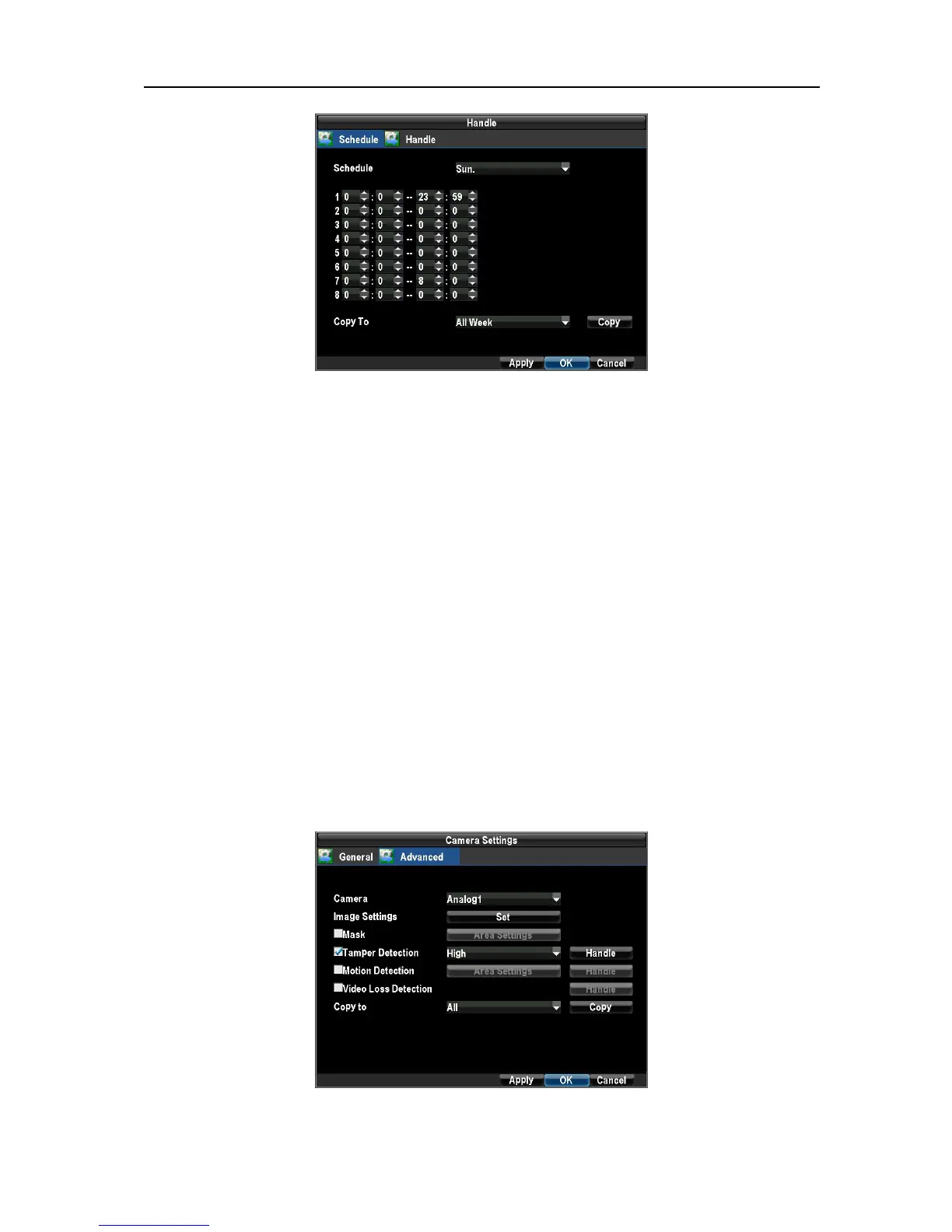
To set up audio warning (Setting video tampering alarm as an example)
1. Select Advanced tab in camera settings interface to configure video tampering alarm for the
selected channel. Select the Tamper Detection checkbox(Menu → Configuration →
Camera Settings).
UnRegistered



 To Next Page