VR-3800D Series Digital Video Recorder
57
11. User Management and System Maintenance
11.1 Managing User Account.
By default, your DVR comes with one user account, the Administrator account. The
Administrator user name is admin and the password is 12345. The Administrator has the
authority to add, delete or configure parameters for many of the system functions.
To add new users:
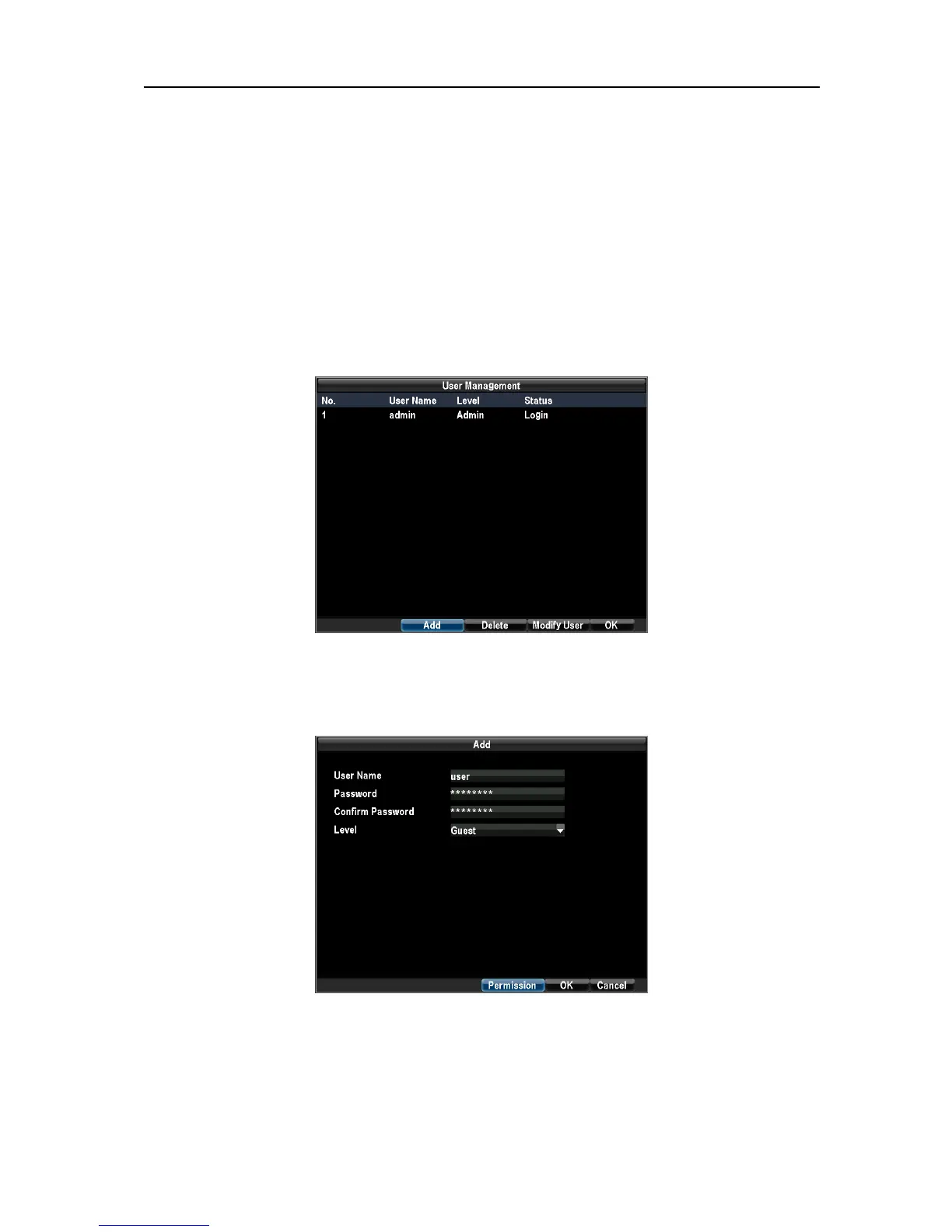
1.Enter the User Settings menu by clicking Menu→Configuration→User Management.
Select the Add button to enter the Add User menu.
Note: You may add up to 11 new users to your DVR.
2. Enter information for new user.
Select the Permission button to enter the Permission Settings menu.
3. Configure the Configuration and Permission Settings in permission menu.
UnRegistered



 To Next Page