VR-3800D Series Digital Video Recorder
58
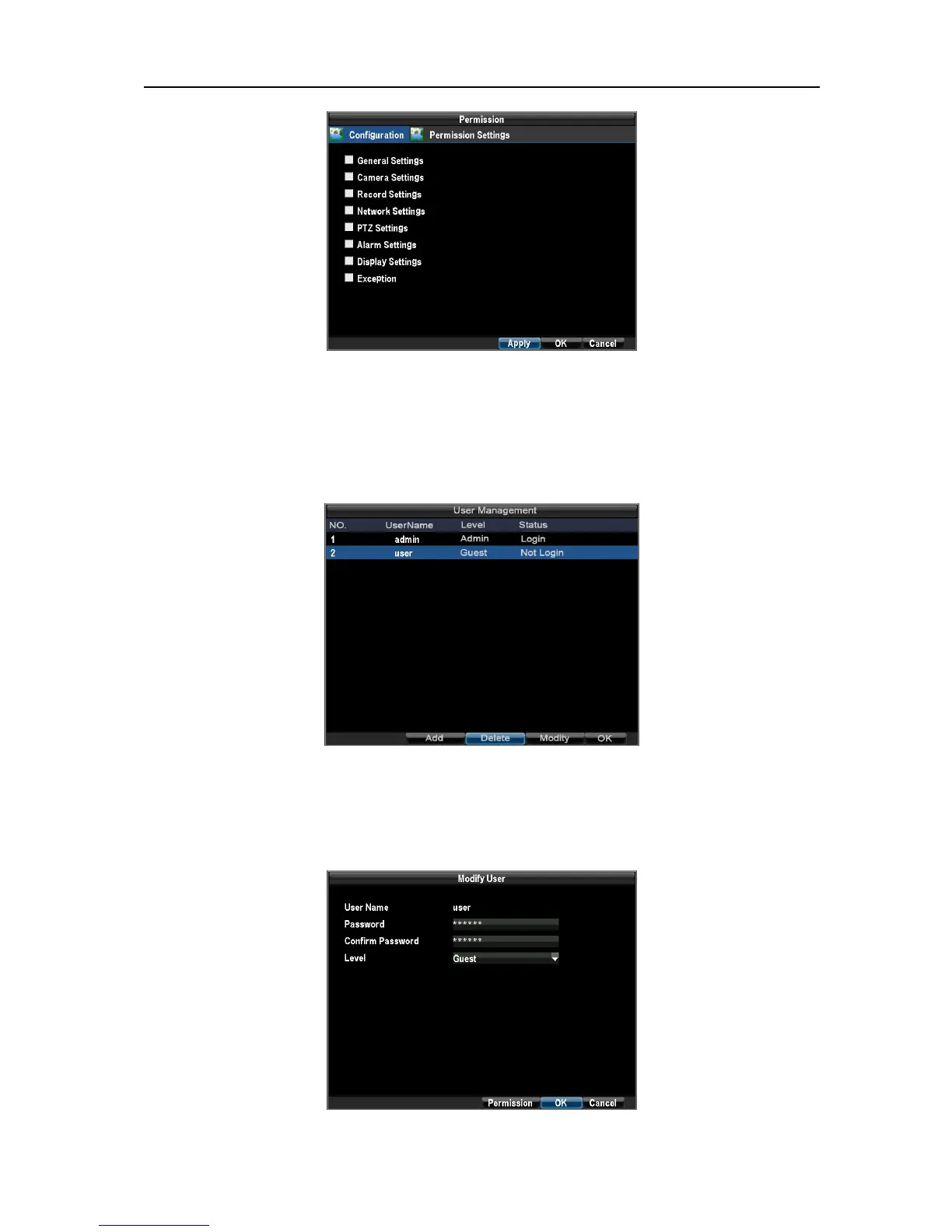
To delete a user from the DVR:
Enter the User Settings menu by clicking Menu→ Configuration→ User Management.
Select user to delete. Click the Delete button to delete user. Click the OK button to exit menu.
Note: The Administrator can not be deleted.
To modify a user:
1.Enter the User Settings menu by clicking Menu → Configuration → User Management.
Select user to modify. Click the Modify button to enter the Modify menu.
UnRegistered



 To Next Page