VR-3800D Series Digital Video Recorder
16
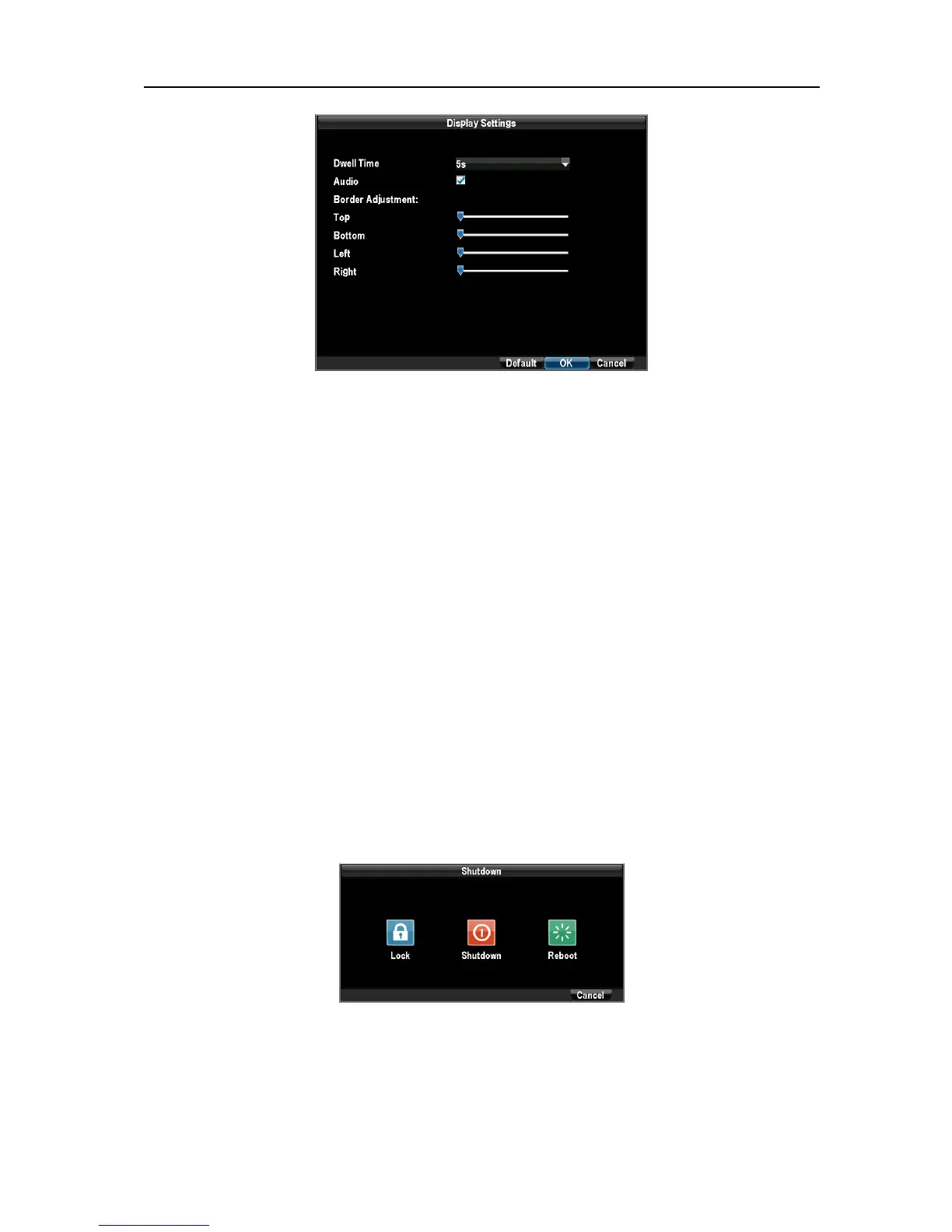
To access the Display Settings menu:
1. Click the Menu button.
2. Click the Configuration icon.
3. Click the Display Settings icon.
The settings available in this menu include:
l Dwell Time: The time in seconds to dwell between switching of channels when Start Tour is selected
in Live Preview.
l Audio: Enables/disable audio output for the selected video output.
l Border Adjustment: To adjust the border of video output.
NOTE
:
It the audio preview has not been enabled, the live preview would be soundless.
2.4. System locking.
Steps:1.Enter shutdown interface by clicking on Menu > Shutdown. .
2.Select the LOCK button.
NOTE: The system would return to preview mode after being Locked.
To reenter playback, PTZ control and main menu, user name/password authentication is
required.
UnRegistered



 To Next Page