VR-3800D Series Digital Video Recorder
60
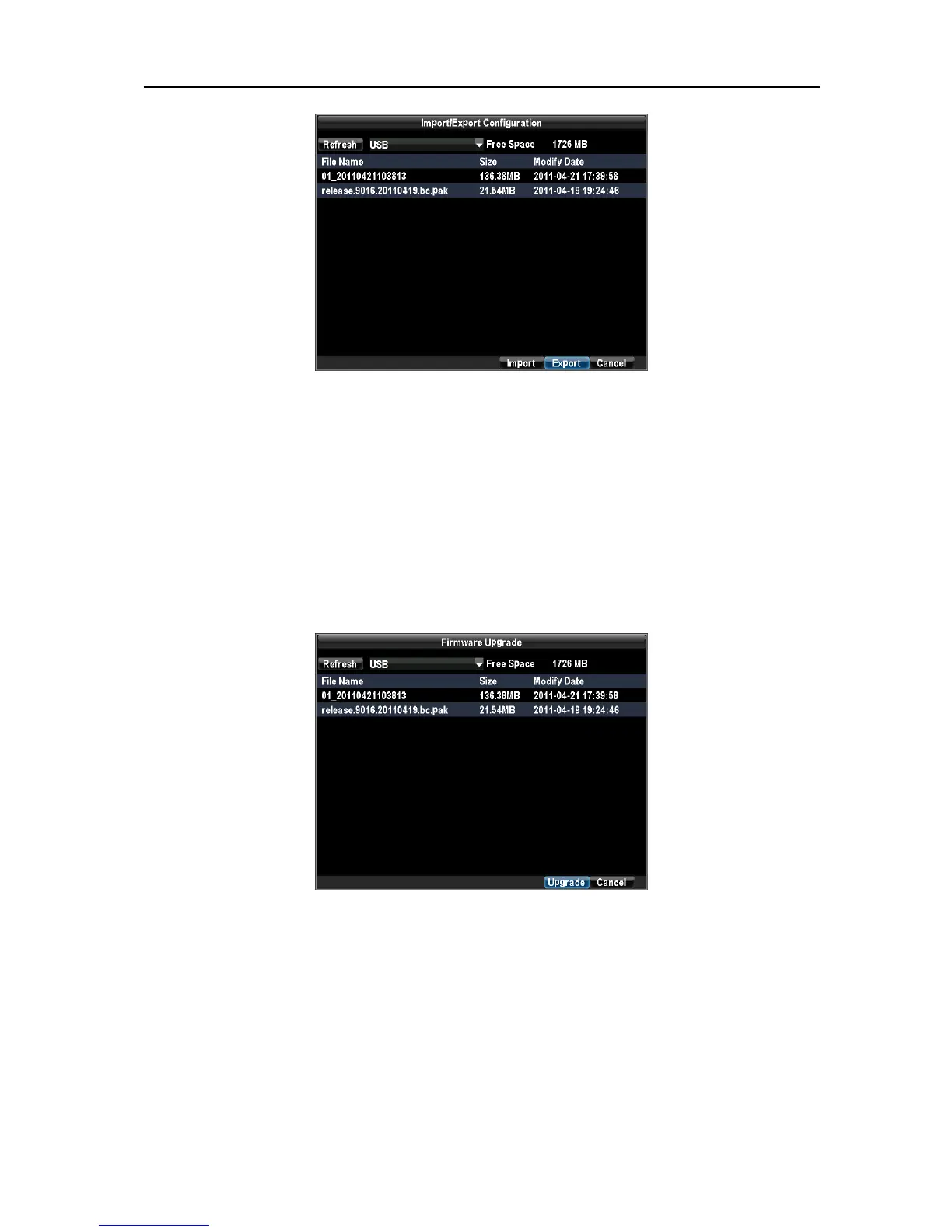
Click Export to export a configuration file to USB device. USB device must be connected at this point to the
DVR. To import a configuration file, select the file from the USB device and click the Import button. After
the import process is completed, you must reboot the DVR. Click Cancel to exit out of menu.
11.4 Updating System Firmware.
To update via an USB device:
Connect USB device to DVR. The firmware file must be located in the root directory of your USB device.
Enter the Firmware Update menu by clicking Menu→ Maintenance → Firmware Upgrade.
Select the firmware on the USB device. Select Upgrade to begin the update process. After the system
firmware has been updated, reboot the DVR.
Note: If the DVR fails to update, please contact your system supplier for further assistance.
UnRegistered



 To Next Page