VR-3800D Series Digital Video Recorder
26
4. Playback
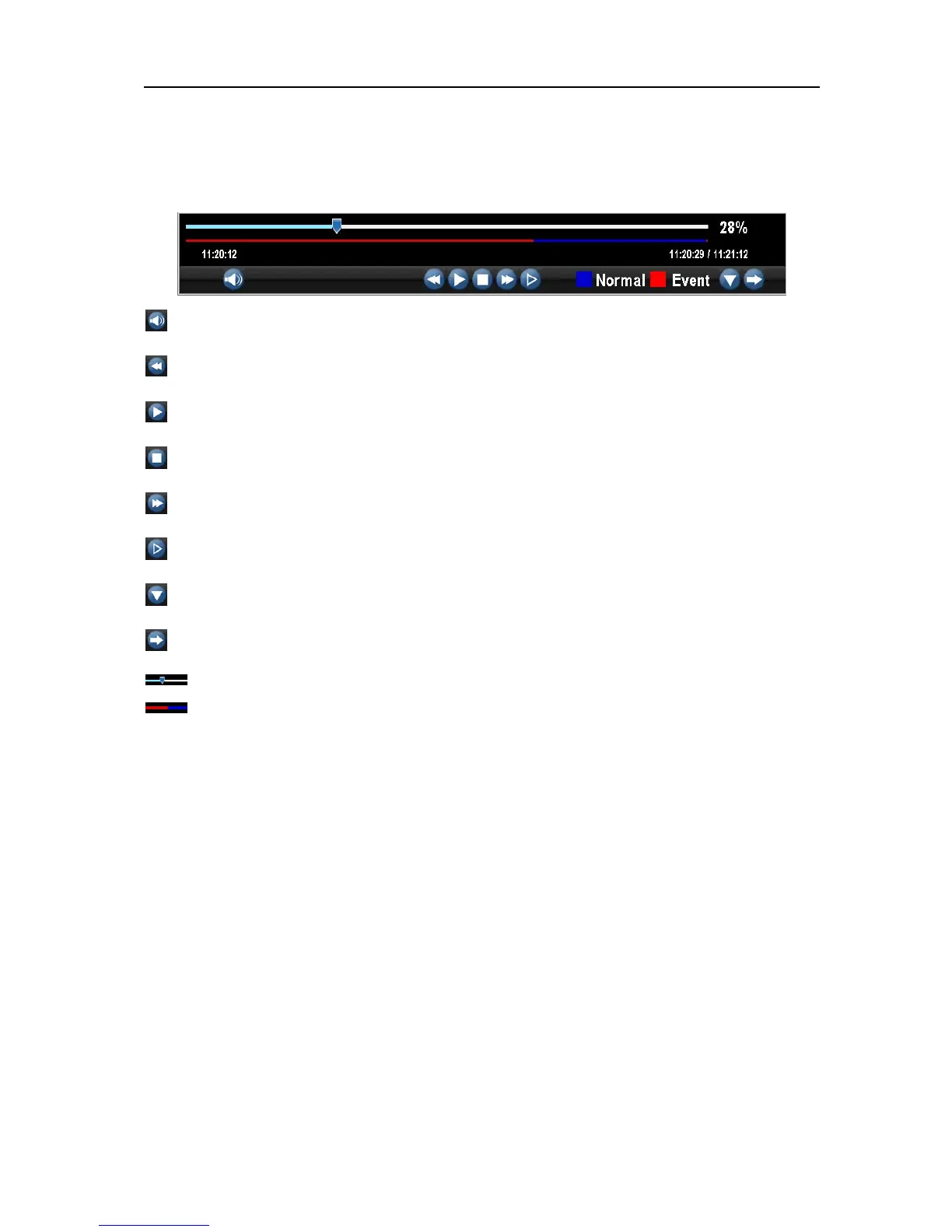
There are various controls on the Playback interface that makes viewing recordings more efficient.
: Audio on/off: Select to open or close the audio;
: Fast backwards: Select to rewind recording files at the speed of x2, x4, x8;
: Play; Select to return to normal speed to playback files;
: Pause / Single Frame: Select to pause or play in single frame;
: Fast Forwards: Select to playback the recording files forward at the speed of x2, x4, x8;
: Slow Forwards: Select to playback the recording files forward at the speed of x1/2, 1/4, 1/8;
: Hide; Select to hide the playback control panel;
: Exit; Select to exit playback;
: Playback progress: To drag the playback progress to a desired time;
: Recording Type: indicate the recording types during the period.
Note: Blue Record Time Line designates schedule/manual recording while red one shows
event recording.
4.1 Playing back.
To playback files from a video search:
1. Enter into the Video Search menu by clicking Menu → Video Search.
2. Select cameras to search, video type (All, Manual, Schedule, Motion, Alarm, Motion or Alarm) and the
start/end time.
3. Click the Play button to start playback.
UnRegistered



 To Next Page