VR-3800D Series Digital Video Recorder
52
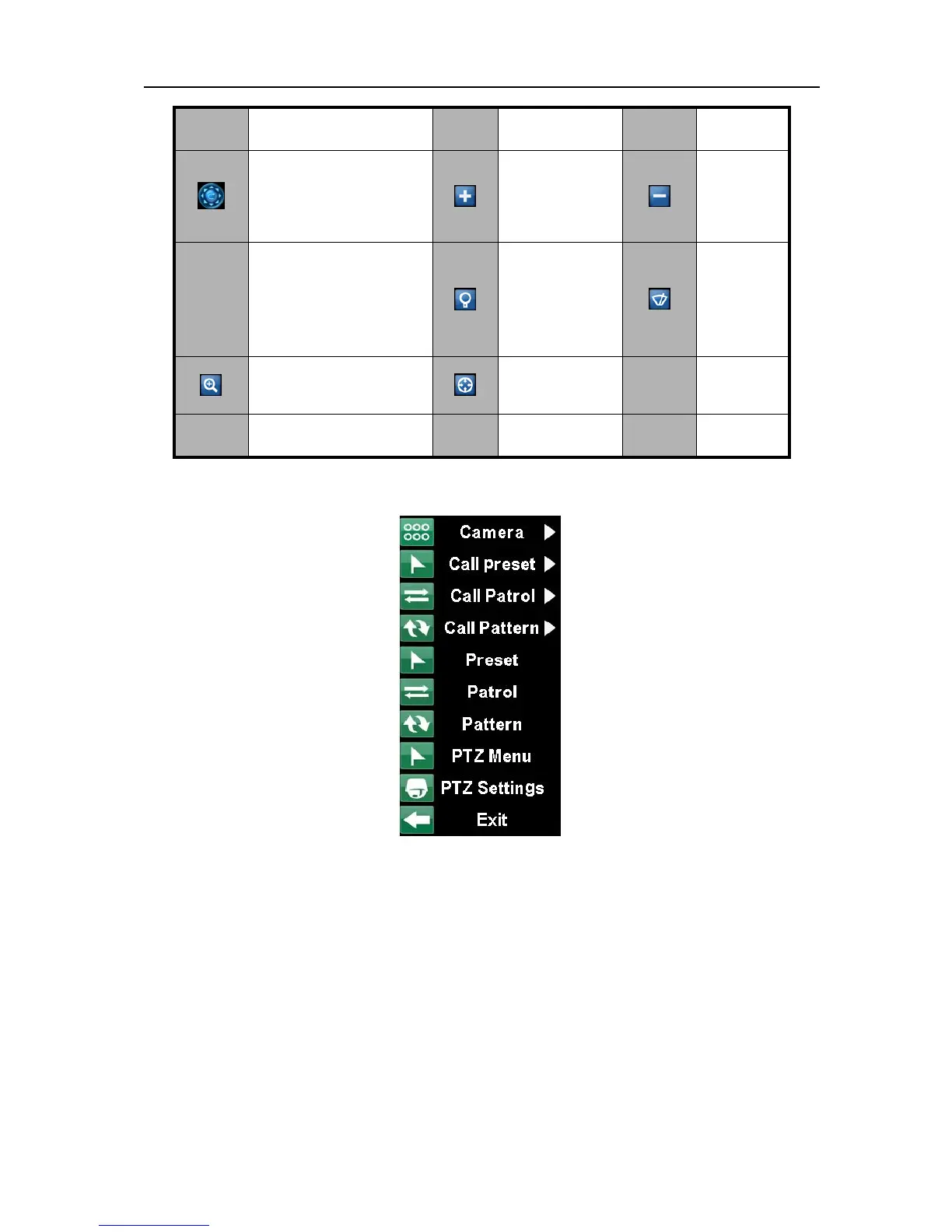
Right click menu
Camera: Select a PTZ camera.
Call Preset: Call a PTZ preset.
Call Patrol: Call a PTZ sequence.
Call Pattern: Call a PTZ pattern.
Preset: Enter PTZ preset configuration menu.
Patrol: Enter PTZ patrol configuration menu.
Pattern: Enter PTZ pattern configuration menu.
PTZ Menu: Enter the menu of PTZ.
PTZ Settings: Enter PTZ setting menu.
Button Function Button
Function Button Function
Controls the movement
and the direction of PTZ.
Center button is also used
to start auto-scan of PTZ.



 To Next Page