VR-3800D Series Digital Video Recorder
39
3. Click Apply to finish configuration. Repeat steps 2 for other camera. I f other channels
settings are the same, copy this settings to other channels in Advanced tab.
Note: If there is time delay, please remove alarm manually through Manual Alarm menu in
MENU interface.
Send Email
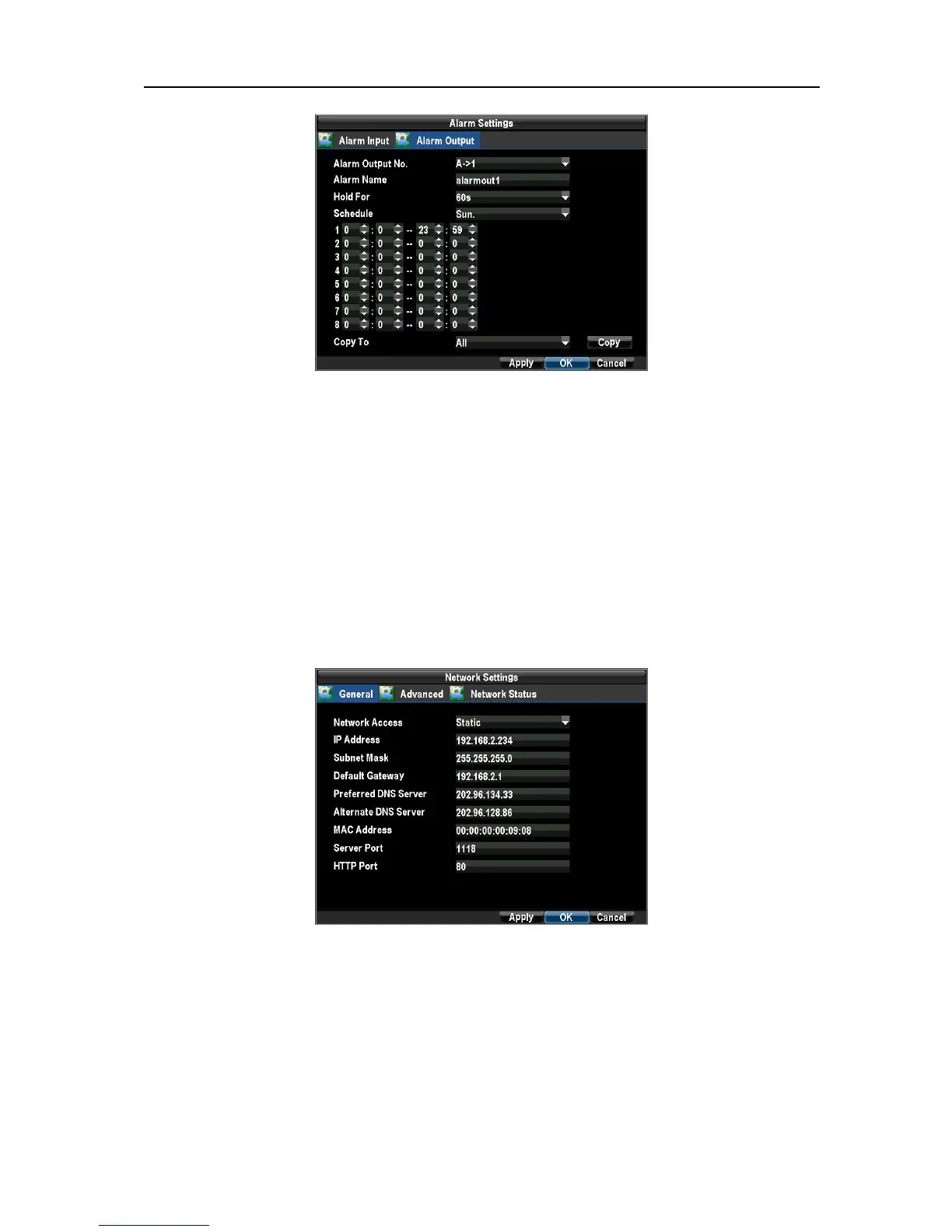
1. Enter the Network Settings menu by clicking Menu→ Configuration → Network Settings.
Select the General tab to set IP Address, Subnet Mask, Default Gateway, DNS Server.
Select the Advanced tab.
2. Click Email Settings button to enter email setup menu.
UnRegistered



 To Next Page