VR-3800D Series Digital Video Recorder
42
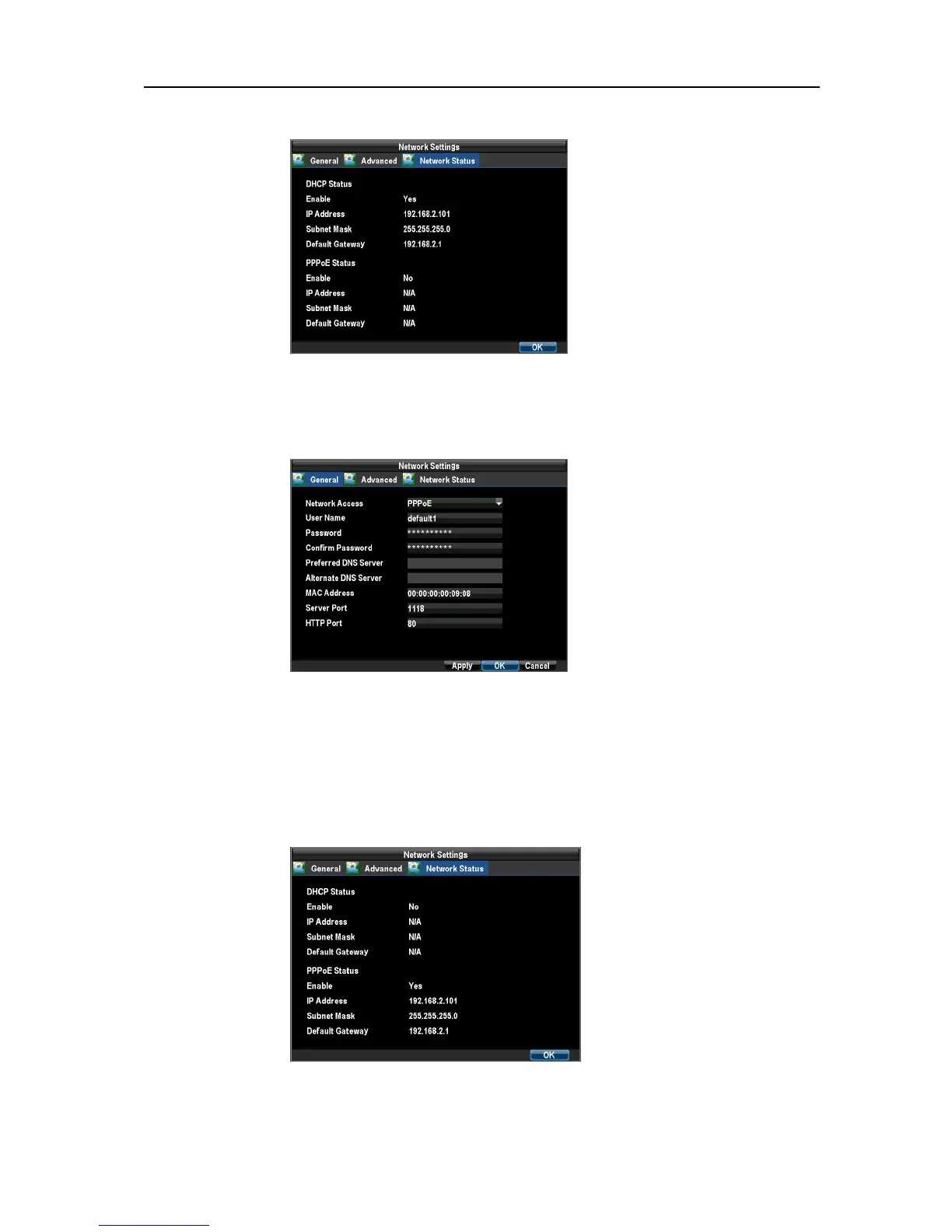
Check the DHCP status in Network Status tab.
PPPoE
1. Select General tab in Network Settings interface by clicking Menu → Configuration → Network
Settings.
2. Select PPPoE in Network Access
Note: If the HTTP Port number is 80 or 8080, the port number can be omitted
。
For example:
http://192.168.0.233, if the port number is 81, then it should be http://192.168.0.233:81 .This
can be applied to WAN as well.
PPPoE status: Menu → Configuration → Network Settings.
Check the PPPoE status in Network Status tab.
Static
Select General tab in Network Settings interface by clicking Menu → Configuration → Network
UnRegistered



 To Next Page