EasyManua.ls Logo

Retsch Emax - Page 44

Retsch Emax
79 pages
Print Icon
To Next Page IconTo Next Page
To Previous Page IconTo Previous Page
Loading...
Controlling the Device
44
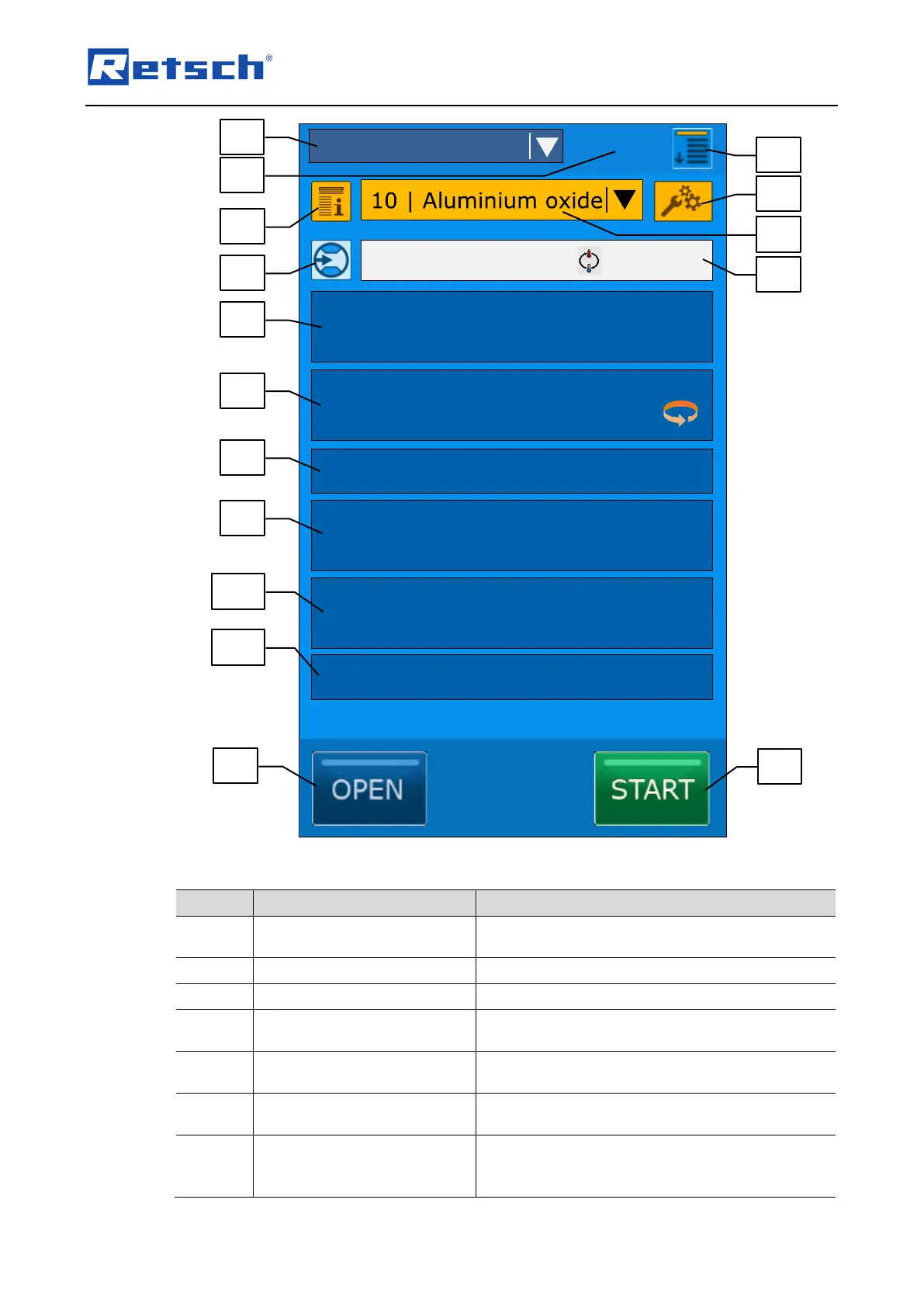
Fig. 28: Control panel and functions
Element
Description
Function
B1.1
Navigation
Switching between the operating modes
"Manual", "Program" and "Sequence"
B1.2
Date and time
Displays the current date and time
B1.3
Settings
Access to the menu "Settings"
B2.1
Programme information,
sequence information
Retrieval of user data for the current programme
or sequence
B2.2
Programme settings,
sequence settings
Opens the editing menu for the current
programme or sequence
B2.3
Cooling
Displays the cooling status (flow active or
inactive)
B2.4
Programme designation,
sequence designation
Displays the current programme or sequence
number and name. Selection of the desired
programme or sequence
PROGRAM
22.04.2014
14:23
65°C
Temperature
01:00:00
1800
Process time
Speed
Interval
Direction reversal
00:15:00
00:05:00
Interval time
Pause time
B2.2
B2.4
B2.6
B1.1
B2.1
B2.3
B2.5
B2.7
B2.8
B2.9
B2.10
B2.11
B1.3
B1.2
B3.1
B3.2
70°C
50°C

Table of Contents

Related product manuals