Controlling the Device
45
Displays the grinding duration
Temperature, temperature
limits
Displays the current grinding jar temperature
(outside) and the set temperature limits
Display of the speed and rotation direction
Indicates whether the interval grinding is active or
inactive
Displays the interval time
Indicates whether the change in rotation direction
is active or inactive
Starts or stops the grinding process
7.2 Operating Modes and Navigation
The device can be operated entirely using the touchscreen. The operating software can be
divided into three operating modes:
− Manual
− Programme
− Sequence
7.2.1 Navigation between Operating Modes
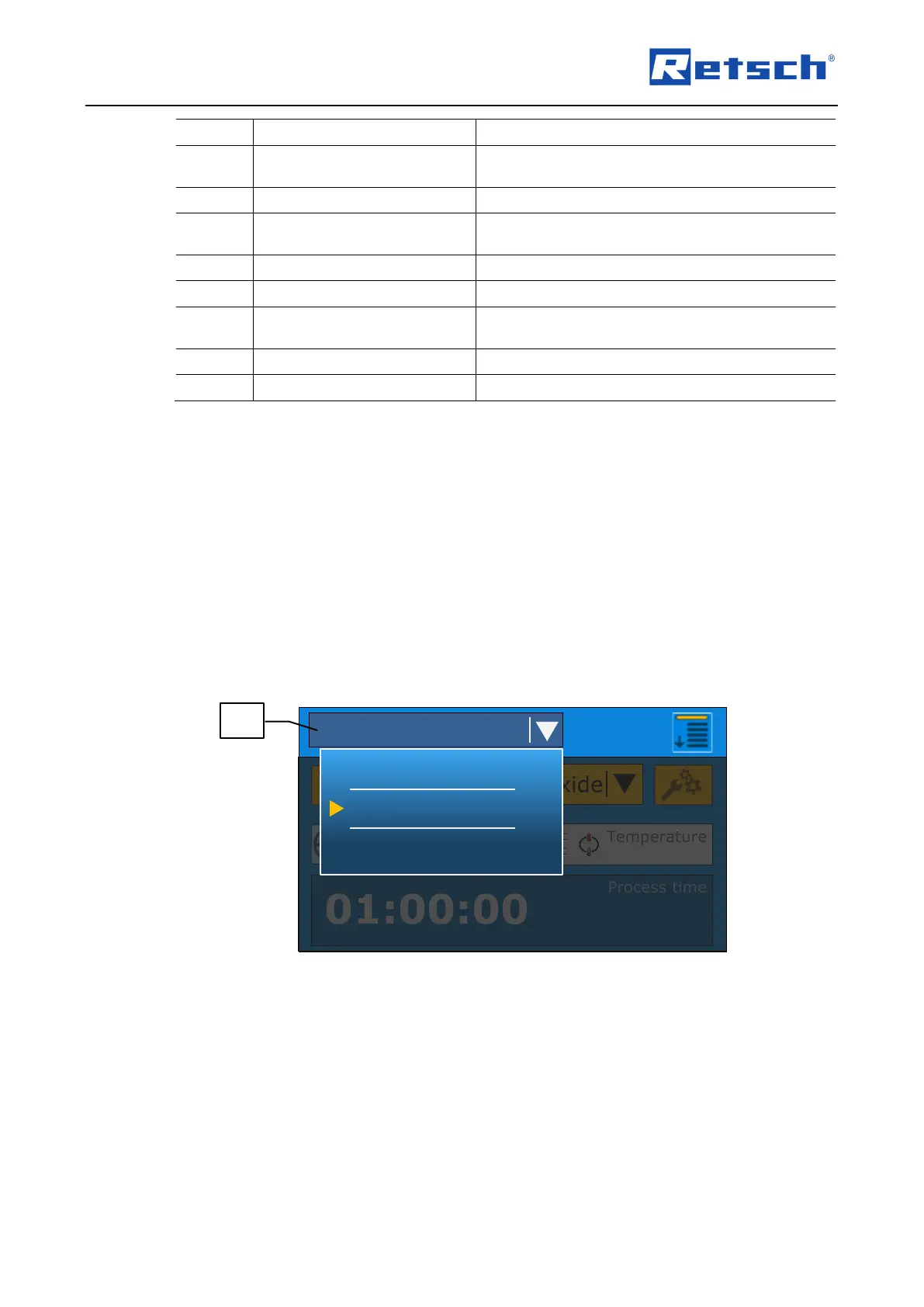
Press on the navigation button (B1.1). The navigation menu opens. The current mode is
highlighted in colour and marked by .
Press on the desired mode.
Fig. 29: Selection of the operating mode
7.3 Grinding Parameters
The grinding parameters can be set or changed via the control panel. It can be distinguished
between adjustable parameters and parameters that can be activated or deactivated.
The grinding parameters cannot be set or changed during the grinding process.
7.3.1 Adjustable Parameters
The following parameters can be set via direct data entry:



 To Next Page