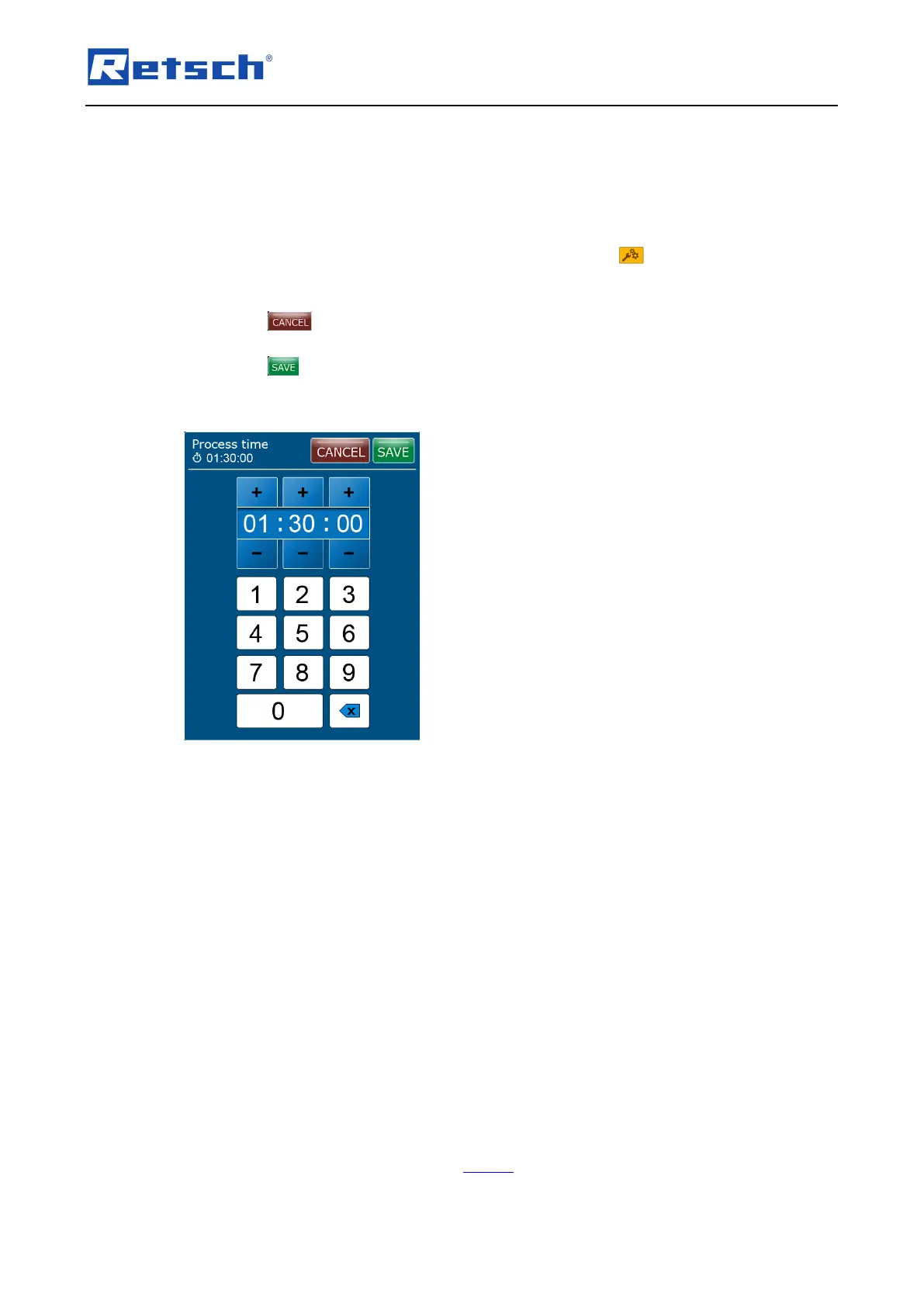
− Process time
− Speed
− Interval time
− Pause time
In manual mode the parameters can be edited directly. In programme mode the parameters can
only be changed when the edit mode has been activated via the icon (B2.2).
Press on the parameter to be edited. The window for direct data entry opens. The parameter
can either be set directly using the numeric buttons or stepwise via the [+] and [–] buttons.
Press the button to cancel the editing without saving the entries. The entries are not
applied, and the menu displays the previous screen.
Press the button to save the entries. The entries are applied, and the menu displays the
previous screen.
Process time:
The process time shows the total duration of the grinding process. An arbitrary process time
between 00:01:00 and 99:59:59 (hh:mm:ss) can be set in the data entry window. The process
time is continuously counted down to 00:00:00 after the start of the grinding process. A pause of
the grinding process will also interrupt the process time as soon as the device has stopped. On
activated interval function, the process time consists of both, the interval times and the pause
times.
Speed:
An arbitrary speed (revolutions per minute) between 300 and 2 000 can be set using the
numeric buttons in the data entry window. Via the [+] and [–] buttons the speed can be changed
in steps of 100.
Interval time:
The interval time defines the duration of the grinding until the next pause. An arbitrary interval
time between 00:01:00 and 99:59:59 (hh:mm:ss) can be set in the data entry window. The
process time keeps running parallel to the interval time.
The interval time can only be set if the interval function is activated.



 To Next Page