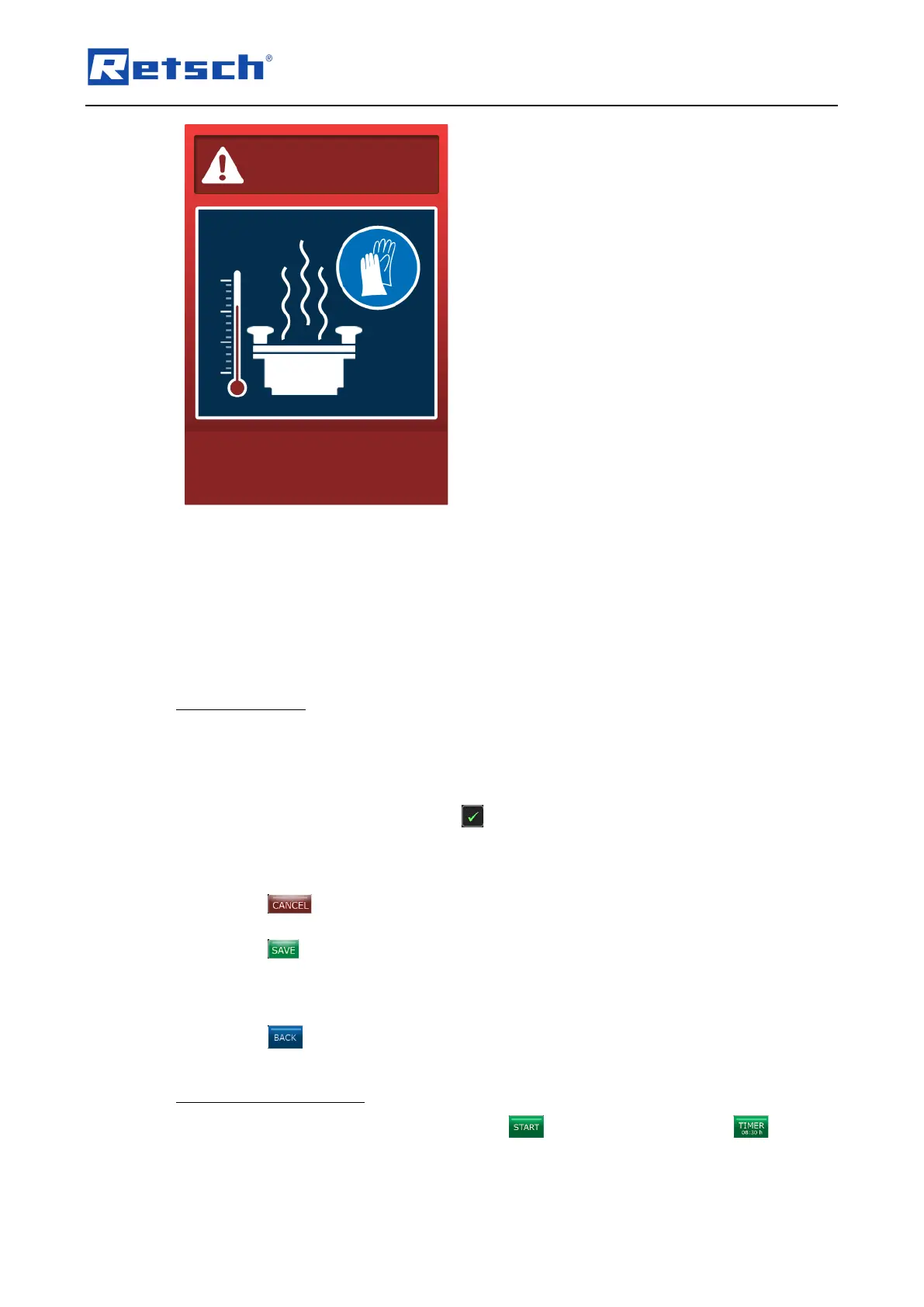
If the grinding jar temperature exceeds 130 °C, the grinding process is aborted for safety
reasons.
Allow the device to cool down.
If not yet done, connect the external cooling.
7.7.7 Timer Settings
7.7.7.1 Setting the Timer
With the timer function the device can be started with a time lag.
Press the timer settings button. The display changes to the settings window.
Press the [Timer active] button to activate or deactivate the function.
The activated function is marked with the icon and the time of the timer can be set between
minimal 1 minute and maximal 99 hours/59 minutes.
Press the [Timer] button. The window for direct data entry opens. The time can either be set
directly using the numeric buttons or stepwise via the [+] and [–] buttons.
Press the button to cancel the editing without saving the entries. The entries are not
applied, and the menu displays the previous screen.
Press the button to save the entries. The entries are applied, and the menu displays the
previous screen.
The currently set time is displayed next to the timer button.
Press the button to return to the menu "Settings".
7.7.7.2 Start Grinding with Timer
When the timer function has been activated, the button will be displayed as button
showing the previously set delay time.



 To Next Page