Pause time:
The pause time defines the duration of the grinding pause between two intervals. An arbitrary
pause time between 00:01:00 and 99:59:59 (hh:mm:ss) can be set in the data entry window.
The process time keeps running parallel to the pause time.
The pause time can only be set if the interval function is activated.
7.3.2 Activatable or Deactivatable Parameters
The following parameters can be activated or deactivated:
− Interval
− Direction reversal
In manual mode the parameters can be edited directly. In programme mode the parameters can
only be changed when the edit mode has been activated via the icon (B2.2).
Press the interval button (B2.8). Depending on the previous state, interval grinding is then
active or inactive.
Interval:
The activation of the interval function allows for the editing of the interval time and the pause
time, as well as the activation or deactivation of the direction reversal.
Direction reversal:
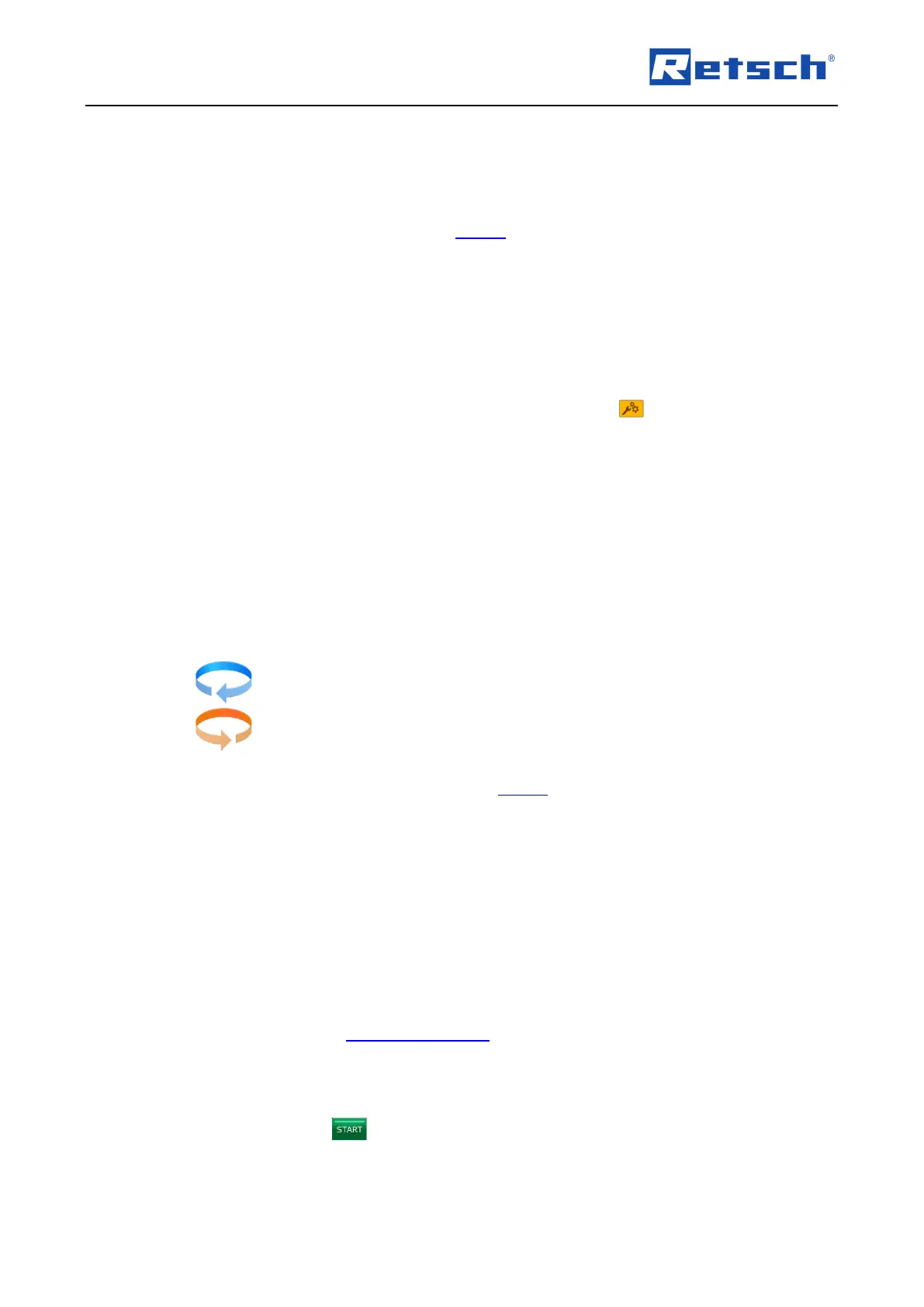
On activation of the direction reversal, the rotation direction of the grinding jars is changed after
each pause. The current sense of rotation of the respective interval phase is displayed by one
of the following symbols:
The direction reversal can only be set if the interval function is activated.
7.4 Manual Mode
The following grinding parameters can be edited directly in manual mode:
− Process time
− Interval time
− Pause time
− Speed
− Interval
− Direction reversal
Please refer to Chapter "Grinding Parameters" for a detailed description of the parameter
settings.
7.4.1 Start Process
Press and hold the button for approx. two seconds to start the grinding process.



 To Next Page