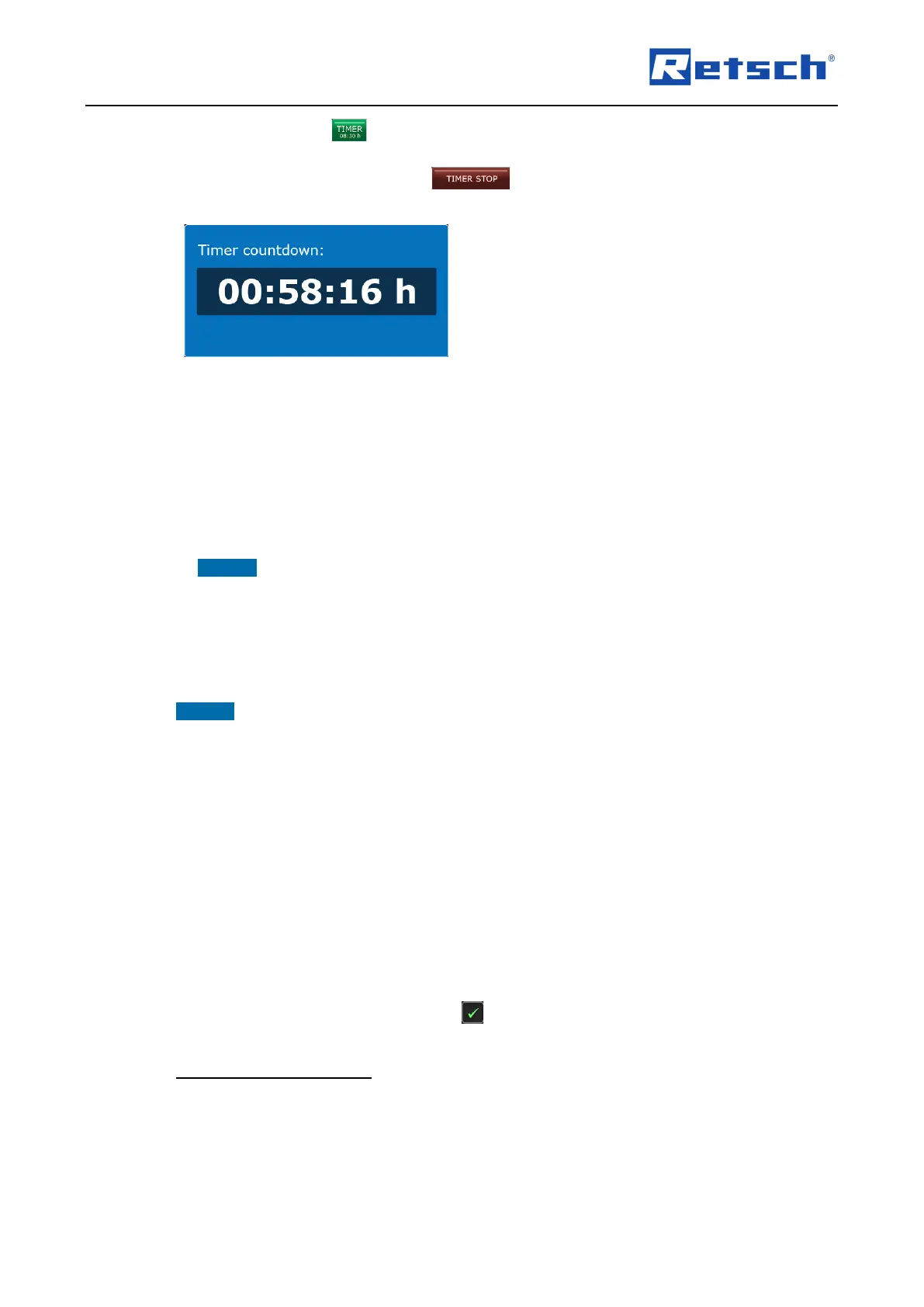
Press and hold the button for approx. two seconds to start the countdown. The "Timer
countdown" window is displayed and the countdown starts running.
To stop the countdown, press the button.
7.7.8 Copy Logbook
With this menu function, the following information will be transferred in ASCII format (text
format) to a connected USB stick:
− List of error messages (sum counter)
− Logbook (device log) of the Emax
Plug a suitable USB storage device into the USB port (K) on the back of the device.
NOTICE USB 3.0 storage devices are not supported.
Press the [Copy logbook] button. The data transfer dialogue box opens, the USB storage
device is checked and the information is transferred to the USB storage device in two
separate CSV files.
Press on the data transfer dialogue box to complete the process and to return to the menu
"Settings".
NOTICE Depending on the amount of data and the speed of the USB storage device, writing to
the USB storage device can take a few seconds. Wait at least ten seconds before unplugging
the USB storage device from the USB port.
The two stored CSV files can then be opened and evaluated with a spreadsheet programme
(e.g. Microsoft Excel).
7.7.9 Cleaning Mode
The cleaning mode is required for filling the coolant tank or cleaning it.
With activated cleaning mode the coolant pump is switched on and the coolant circulated in the
system.
Press the cleaning mode button to activate or deactivate the function.
The activated function is marked with the icon.
7.7.9.1 Automatic Cleaning Mode
The cleaning mode is automatically switched on, when the device has not been used for an
extended period of time.



 To Next Page