7.6.3.3 Delete a Programm from a Sequence
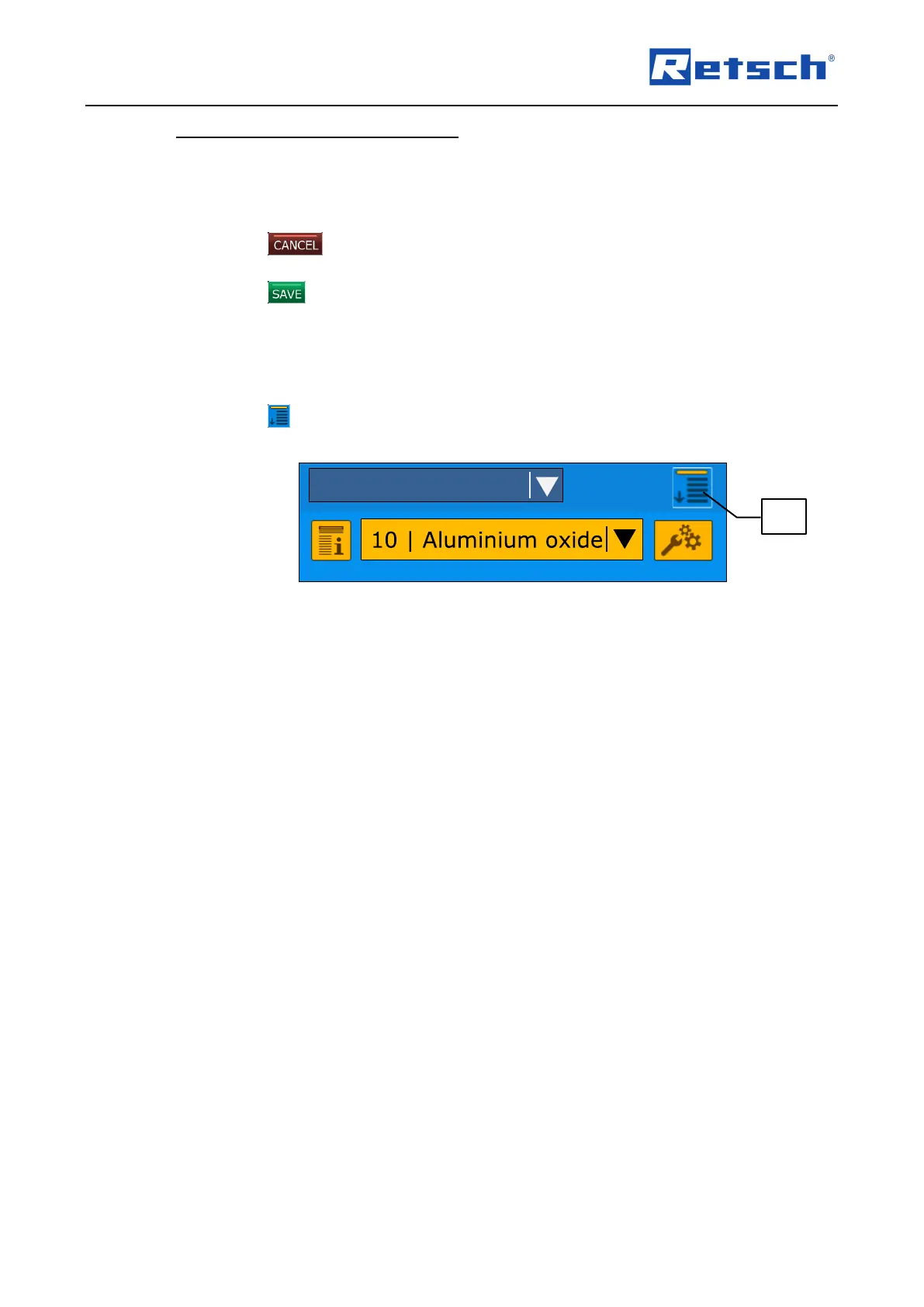
Press the arrow of the memory line containing the programme to be deleted. The list of all
saved programmes appears.
Press on the top line "- (no program)". The programme is removed from the sequence and
the menu displays the previous screen.
Press the button to cancel the editing without saving. Changes are not applied and
the menu displays the previous screen.
Press the button to save the editing. Changes are applied and the menu displays the
previous screen.
7.7 Settings
The menu "Settings" can be accessed from any operating mode.
Press the icon (B1.3). The menu "Settings" is opened.



 To Next Page