Controlling the Device
50
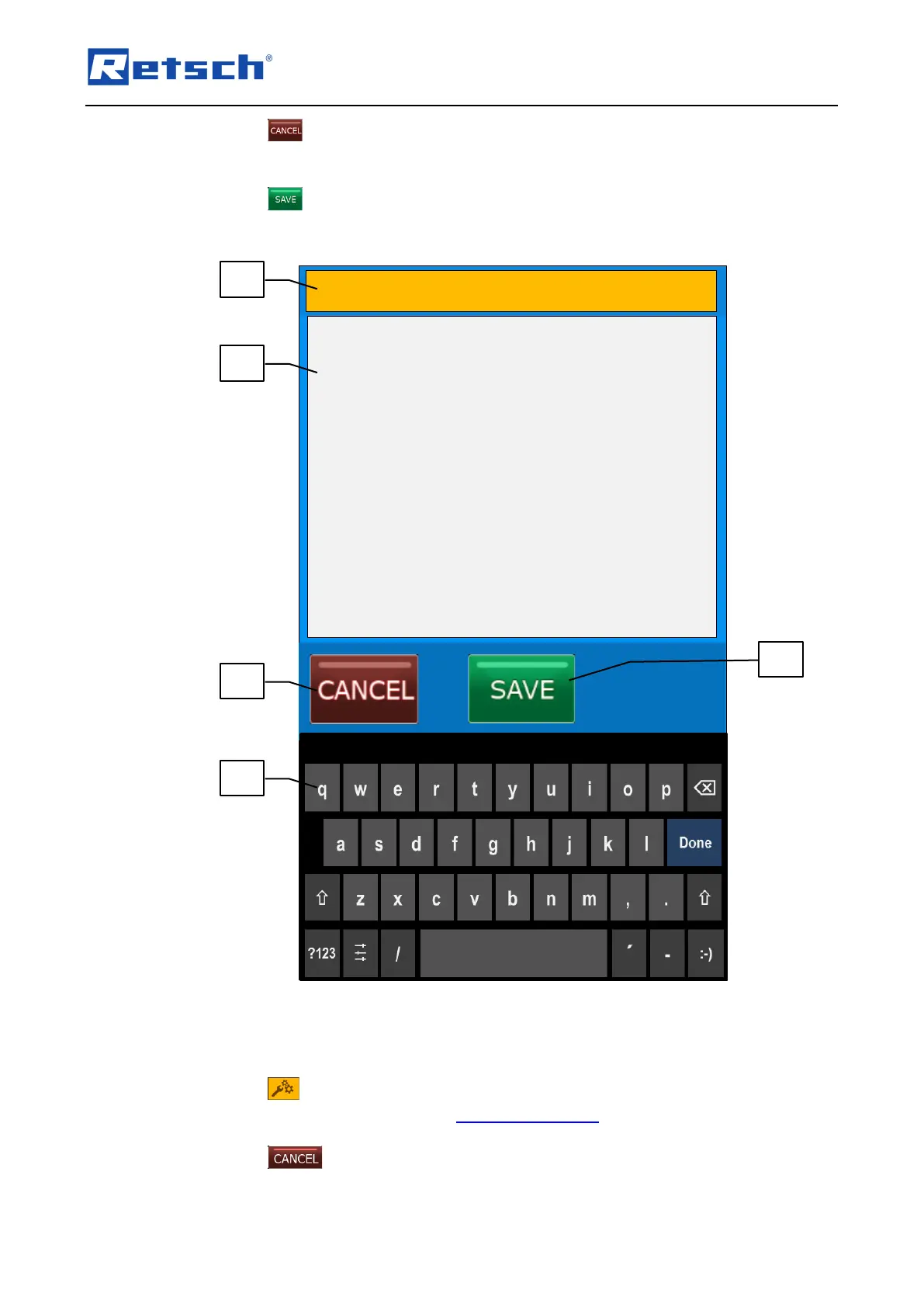
Press the button (B4.3) to cancel the editing without saving the description and
heading. The entries are not applied, and the menu displays the previous screen
(programme description).
Press the button (B4.5) to save the description and heading. The description and
heading are applied, and the menu display the previous screen (programme description).
Fig. 32: Window for editing the programme description and heading
7.5.3 Edit a Programme
The parameters in programme mode can only be modified with activated editing.
Press the icon (B2.2) to edit the grinding parameters stored in the respective
programme. Please refer to Chapter "Grinding Parameters" for a detailed description of the
parameter settings.
Press the button to cancel the editing without saving the values. Entered values are
not applied, and the menu displays the previous screen.



 To Next Page