7 Device control
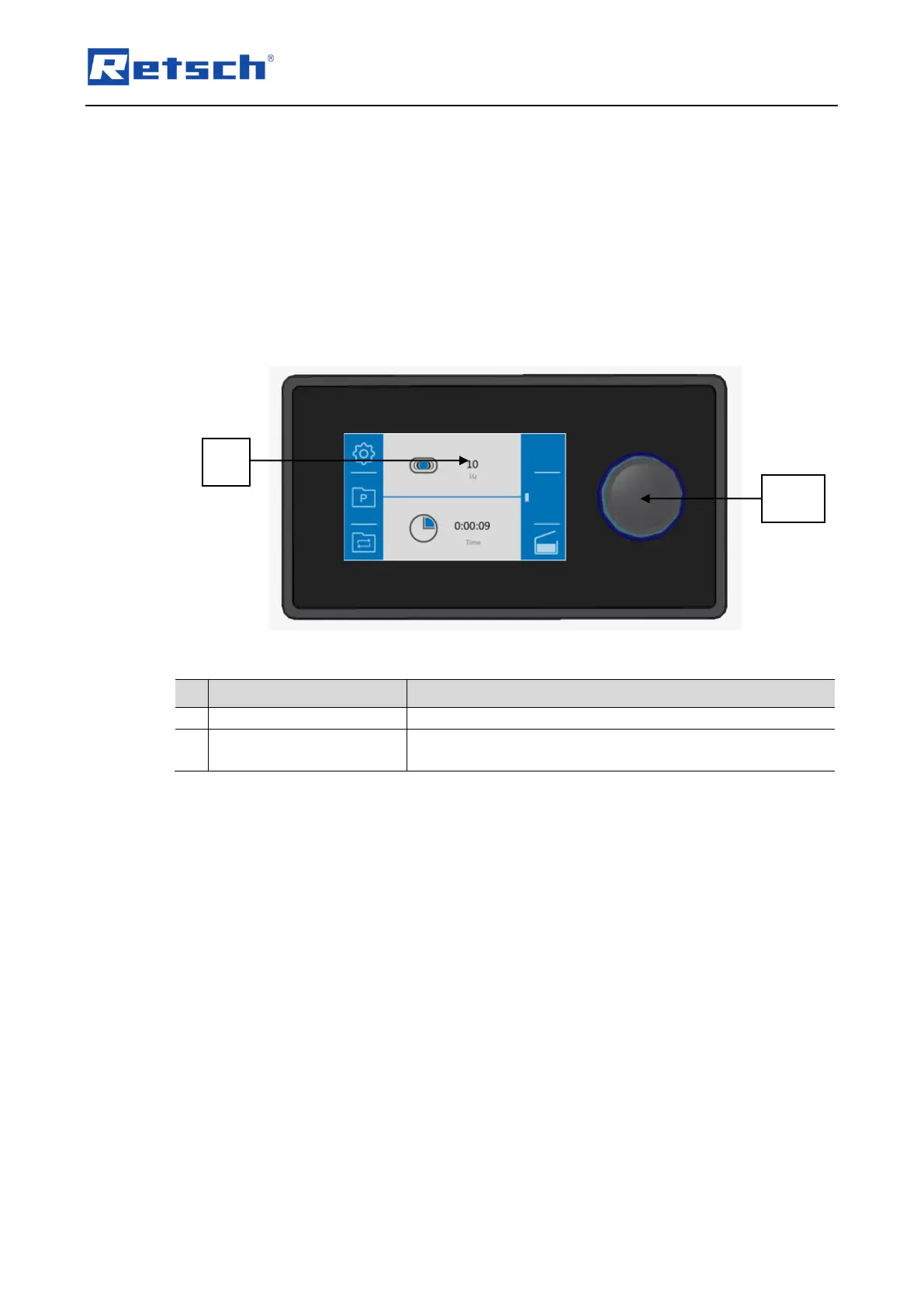
The device is controlled using the touchscreen in combination with the dial .
These control elements are used to configure parameter settings for grinding and to start, pause
and end the grinding process.
Parameters for recurring grinding processes are configured, stored and selected as necessary
in the program and cycle mode.
The system settings for the MM 400 are also selected from the main menu and can be changed
where necessary.
To configure the parameters for the grinding process, the
program and cycle mode and the system settings.
The dial lights up in blue when a function element whose value can be changed by the dial
is selected on the touchscreen. The section containing the function element is additionally
highlighted in grey.


 To Next Page