Access to programme mode.
Access to cycle programme mode.
After making a selection with the touch display, the rotary
knob can be used to set the vibration frequency from 3 -
30Hz.
After making a selection with the touch display, the grinding
time can be set from 10 seconds to 8 hours using the
rotary knob.
Shows the remaining grinding time of the current grinding
process.
Indicator for the position of the menu.
Closing the housing cover
Before starting the grinding process, the housing cover
must be opened once to insert the grinding jars. If the
housing cover is then closed again, the element
disappears.
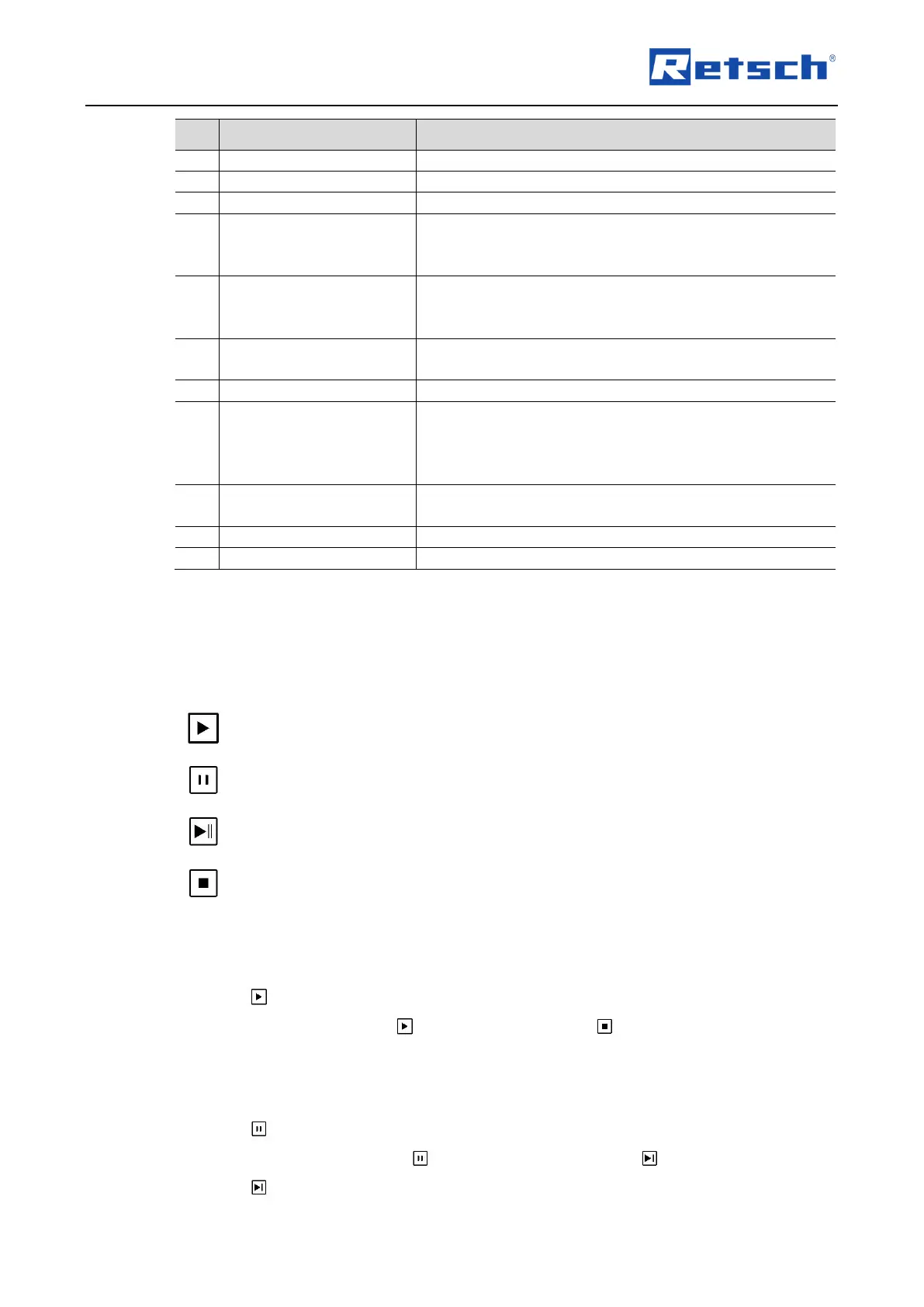
Stops the grinding process. By pressing again, the grinding
process is continued.
Starts the grinding process.
Stops the grinding process.
7.5 Controlling the grinding process
The grinding process can be controlled from the main menu, from the program and the cycle
mode using the function elements.
Continue grinding process after a pause
7.5.1 Starting the grinding process
Press to start the grinding.
After starting, the start sign changes to the stop sign .
7.5.2 Pausing the grinding process
Press to pause the grinding.
After pausing, the pause sign changes to the continue sign .
Press to continue the grinding process after a pause.


 To Next Page