Error Messages and Information Notes
67
8 Error Messages and Information Notes
8.1 Error Messages
Error messages inform the user about detected device or programme errors. In the event of an
error message, a fault has occurred, in which the operation of the device or the programme is
automatically interrupted. Such faults must be resolved before next startup.
MM 500 cryo
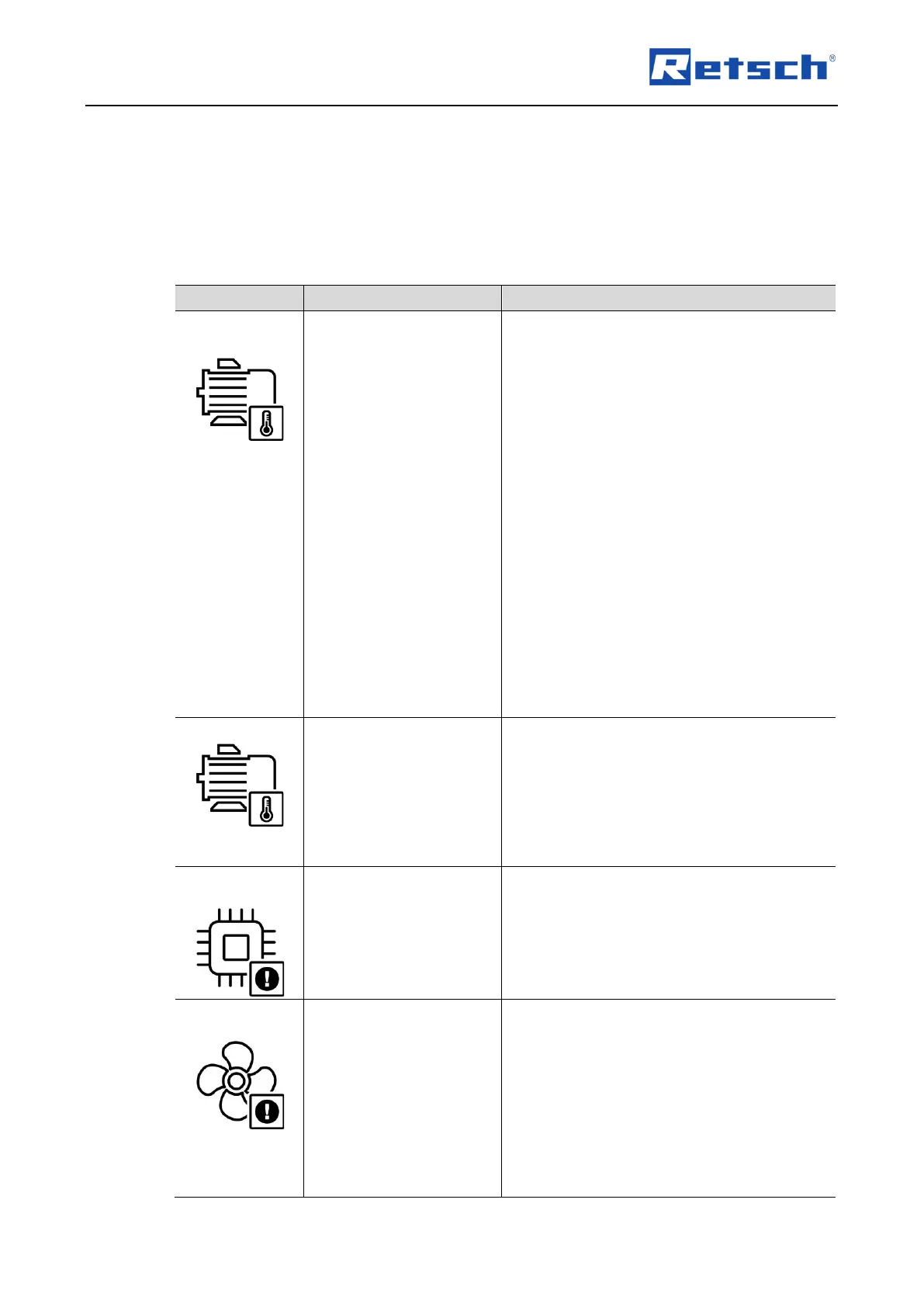
The drive can withstand brief overloads. In
the event of prolonged overload, self-
protection is activated.
This can happen in particular with high loads
(heavy grinding jars, hard samples, large
balls, high frequency).
• Check, whether the load on the
machine is too high.
• Check, whether there are any foreign
objects in the interior.
• Check, whether the rockers can be
moved easily by hand.
• Check, if the grinding process can be
run at a reduced frequency.
• Turn off the main switch and wait 30
seconds before turning the device on
again.
• If the error persists, contact the
Retsch GmbH service department.
• Turn off the main switch and wait 30
seconds before turning the device on
again.
• Allow the engine to cool before
restarting.
• If the error persists, contact the
Retsch GmbH service department.
• Turn off the main switch and wait 30
seconds before turning the device on
again.
• If the error persists, contact the
Retsch GmbH service department.
The fan is blocked and does not run.
• Check, whether the fan is blocked by
a foreign object.
• Turn off the main switch and wait 30
seconds before turning the device on
again.
• If none of the above causes can be
identified, contact the Retsch GmbH
service department.


 To Next Page