7.5.3 Stopping the grinding process
Press the character in order to pause the grinding.
The pause character changes to the continue character .
Press in order to continue the grinding process.
7.5.4 Grinding process successfully completed
The grinding process is automatically stopped once a specified grinding time has elapsed.
When the grinding process has been successfully completed, is displayed.
Press to acknowledge that the grinding process has been successfully completed.
7.6 Program mode
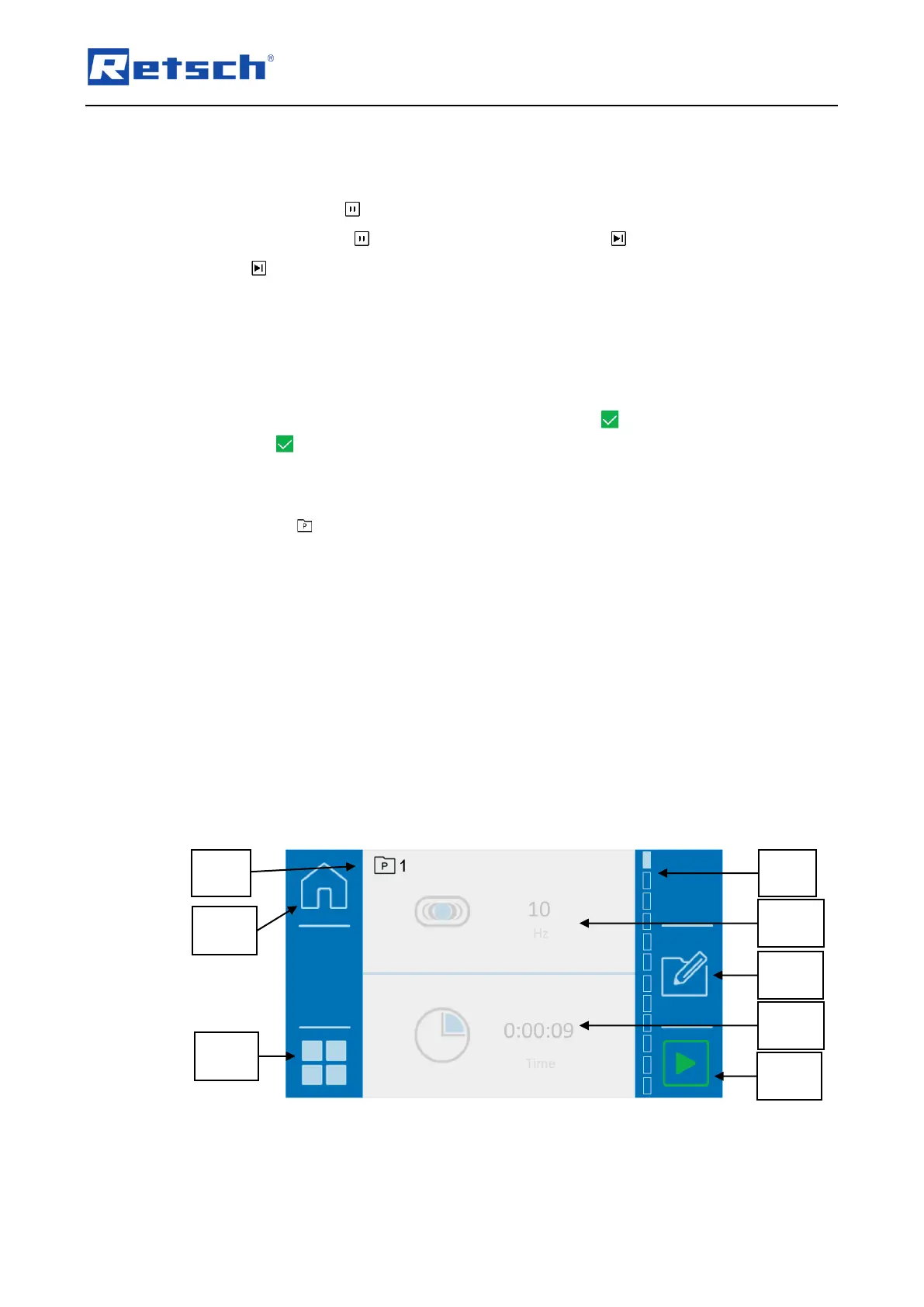
Press the button (N2.1) in the main menu to switch to programme mode. The display
changes to the current programme.
In programme mode, programmes may be selected, edited, saved, deleted and started.
If sample materials are often ground with the same parameters, these parameters can be stored
in the programme pre-sets and called up as Standard Operating Procedures (SOP) where
required.
Up to twelve programme pre-sets are available.
The following parameters can be saved in the individual programmes:
• Vibration frequency
• Grinding time
When starting grinding via a programme, the grinding parameters cannot be changed
during the grinding process.


 To Next Page