7.2 Function elements
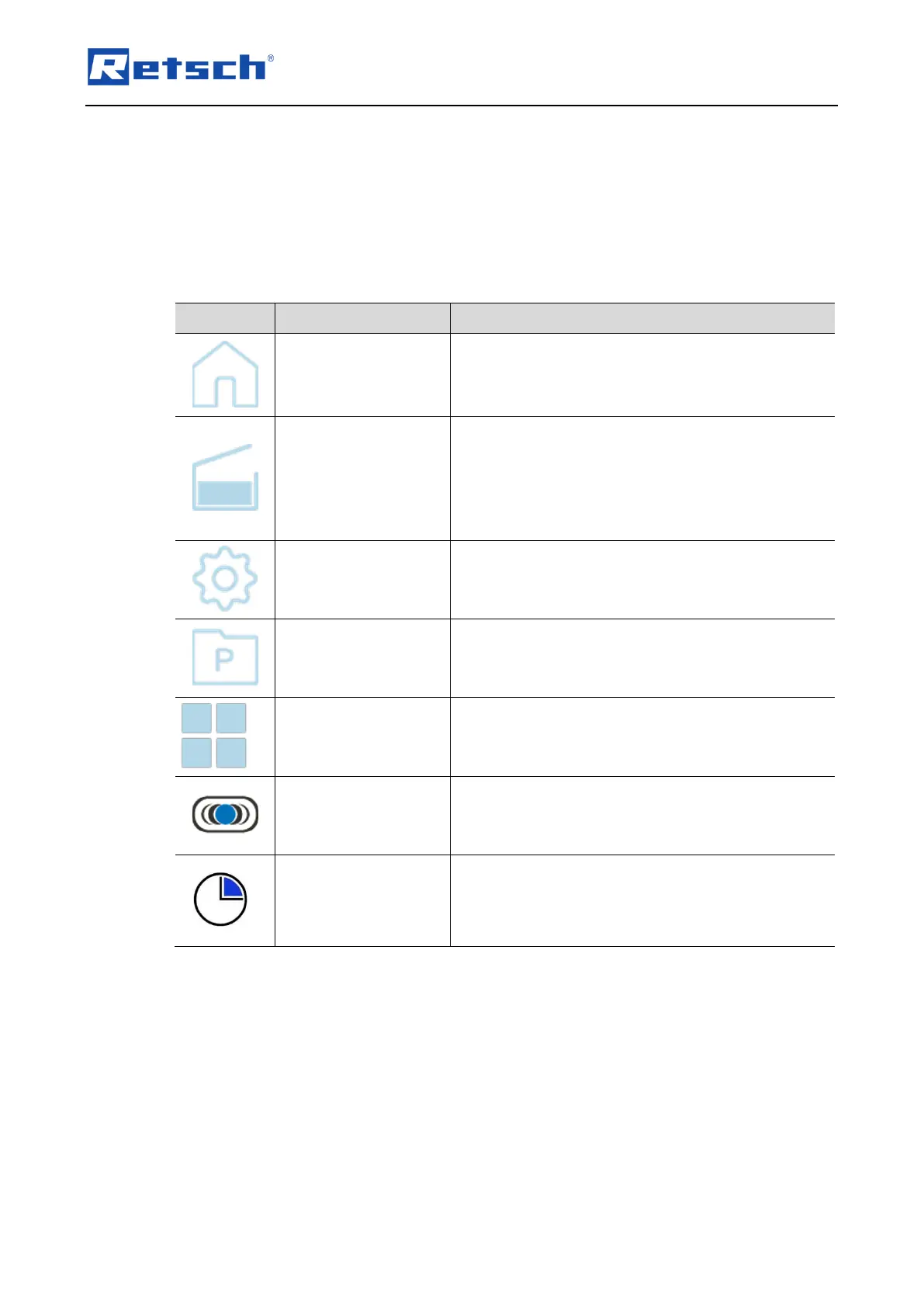
Functional elements are selected on the touch display and configured with the rotary knob.
Only the functional elements that can currently be selected and configured are displayed
or active. The background of the rotary knob lights up blue when an editable value is
selected.
Calling up the main menu.
The parameters for the grinding process can be
configured and the grinding process started via the
main menu.
Opening the hood of
the device
After switching on the device, the request to open and
close the hood of the device appears on the touch
display.
The device is ready for operation by opening and
closing the hood of the device once.
Access to programme mode.
Goes to gallery view.
The saved programmes are displayed and can be
selected directly.
Vibration frequency for configuration of the grinding
process.
Grinding time for configuring the grinding process.


 To Next Page