Installing additional equipment
77
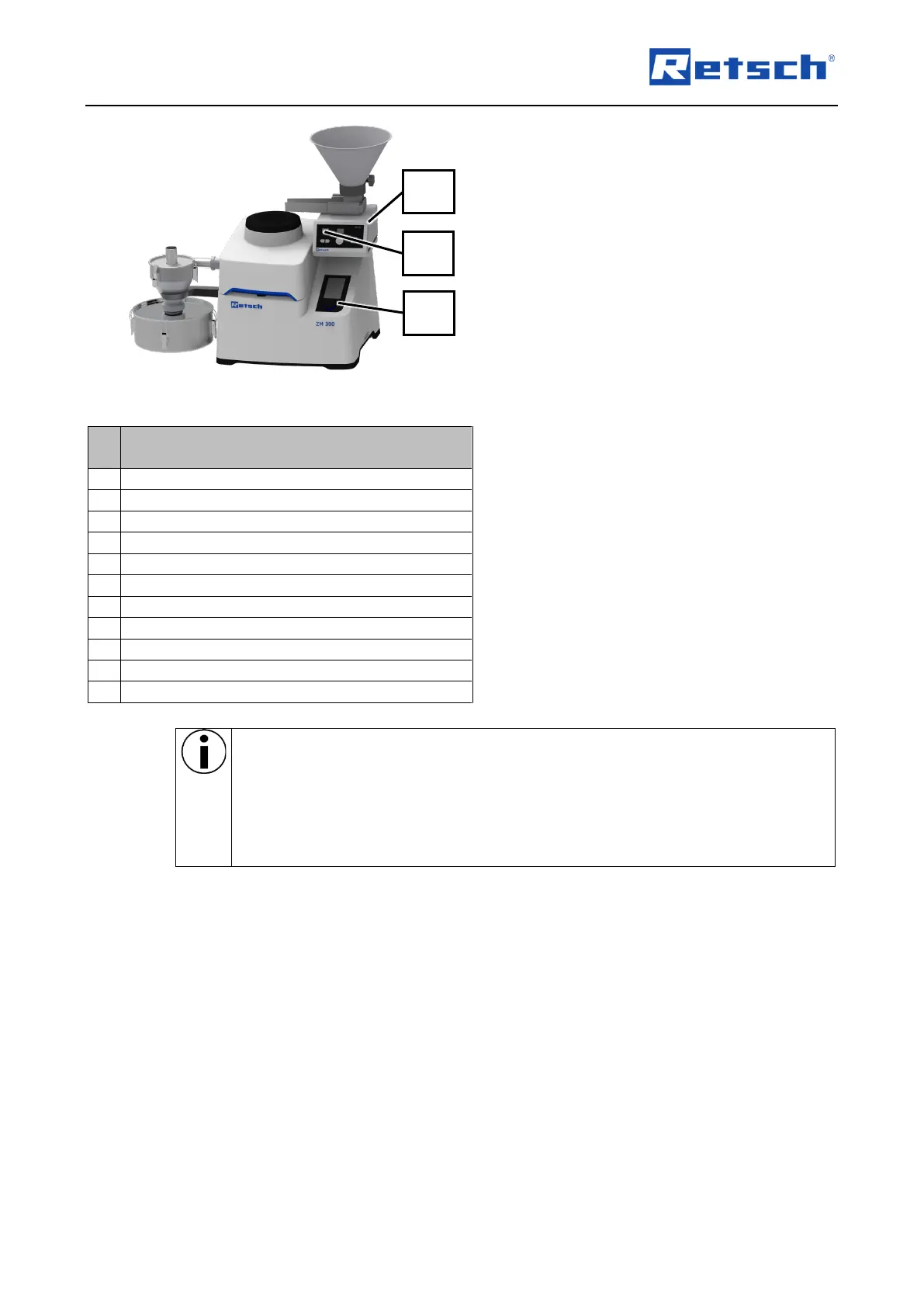
Fig. 55: Device with installed DR 100 feed unit
➔ The touch display (6) of the device is
activated and the control dial (7) briefly
lights up in blue.
➔ The display (35) of the DR 100 feed unit
(33) is activated and shows "pc" during
synchronisation (Fig. 55).
➔ On the touch display (6) of the device, the
functions "DR 100 conveying speed" and
"Automatic stop" are activated.
➔ The device and the DR 100 feed unit (33)
are synchronised.
➔ The DR 100 feed unit (33) is installed and
ready for use.
Hopper for noise reduction
Interface for DR 100 feed unit
Chute of the DR 100 feed unit
Hopper of the DR 100 feed unit
Display of the DR 100 feed unit
Synchronisation between the device and the DR 100 feed unit deactivates the
automatic opening function of the device. This means that the device hood does not
hit the chute (28) of the DR 100 feed unit due to the automatic unlocking at the end of
a grinding process.
Loosen the toggle screw on the base plate and swivel away the DR 100 feed unit
before opening the device hood.



 To Next Page