11. If required, insert the grinding tools
(cassette with lid, ring sieve, rotor and
labyrinth disc) (see "Inserting grinding
tools").
12. Switch on the device with the main switch
(16) at the rear of the device.
➔ The touch display (6) is activated and the
background of the control dial (7) briefly
lights up in blue.
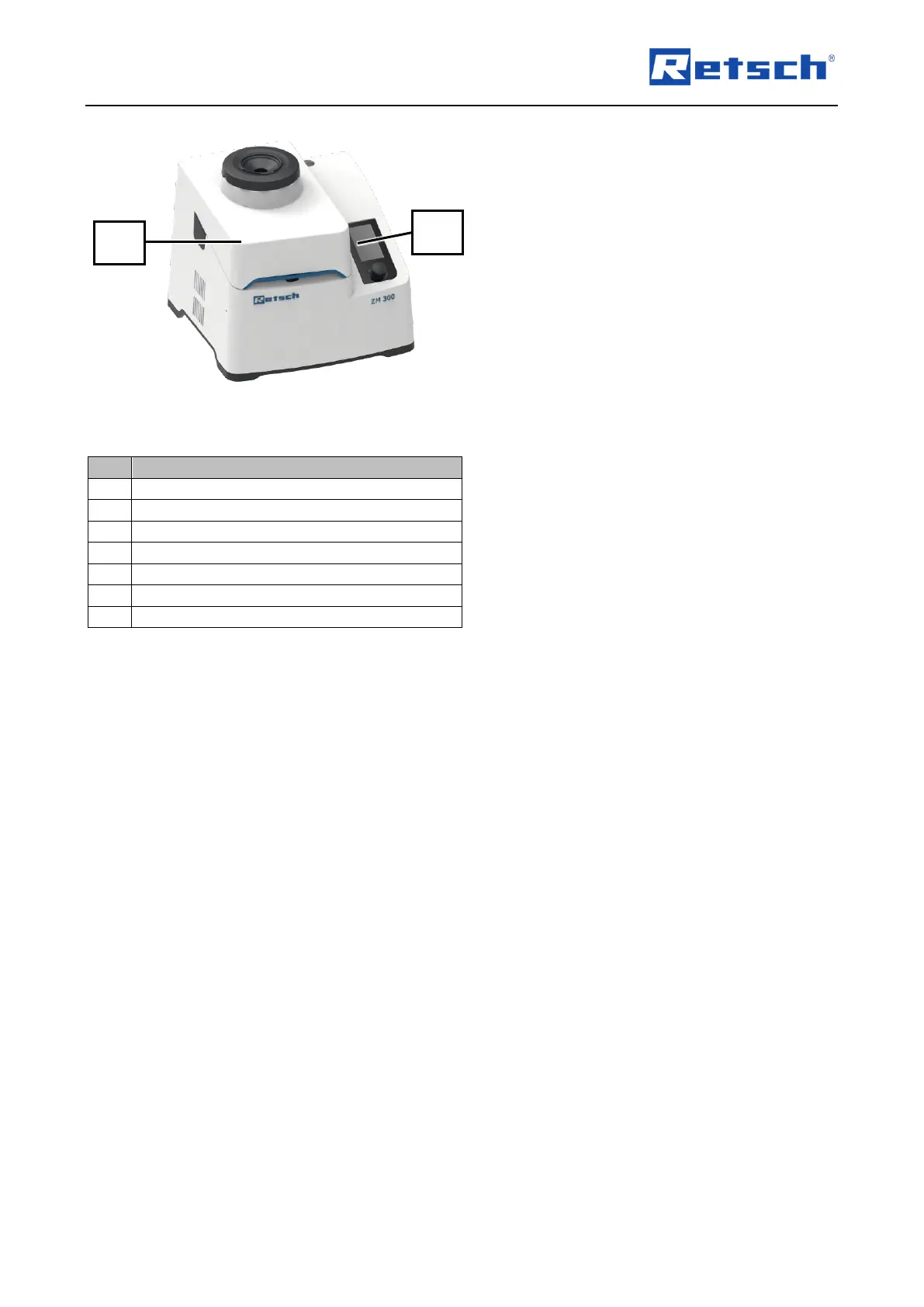
13. Close the device hood (2) by hand and
hold it in closed position for approx. 2 sec.
➔ The device hood (2) is locked and held
closed by the locking pin (8) (Fig. 59).
➔ The interior (10) is cleaned and the device
is ready for use.



 To Next Page