Cover/Slip Sheet
153
2
Front Cover
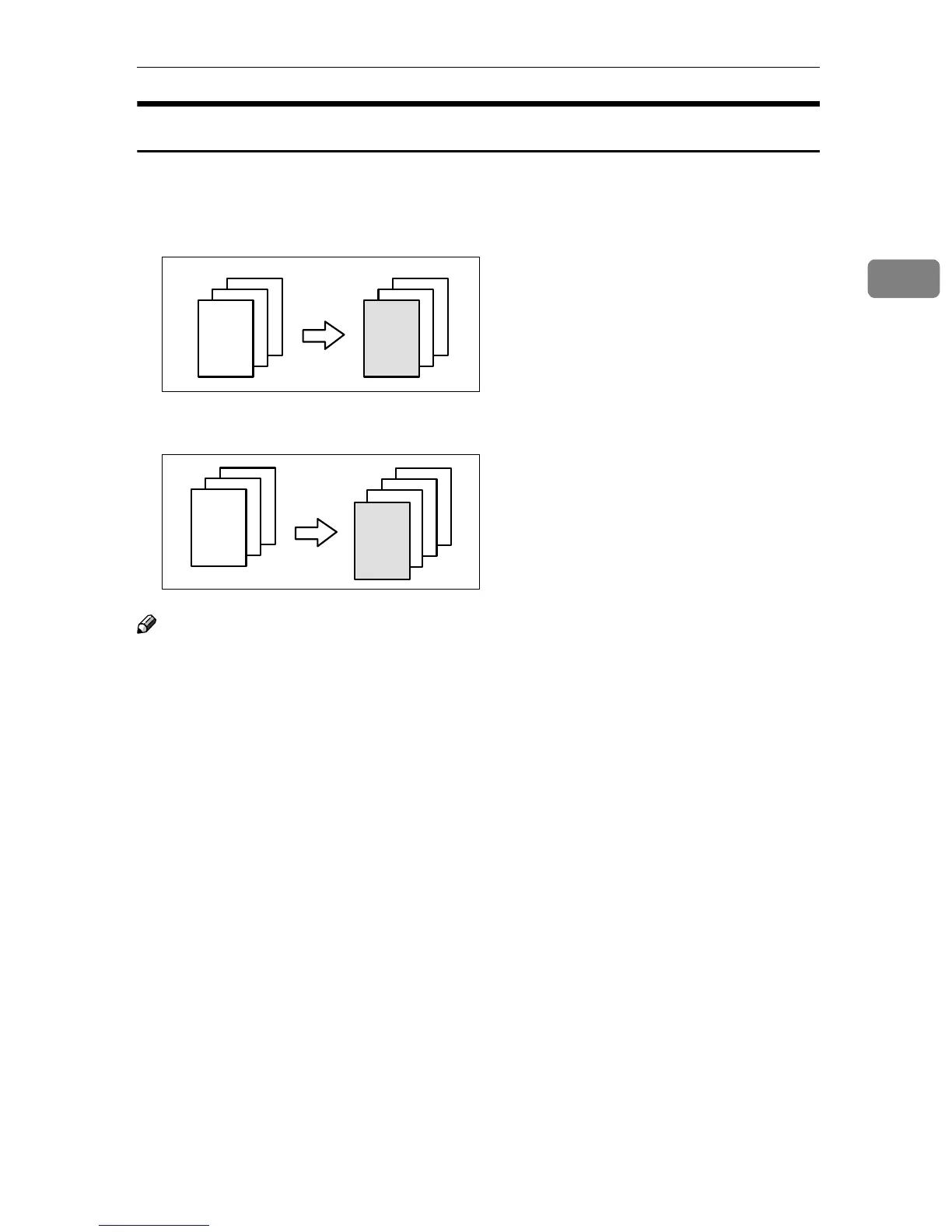
The first page of your originals is copied on specific paper sheet for covers, or a
cover sheet is inserted before the first copy.
❖
❖❖
❖ Copy
❖
❖❖
❖ Blank
Note
❒ You can specify whether to make a copy on a sheet for covers. If you select
[Copy], the first page will be copied on the cover sheet. If you select [Blank], a
cover sheet will just be inserted before the first copy.
❒ When choosing [Copy], select whether the front and back covers are copied
single-sided (“1 Sided Only”) or double-sided (“Duplex Copy”). See “Cover”
in the System Settings manual.
❒ In “Cover” of the User Tools (System Settings), if you selected “Mode Select-
ed” for “Tray Display” setting, the machine refers to the settings in “Cover”
about whether the front and back covers are copied single-sided (“1 Sided
Only”) or double-sided (“Duplex Copy”). If you selected “Display Always”
for “Tray Display”, the machine refers to the settings in “Special Paper Indi-
cation” about whether the front and back covers are copied single-sided (“1
Sided Copy”) or double-sided (“Duplex Copy”). See “Special Paper Indica-
tion” and “Cover” in the System Settings manual.
❒ When you use this function with Combine mode, you can specify whether to
combine the front cover or not. See “Cover page in combine mode” in ⇒ p.301
“Page Format
2
/
2
”.
3
2
1
3
2
1
3
2
1
3
2
1



 To Next Page