Copying
82
2
Editing Job Preset
A
AA
A
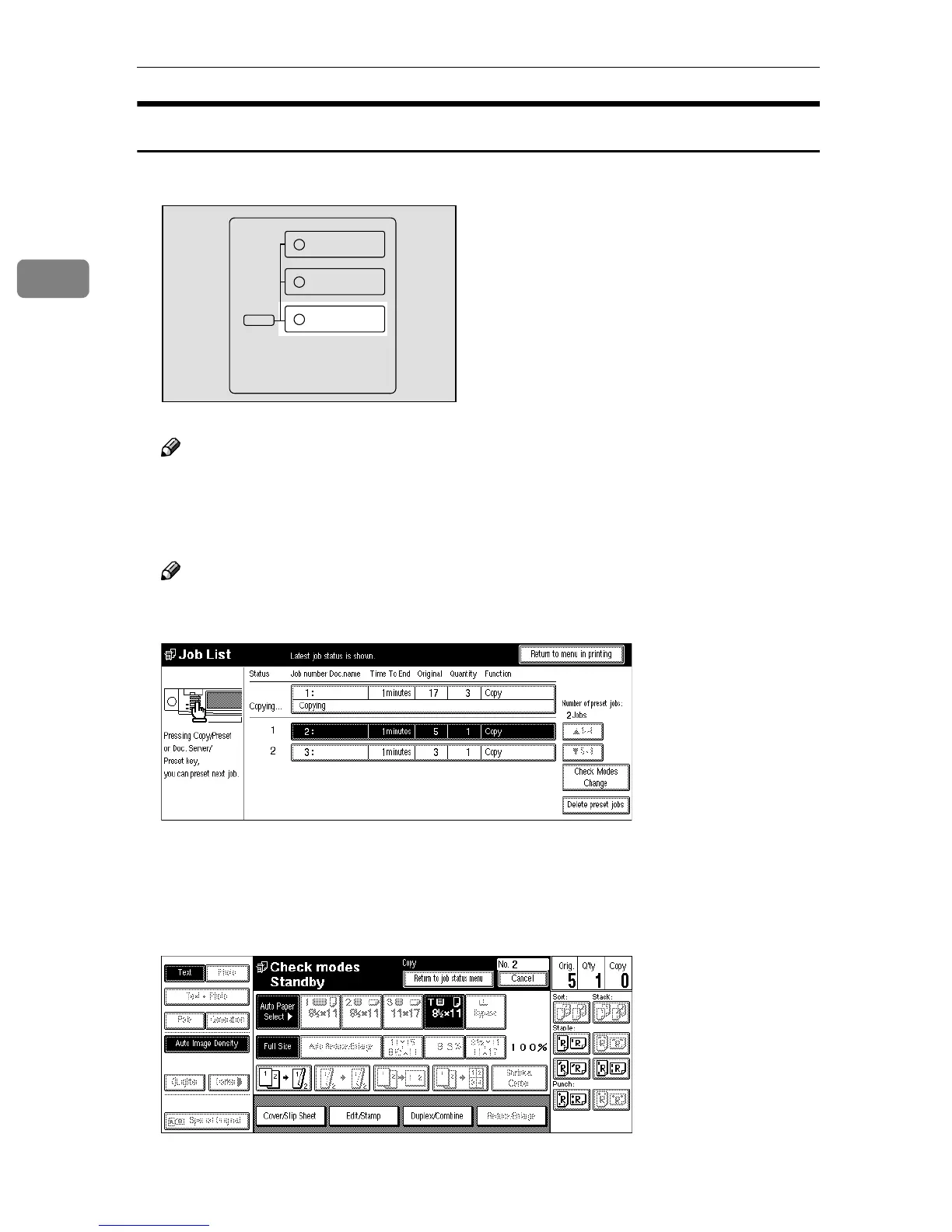
Press the {
{{
{Job List}
}}
} key.
Note
❒ You can confirm the preset number, time to end, number of originals,
number of copy sets, and functions you use in the job status list.
B
BB
B
Press the preset job you want to change.
Note
❒ If the desired job is not shown and more than 5 jobs are preset, press the
[T
TT
T5∼
∼∼
∼8] key to display the desired job.
C
CC
C
Press the [Check Modes//Change] key.
D
DD
D
Change the settings.
E
EE
E
Press the [Return to job status menu] key.
ZBQS090N
Copy
New Job
Document Server
New Job
Job List



 To Next Page