Copying
184
2
Stamp
This function prints stamp on the copies. Stamp modes are as follows:
❖
❖❖
❖ Background Numbering
This function prints numbers on the background of copies.
❖
❖❖
❖ Preset Stamp
This function prints preset messages on copies.
❖
❖❖
❖ User Stamp
This function prints custom messages on copies.
❖
❖❖
❖ Date Stamp
This function prints the date on copies.
❖
❖❖
❖ Page Numbering
This function prints page numbers on copies.
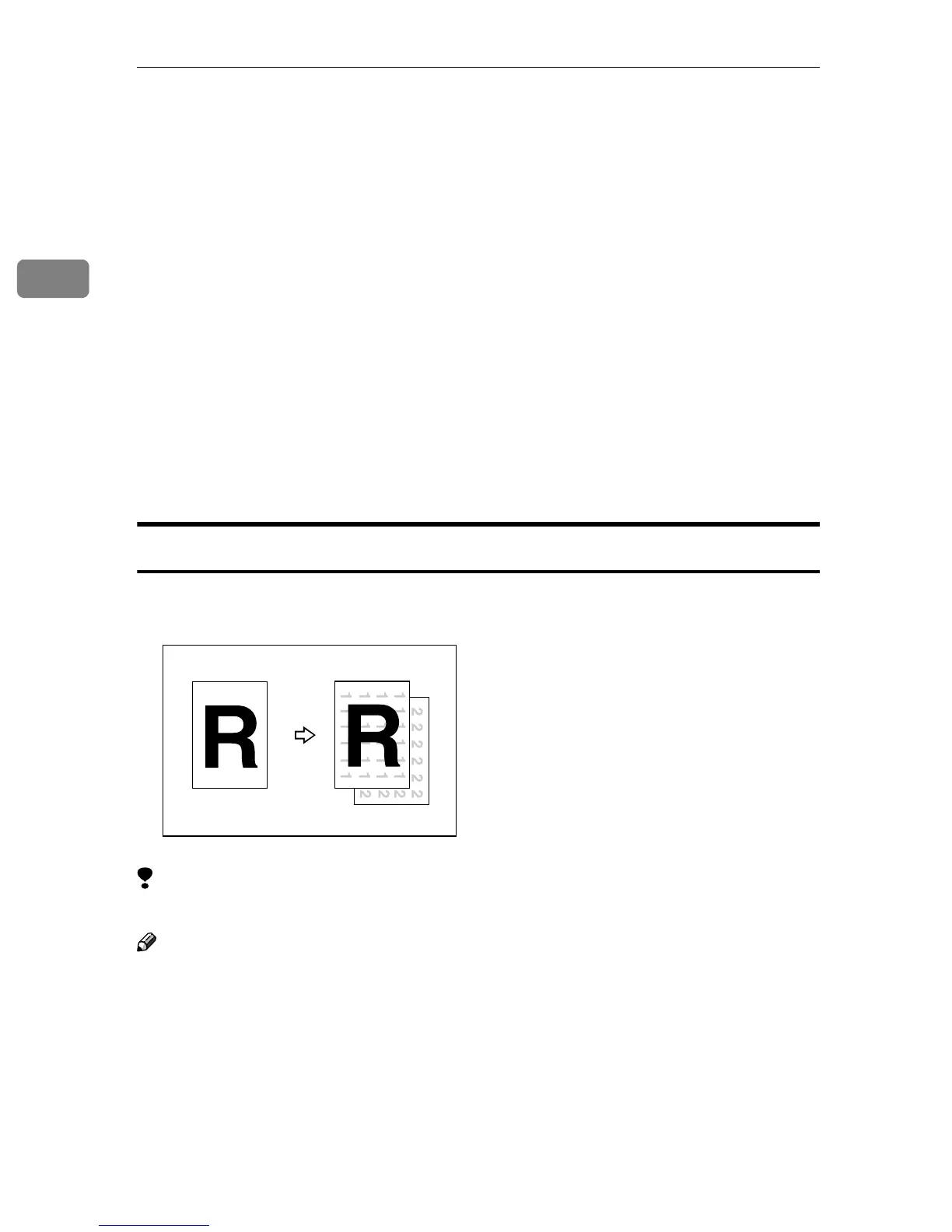
Background Numbering
Use this function to have numbers printed on the background of copies.
This function can help you to keep track of confidential documents.
Limitation
❒ You cannot use the bypass tray with this function.
Note
❒ You can change the size of the numbers with the User Tools. See “Size” in ⇒
p.303 “Background Numbering”.
❒ You can change the density of the numbers with the User Tools. See “Densi-
ty” in ⇒ p.303 “Background Numbering”.
❒ Numbers are printed on all pages.
GCSTMP2E



 To Next Page