10
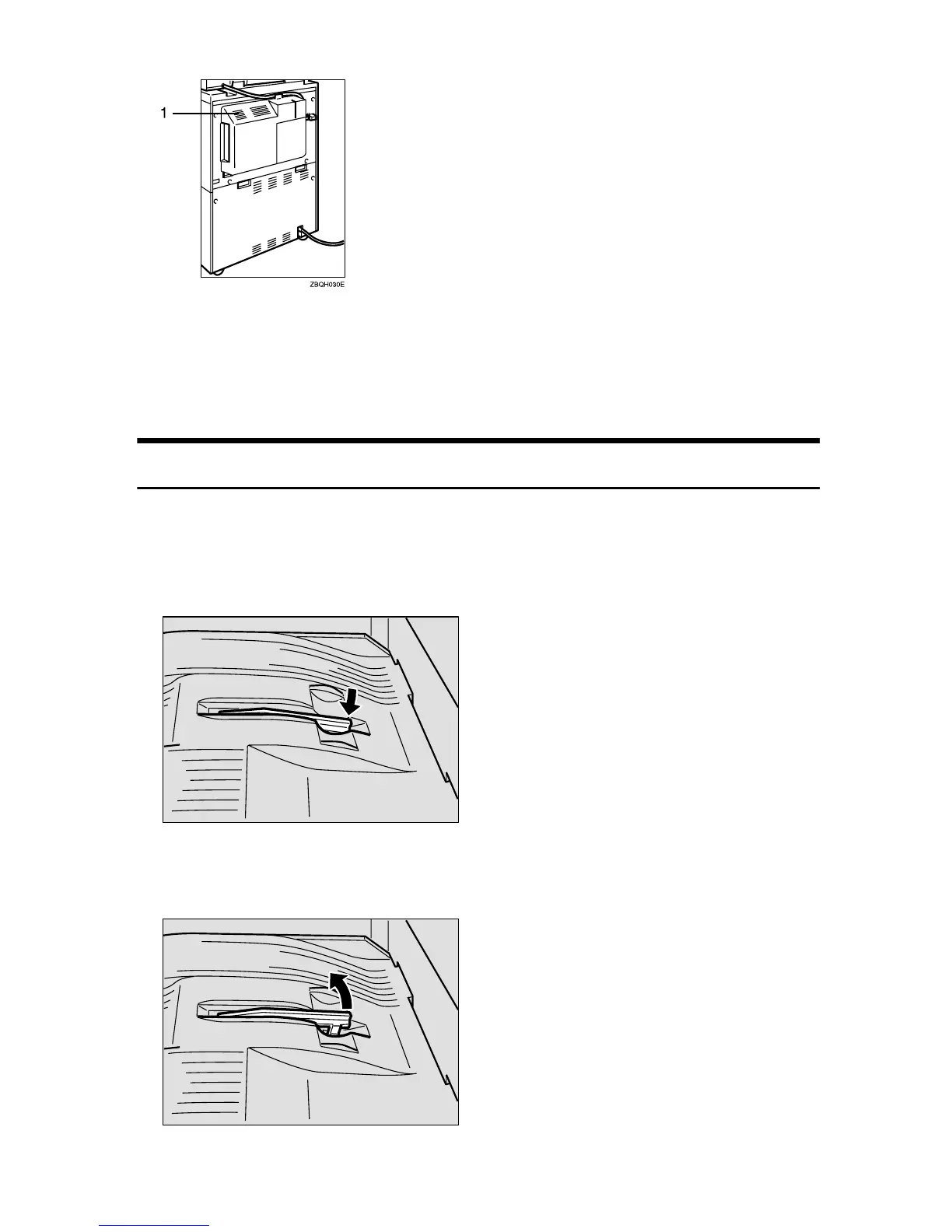
1. Ventilation hole
Prevents overheating. Do not obstruct
the ventilation hole by placing or leaning
an object near it. If the machine over-
heats, a fault might occur.
Output Tray Guide
When copying onto OHP transparencies and translucent paper, raise the guide.
This prevents copies from being curled when delivered.
❖
❖❖
❖ To copy onto normal paper and thick paper
Pinch the right end of the guide, and then lower it until it clicks into place.
❖
❖❖
❖ To copy onto OHP transparencies and translucent paper
Raise the right end of the guide until it clicks.
TSPH020E
TSPH030E



 To Next Page