Connect Copy Display Panel
229
4
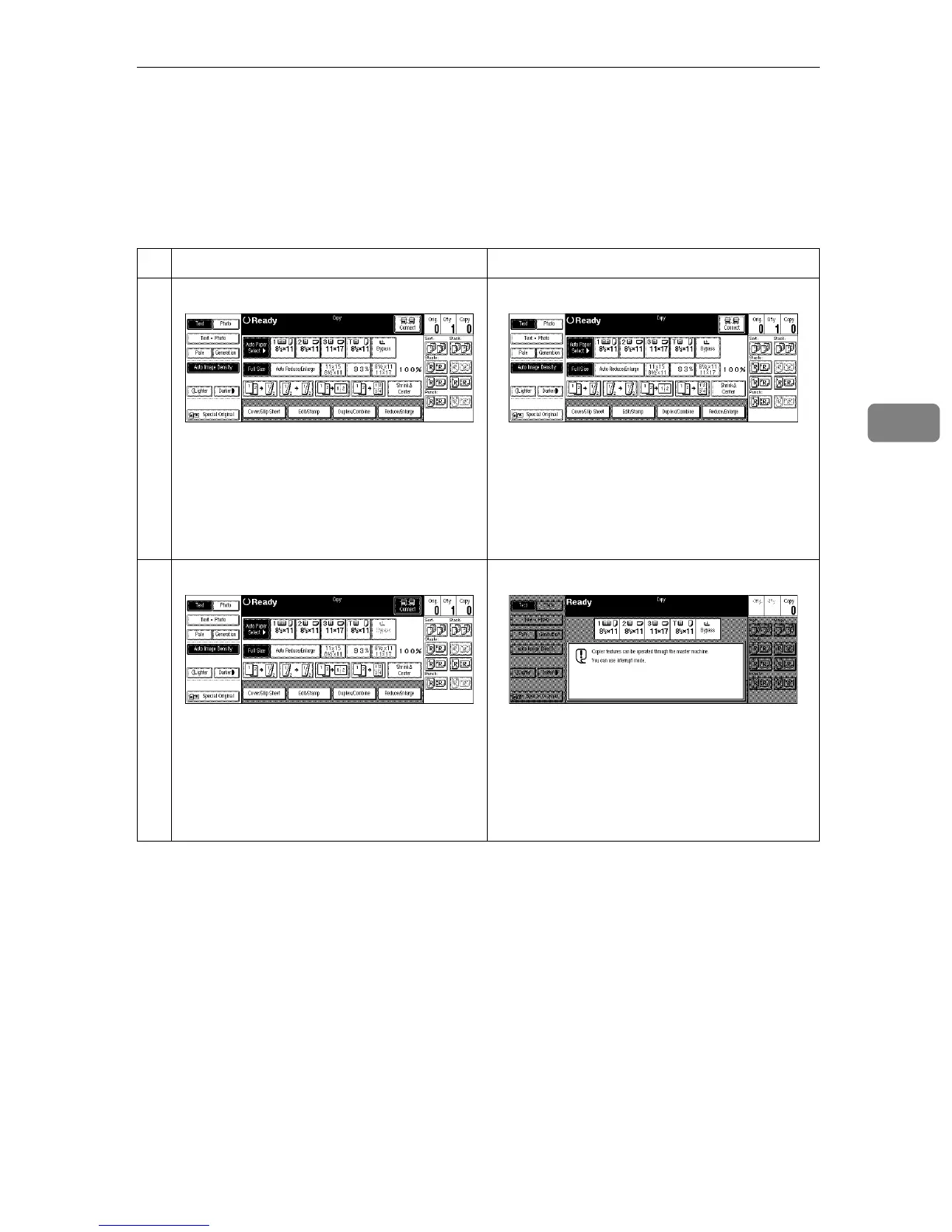
Connect Copy Display Panel
This section describes the displays on the master unit and sub-unit.
Note that when you enter Connect Copy mode, you must access all Connect
Copy features and menus through the master unit display panel.
Master unit Sub-unit
Initial display in standard copy modeInitial display in Connect Copy mode



 To Next Page