Basic Functions
51
2
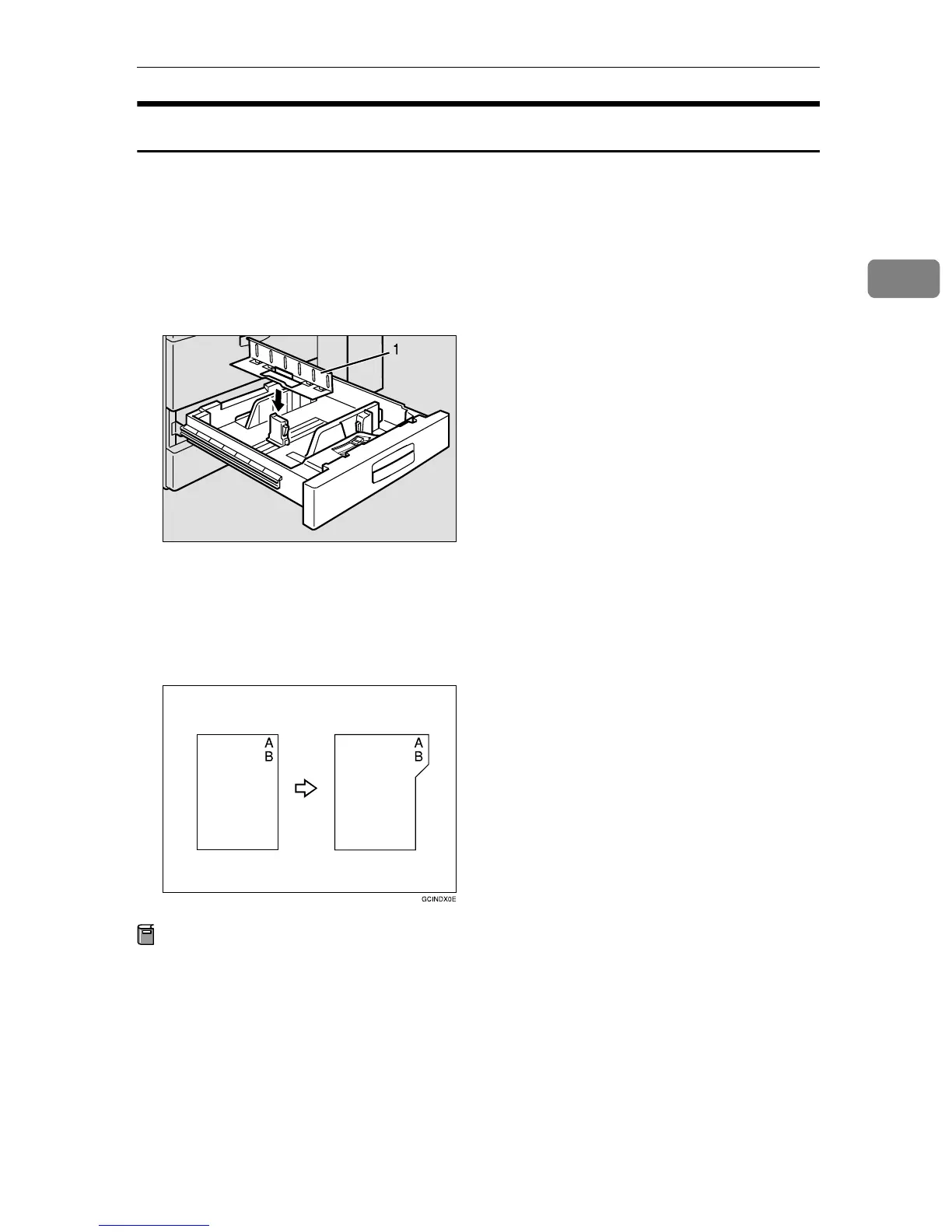
Copying onto Tab Stock
You cannot use this function when the optional finisher is installed.
The options which are required to use this function are as follows:
• Output tray
• Tab sheet tray
1. Tab sheet tray
To make copies onto tab stock, you need to specify the paper type. For details,
see “Tray 2: Special Paper Indication” in the System Settings manual.
Preparation
Select “Tab Stock” in “Tray 2: Special Paper Indication” of the User Tools
(System Settings). See “Tray 2: Special Paper Indication” in the System Set-
tings manual.
Specify the paper size in “Tray 2:Paper Size Setting” of the User Tools (System
Settings) as follows:
• Metric version: A4K
• Inch version: 8
1
/
2
" × 11"K
Set the tab stock in Tray 2.
ZBQY260E



 To Next Page