Relationship Between Master Unit and Sub-Unit Copy/Document Server Features
245
4
Relationship Between Master Unit and
Sub-Unit Copy/Document Server Features
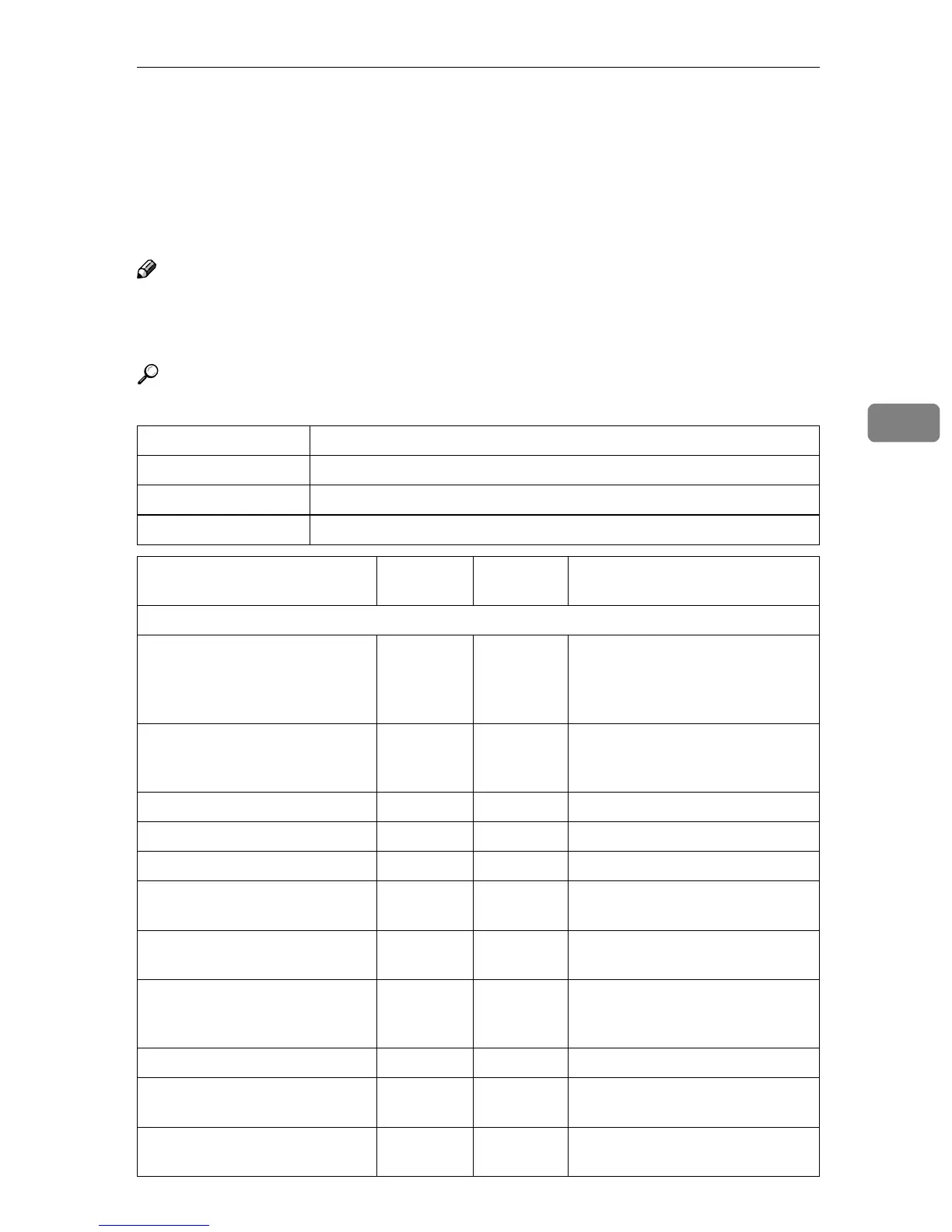
This section describes which Copy/Document Server Features are used by the
master unit and sub-unit in Connect Copy mode.
Note
❒ In Connect Copy mode, the {
{{
{User Tools/Counter}
}}
} key on the sub-unit is dis-
abled. To access the User Tools on the sub-unit, you need to exit Connect
Copy mode first.
Reference
⇒ p.287 “User Tools (Copy/Document Server Features)”
Symbol Meaning
✩ The master unit and sub-unit use each setting
← Both units use the master unit setting
— Unrelated
Menu Master
unit
Sub-unit Remarks
General Features
Auto Paper Select Priority ✩ — Trays with the same size and di-
rection of paper will be selected
from the master unit and sub-unit
automatically.
Auto Paper Select Tray Display ✩ — The sub-unit displays the type of
paper whether this function is se-
lected or not.
Auto Image Density Priority ✩ —
Original Mode Priority ✩ —
Original Mode Display ✩ —
Original Mode Quality Level ✩✩Same level should be selected on
both units.
Original Image Density Level ✩✩Each unit uses its own pro-
grammed value.
Auto Reset Timer ✩ — Connect Copy will be cancelled
according to the timer on the mas-
ter unit.
Duplex Mode Priority ✩ —
Copy Orientation in Duplex
Mode
✩ —
Original Orientation in Duplex
Mode
✩ —



 To Next Page