Setting Originals
33
2
Setting Originals
Limitation
❒ Set originals after correction fluid and ink has completely dried. Not taking
this precaution could mark the exposure glass and cause marks to be copied.
Note
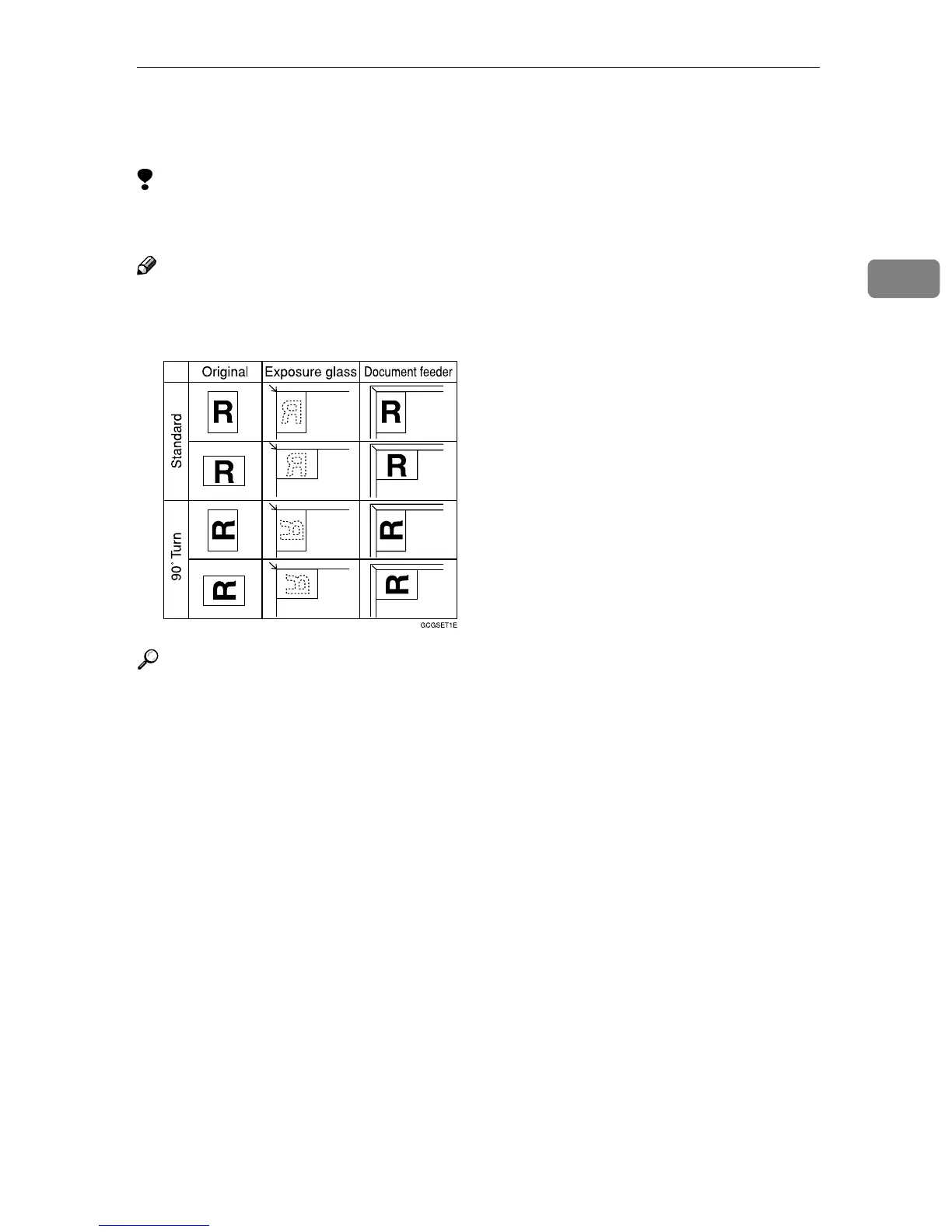
❒ Basically originals should be aligned to the rear left corner. However, some
copy functions may produce different results depending on the direction of
the originals. For details, see the explanations of each function.
Reference
⇒ p.23 “Originals”.



 To Next Page