Copying
76
2
Storing a Program
A
AA
A
Edit the copy settings so that all functions you want to store in this program
are selected.
B
BB
B
Press the {
{{
{Program}
}}
} key.
C
CC
C
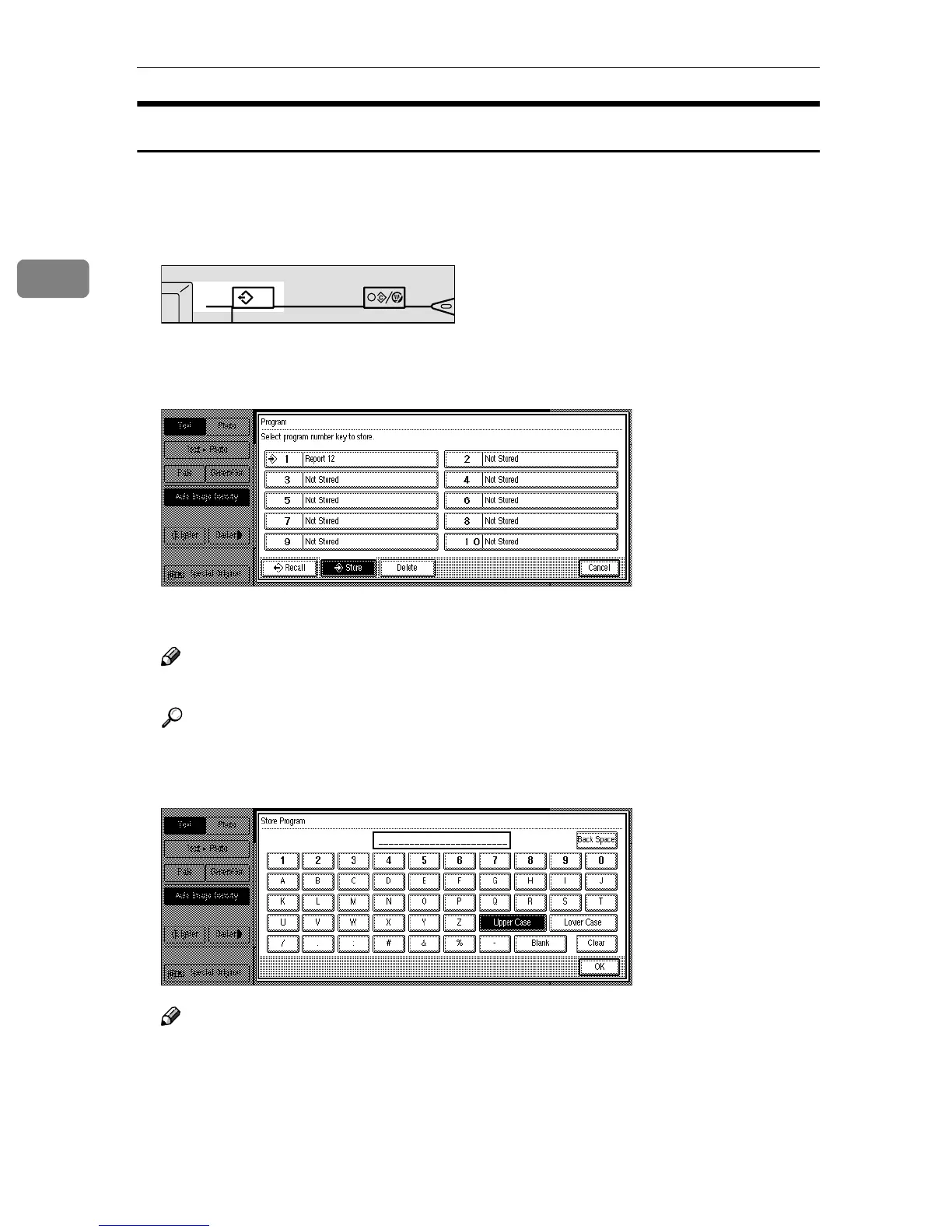
Press the [Store] key.
D
DD
D
Press the program number you want to store.
Note
❒ Program numbers with m already have settings in them.
Reference
⇒ p.77 “Changing a Stored Program”
E
EE
E
Enter the program name with the letter keys on the display panel.
Note
❒ If you do not wish to enter the program name, go to step F.
❒ You can register up to 25 characters.
❒ To change the name entered, press the [Back Space], [Clear] or {
{{
{Clear/Stop}
}}
}
key and enter new letters.
TSPS030N
Interrupt
Program
Clear Modes/
Energy Saver



 To Next Page