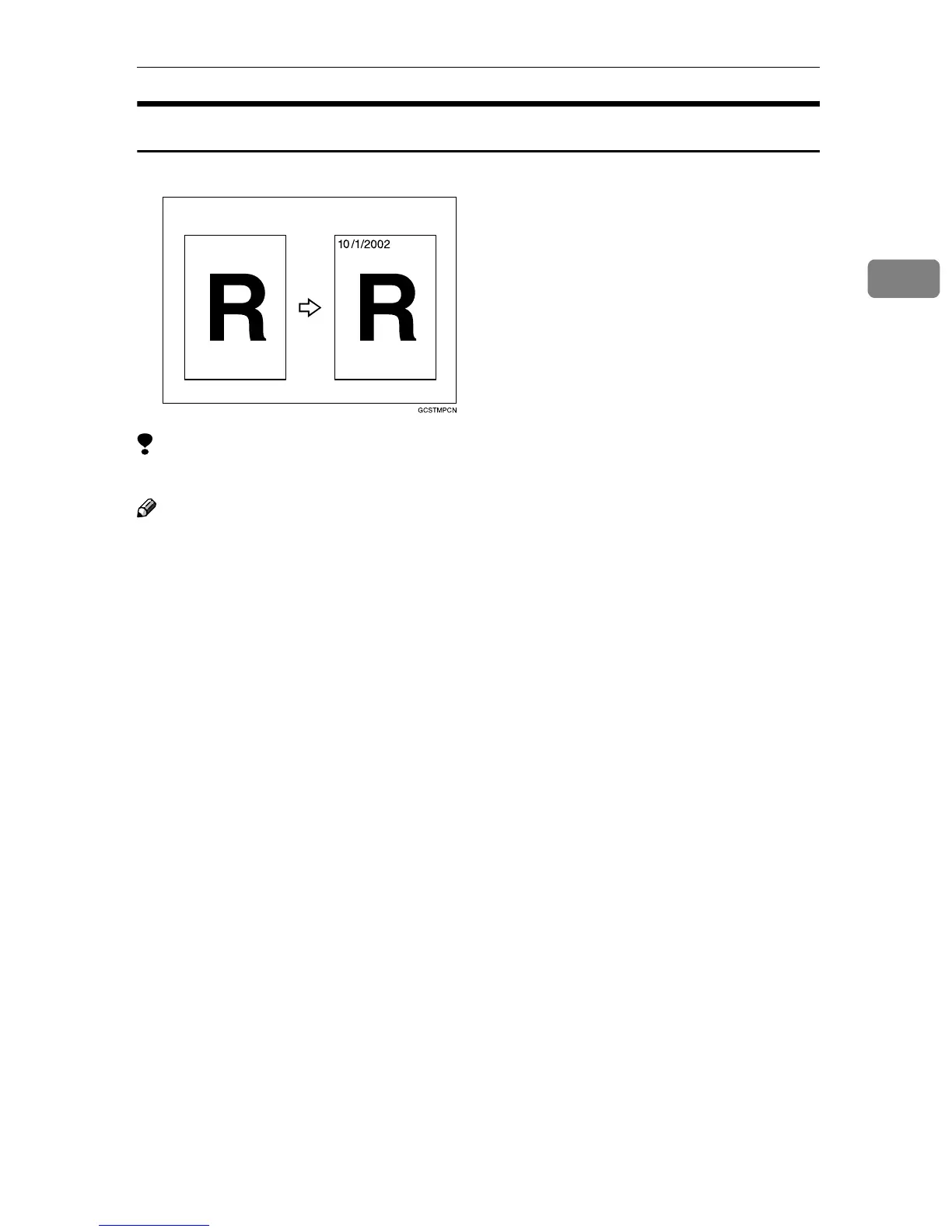
Stamp
197
2
Date Stamp
Limitation
❒ You cannot use the bypass tray with this function.
Note
❒ You can select the following styles:
• MM/DD/YYYY
• MM.DD.YYYY
• DD/MM/YYYY
• DD.MM.YYYY
• YYYY.MM.DD
❒ You can change the Date Stamp settings with the User Tools. See ⇒ p.306
“Date Stamp”.
❒ The font and size of the Date Stamp can be changed with the User Tools. See
“Font” and “Size” in ⇒ p.306 “Date Stamp”.
❒ You can select whether the Date Stamp is printed negative if it overlaps black
parts of an image. See “Superimpose” in ⇒ p.306 “Date Stamp”.
❒ For how to set the date, see “Set Date” in the System Settings manual.
❒ You can choose the default settings for the stamp position with the User
Tools. See “Position Priority” in ⇒ p.306 “Date Stamp”.
❒ The size, font and superimpose settings are linked with the Page Numbering
functions.
❒ You cannot combine the Date Stamp function with the Image Repeat or Dou-
ble Copies function.



 To Next Page