31
2. Copying
Basic Procedure
A
AA
A
Make sure that the machine is in Copy mode.
If the machine is not in Copy mode, press the {
{{
{Copy/New Job}
}}
} key.
B
BB
B
When the machine is set for the user code, enter the user code with the
number keys and then press the {
{{
{#}
}}
} key.
Reference
⇒ p.87 “User Codes”.
C
CC
C
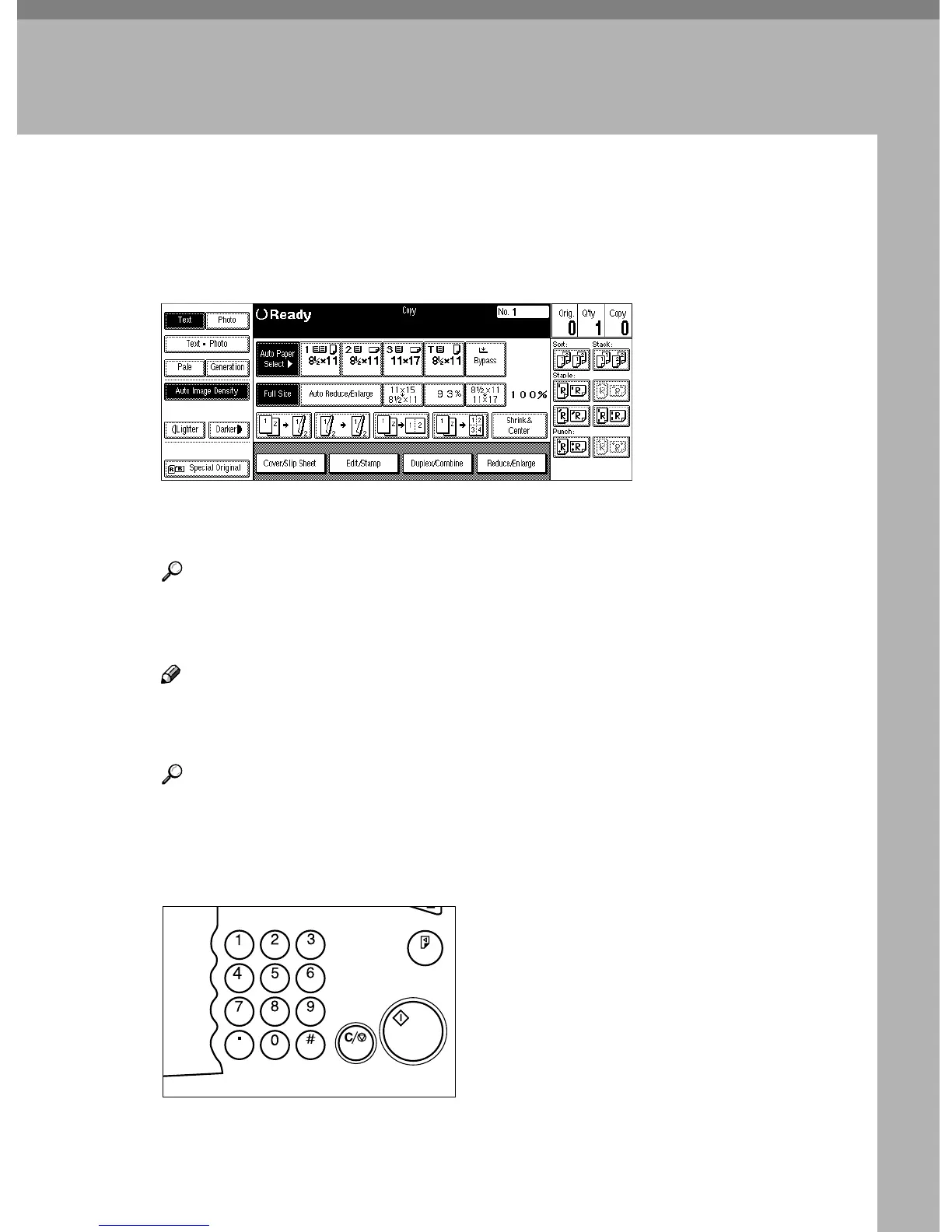
Make sure that there are no previous settings remaining.
Note
❒ To clear settings, press the {
{{
{Clear Modes/Energy Saver}
}}
} key.
D
DD
D
Set your originals.
Reference
⇒ p.33 “Setting Originals”.
E
EE
E
Set your desired settings.
F
FF
F
Enter the number of copies required with the number keys.
Sample Copy
Clear/Stop
Start
Enter
TSPS020N



 To Next Page