Copying
52
2
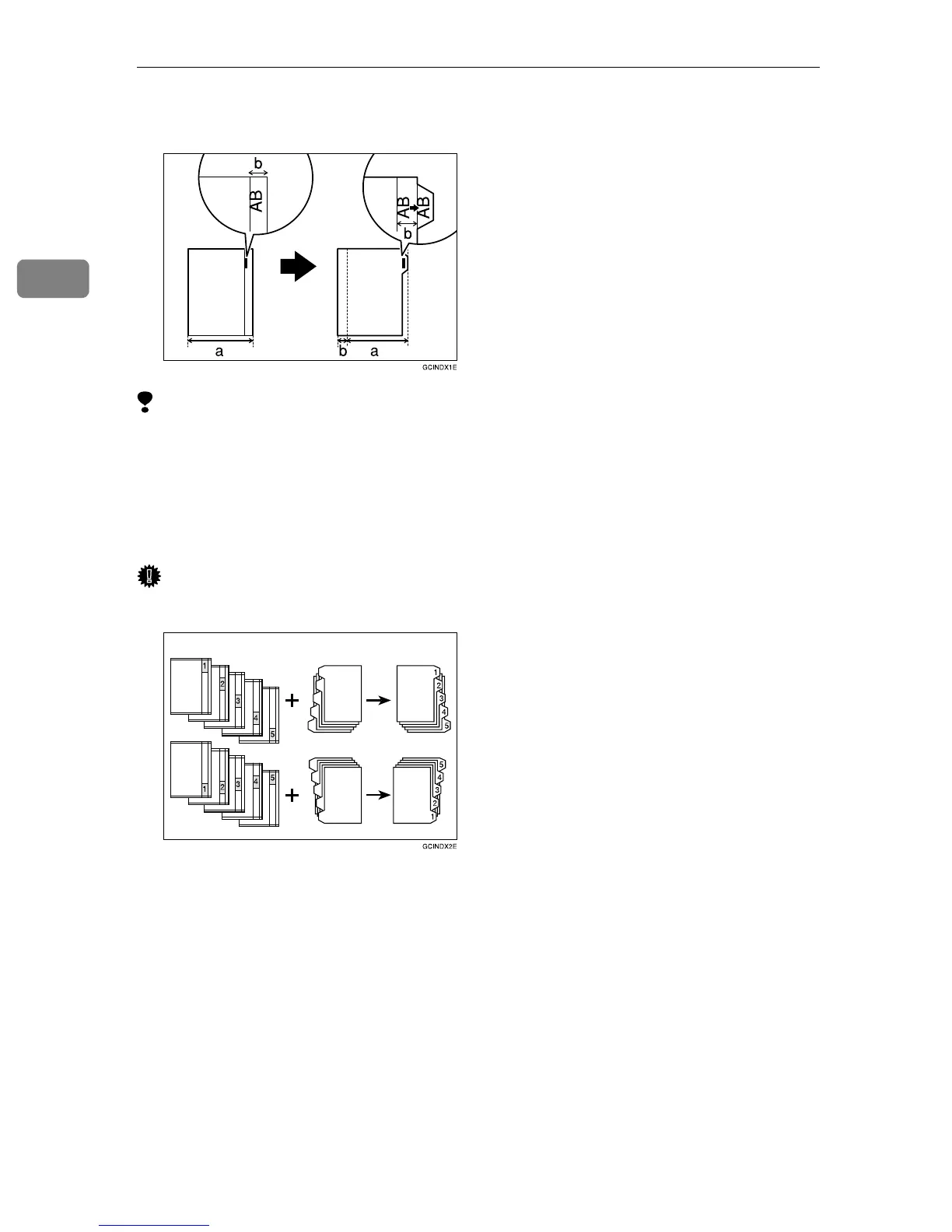
Check the position of the index tab to avoid cropping the image. See “Tray 2:
Special Paper Indication” in the System Settings manual.
Limitation
❒ Use originals which contain only text.
❒ The image area of one original should be 6% or less of the whole area of the
original.
❒ The font size of the letters on the originals should be 16 points or less.
❒ When using the tab stock, the temperature should be 20ºC, 68ºF or more.
Important
❒ Tab stock is always fed starting with the top tab.
1.
Set originals
2. Place the tab stocks in Tray 2
3. Make copies
1
2
3



 To Next Page