Job Preset
81
2
Note
❒ The receipt number (preset number) of the preset job is displayed on the
upper right of the display panel.
❒ To cancel this job, press the [Cancel] key.
C
CC
C
Set the originals in the document feeder and press the {
{{
{Start}
}}
} key.
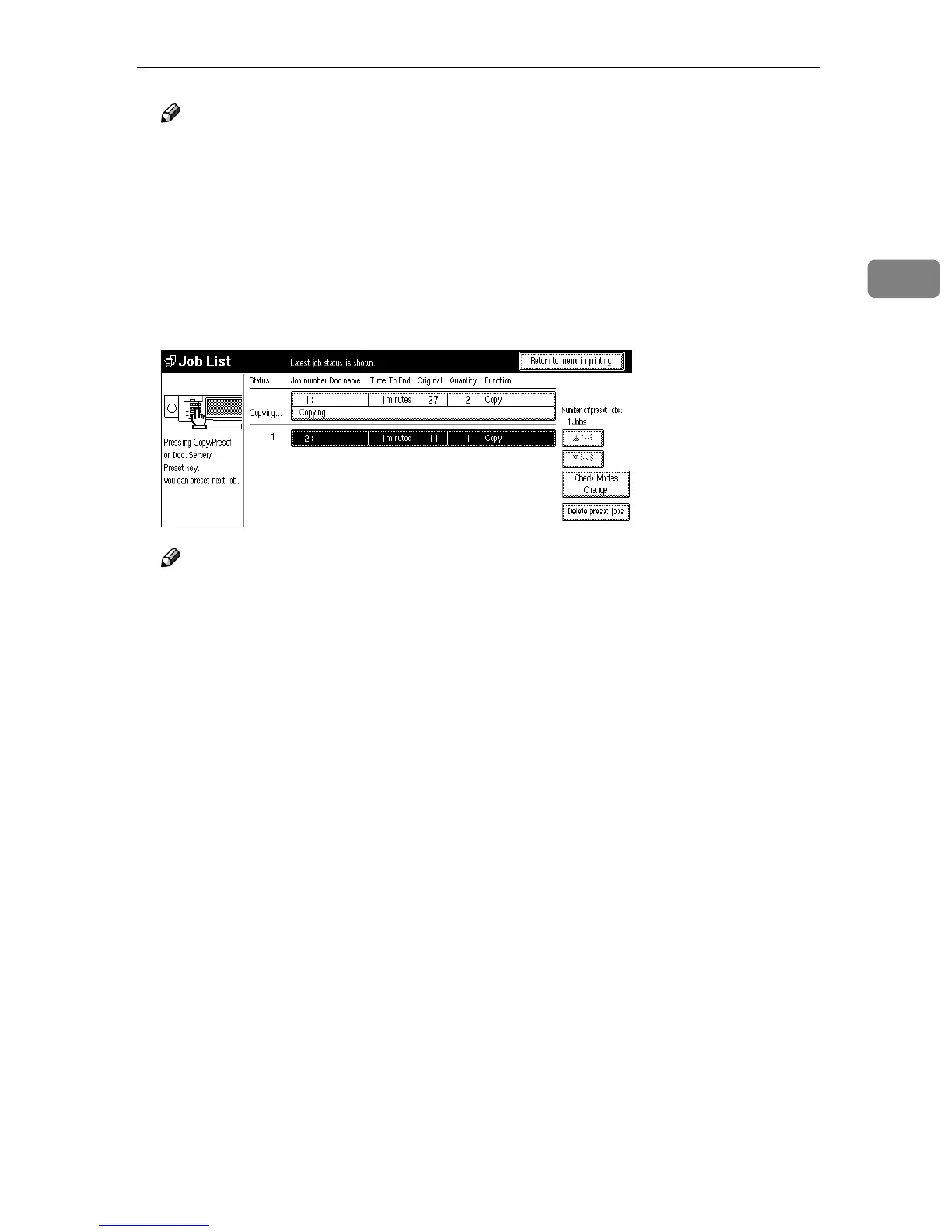
After all originals are scanned, the Job List is displayed.
D
DD
D
Press the [Return to menu in printing] key.
After the current copy job, the next job starts automatically.
Note
❒ You can switch the display to the current copy job by pressing the [Return
to menu in printing] or [Return to menu in scanning] key. You can switch the dis-
play to the preset job by pressing the [Return to menu in setting new job] key.



 To Next Page