If Your Machine Does Not Operate as You Want
257
5
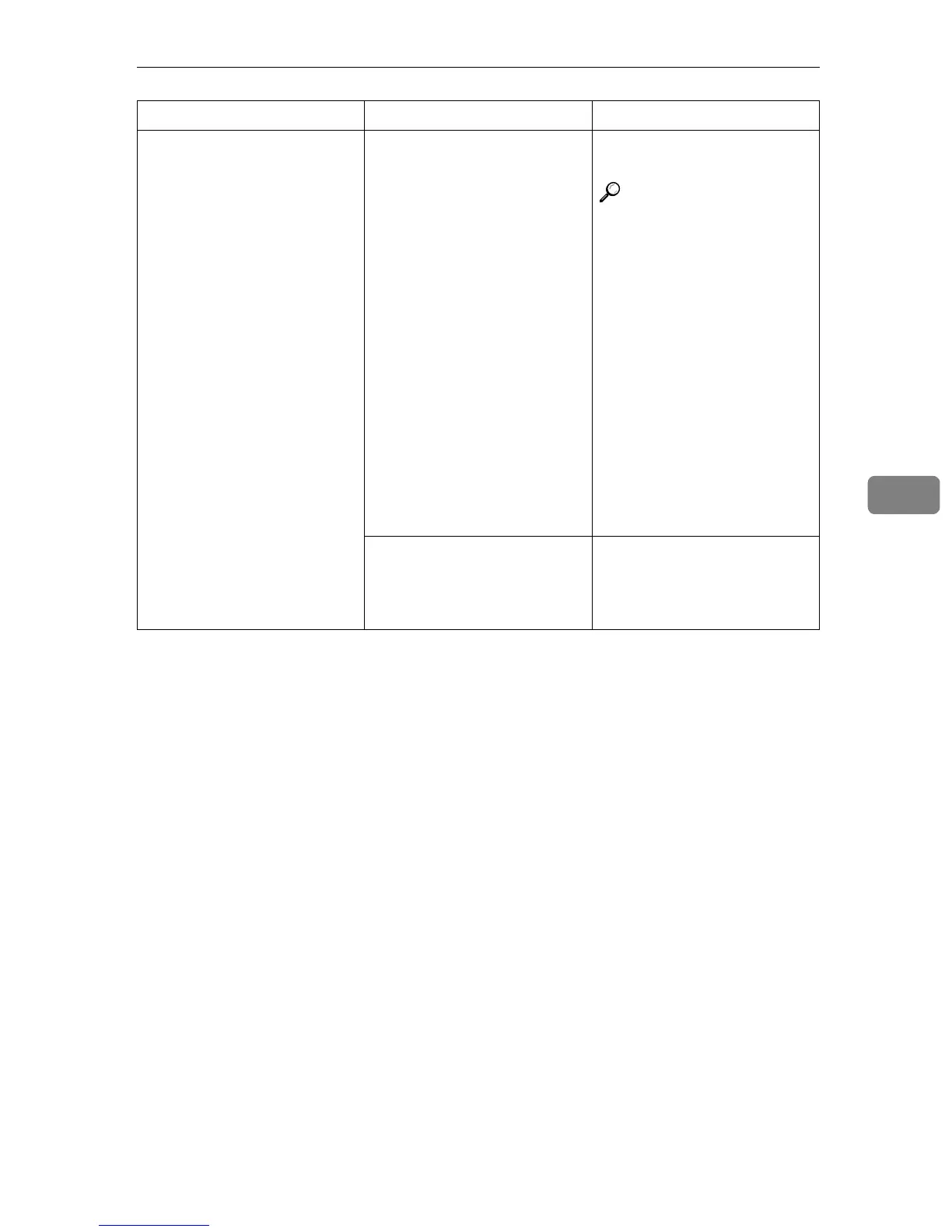
Nothing happens when you
press the [Connect] key.
The master unit or sub-unit
needs a fresh supply of toner
or staples.
Solve the problem in the ap-
propriate unit.
Reference
⇒ p.263 “B Loading Pa-
per”
⇒ p.268 “D Changing the
Toner Bottle”
⇒ p.281 “d Adding Sta-
ples”
⇒ p.285 “y Removing
Punch Waste”
For all other situations, fol-
low the instructions on the
display.
To exit Connect Copy
mode, press the master
unit {
{{
{Clear/Stop}
}}
} key, then
press the [Cancel] key.
A paper misfeed occurred
during stapling.
Remove the misfed paper.
To exit Connect Copy mode,
press the {
{{
{Clear/Stop}
}}
} key,
then press the [Connect] key.
Machine Status Problem/Cause Action



 To Next Page