1.Installation
29
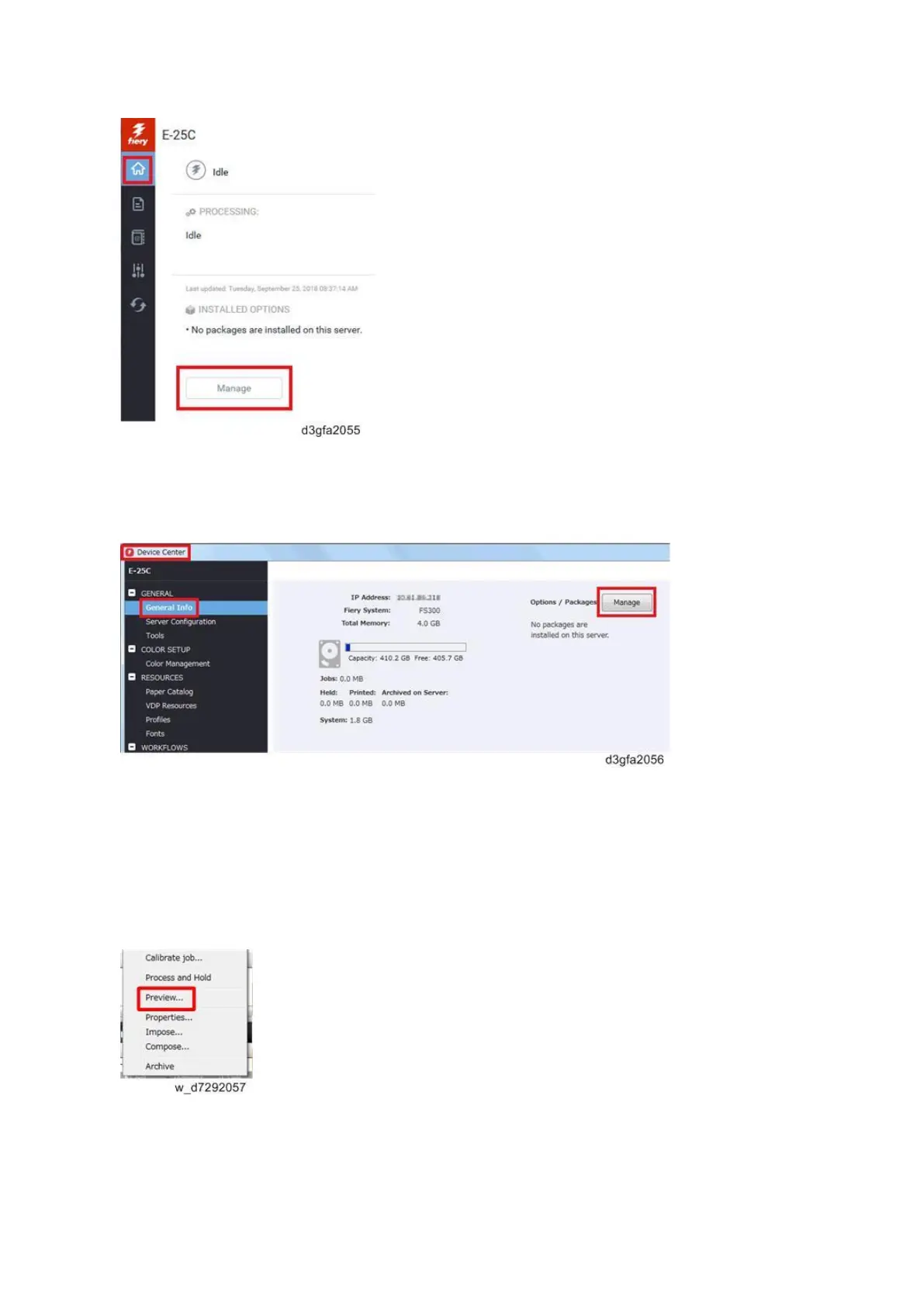
2. Access from the Command WorkStation.
Launch Command WorkStation and click Server > Device Center > GENERAL > General Info >
Options/Packages and click Manage.
Client Options' procedure
There are two ways to access to the License Activation window after you launch the Command
WorkStation.
1. Access from Fiery Preview's Help.
Right-click a job and select Preview, and then select Help > Manage License.



 To Next Page