4.System Maintenance
106
Updates and Patches Installation Procedure
Overview
Patch files (.ps file) are released to fix software bugs and to support newly added features.
There are three ways to update the system with the patch files.
System Updates (Scheduled Automatic Update)
Fiery Updates feature on Command WorkStation
Manual Patch Installation
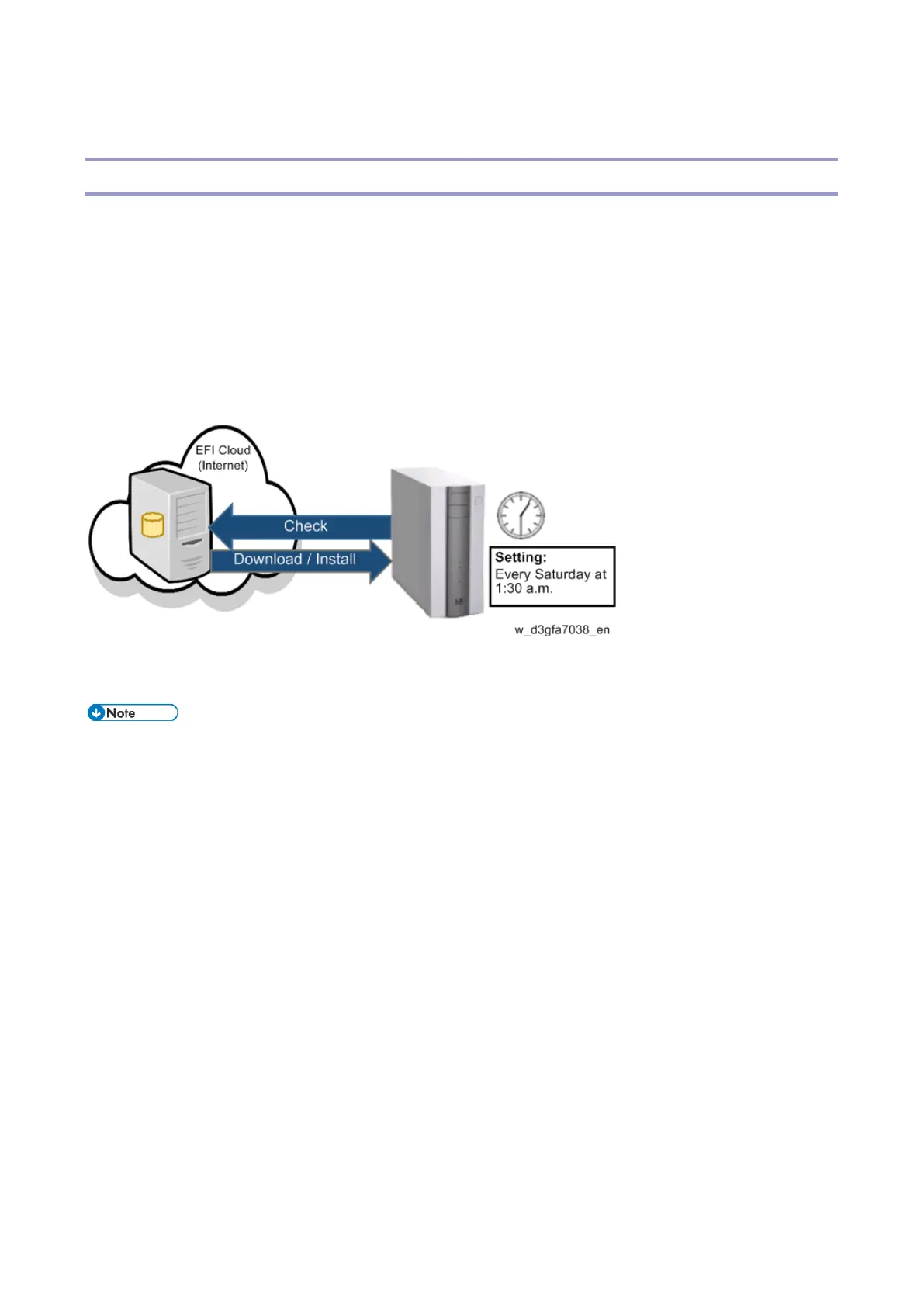
System Updates (Scheduled Automatic Update)
Recommended
Patches are downloaded and applied to the controller automatically at the scheduled date and time
when the controller is connected to the internet.
To use this function, make sure E-25C is connected to the internet.



 To Next Page