3.Replacement
67
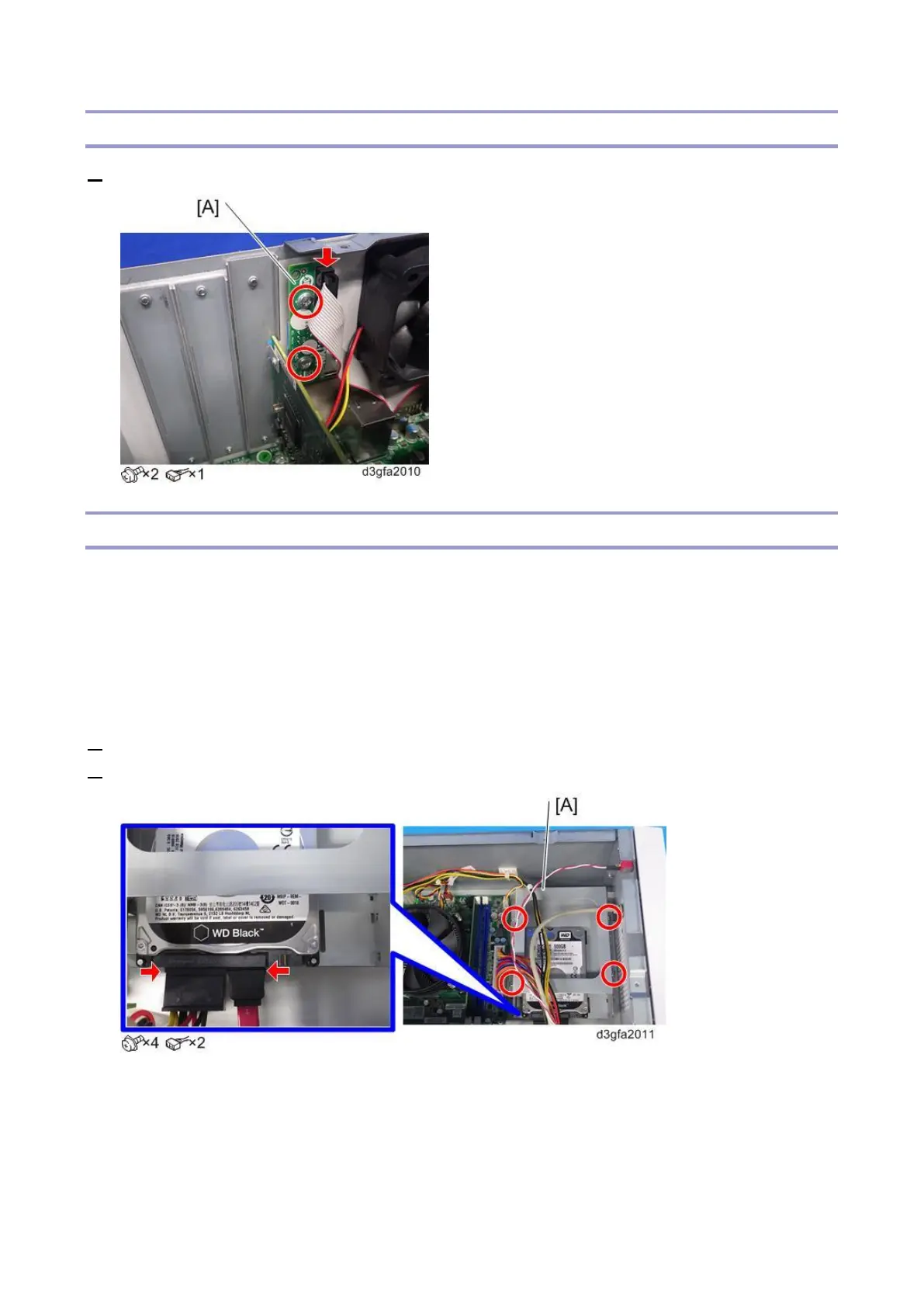
Diagnostic LED Board
1. Remove the diagnostic LED board [A].
Hard Disk Drive (HDD)
If you are replacing the HDD with a new HDD, allow the site administrator to print the Job Log and save
any custom simulation and output profiles. If possible, print the following:
Configuration pages: Provide records of any installed options and the customer’s current Setup
configuration.
Font List: Lists the fonts currently on the HDD. Along with the fonts provided, the customer may
have installed additional fonts.
1. Remove the video board. [Link to Video Board]
2. Remove the HDD with bracket [A].



 To Next Page